
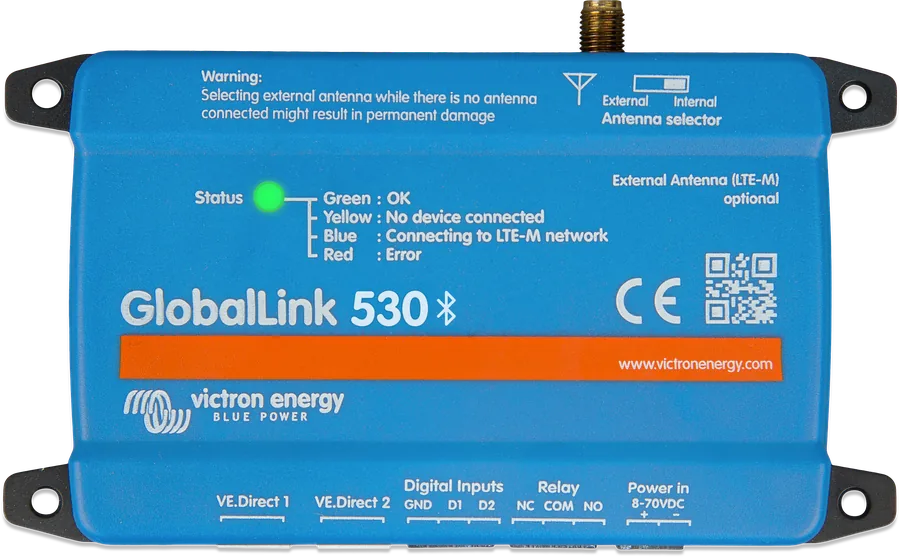
GlobalLink 530 from above — Status LED, SMA antenna connector, labels for VE.Direct 1 and 2, digital inputs, relay and power supply
GlobalLink 520 and 530
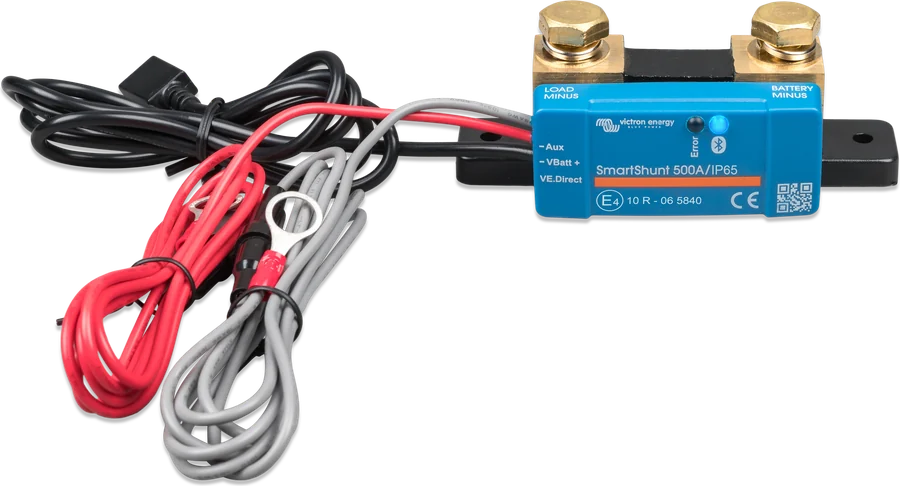
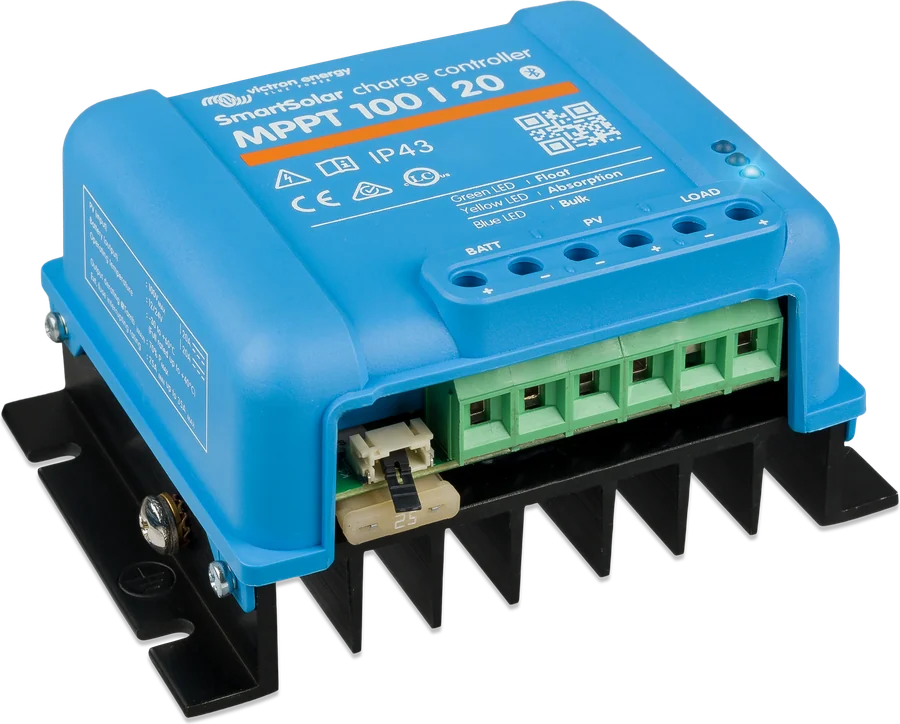
A small module that sends data from Victron devices to the VRM portal over the mobile network — without a GX device, without Wi‑Fi and without buying a SIM card. The price includes a built-in 1NCE SIM card with five years of data. You connect up to two devices by VE.Direct cable (for example an MPPT solar charge controller and SmartShunt), and up to ten more wirelessly via Bluetooth. It is suitable for a cabin, boat, campervan or measurement station where there is no internet.
- 2 × VE.Direct
- up to 10 × Bluetooth
- 5-year 1NCE SIM
- 8–70 V DC
- relay, 2 digital inputs
VRM where there is no GX or internet
A small installation — MPPT solar charge controller, battery monitor, charger — usually has no GX device. GlobalLink replaces it in one task: it sends data to the VRM portal. In VRM you can see battery voltage and state of charge, solar yield, faults and alarms — from a phone or computer, with no portal fee.
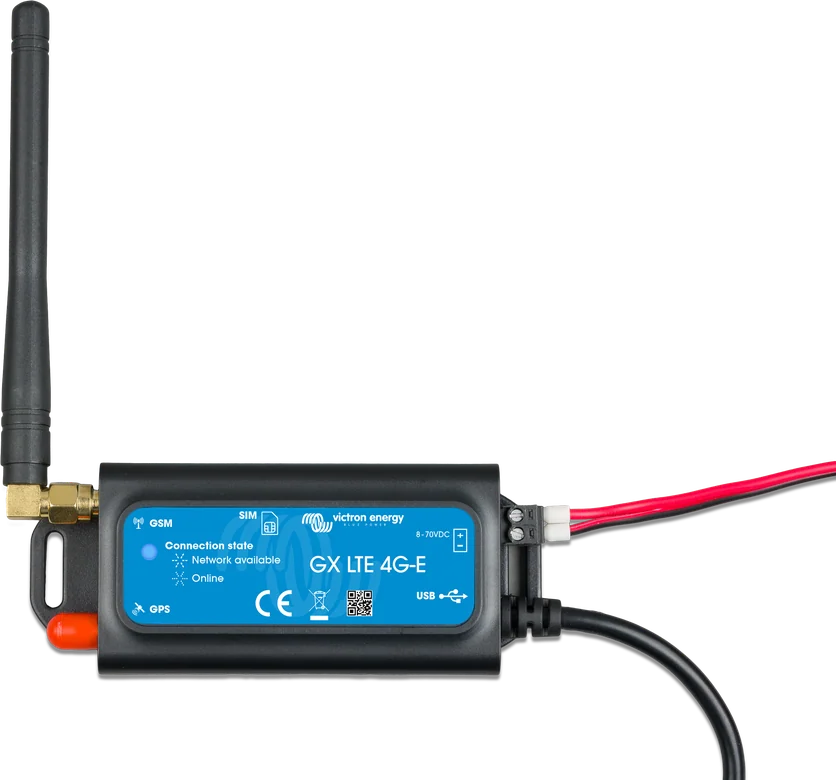
GlobalLink is designed instead of a GX device, not together with one — you cannot connect it to GX. If you have GX and need internet via the mobile network, Victron recommends the GX LTE 4G modem.
- ready to use out of the box — no setup needed,
- built-in 1NCE SIM card with 5 years of data; you can also use your own SIM card,
- RuuviTag sensors (temperature, humidity, pressure) via Bluetooth,
- two digital inputs (with pulse counter) and a relay switched from VRM,
- approximate location based on the base station (no GPS).
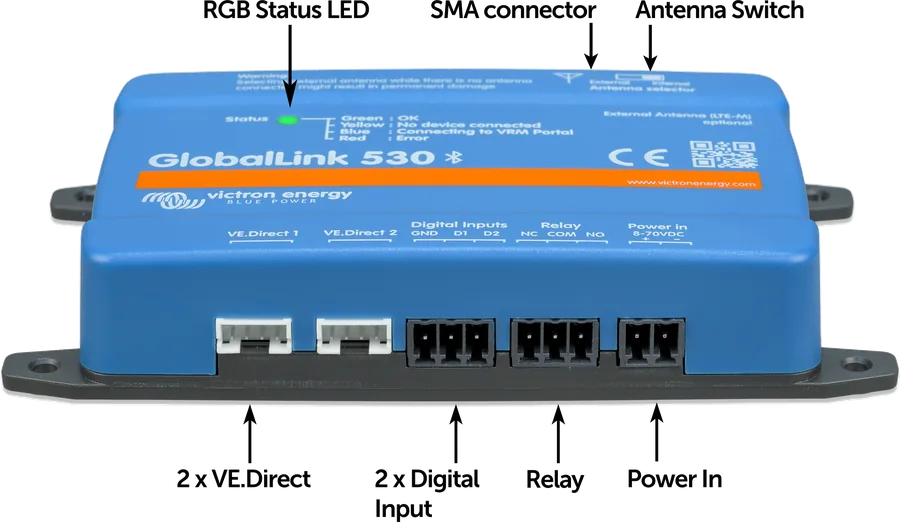
GlobalLink 520 or 530
GlobalLink 530
Standard 4G network (LTE Cat 1) with 2G fallback where available — wider global coverage. SIMCom A7672G modem. According to the datasheet, recommended in most countries, including Canada.
LTE Cat 1 + 2GGlobalLink 520
LTE-M (Cat-M1) — an energy-efficient IoT technology, but available in fewer countries. SIMCom SIM7070G modem. Poland is on the coverage list in the manual (as of January 2024). Recommended in the USA.
LTE-M| GlobalLink 520 | GlobalLink 530 | |
|---|---|---|
| Network | LTE-M (CAT M1), 17 bands 699–2690 MHz | LTE Cat 1 (up to 10 Mb/s download, 5 Mb/s upload), GSM/GPRS/EDGE |
| Own SIM card | operator with LTE-M support (not the same as standard 4G) | operator with LTE-FDD B1/B3/B5/B7/B8/B20 or GSM 900/1800 MHz |
| Modem | SIMCom SIM7070G | SIMCom A7672G |
Common: 8–70 V DC supply, 2 VE.Direct ports (always isolated), Bluetooth (up to 10 Smart devices), 2 digital inputs, NO/NC relay (DC up to 30 V: 2 A; AC: 0.5 A at 125 V), internal antenna and SMA connector, 123 × 67 × 23 mm, −20…+50 °C, indoor use only (the external antenna can be led outside). Transmission 1–2 MB per week. Check coverage on the 1NCE operator website. Datasheet discrepancy: the description says model 530 is not certified in the USA, while in the table the note “Not authorised for use in the US” is in the column for model 520.
What you can connect
Via VE.Direct (up to 2 devices): MPPT solar charge controllers, BMV and SmartShunt, inverters (including Inverter RS), Multi RS, Smart IP43 chargers, Orion XS. Does not work with Peak Power Pack, even though it has a VE.Direct port.
Via Bluetooth — Instant Readout (up to 10 devices): MPPT solar charge controllers, BMV and SmartShunt, Smart Battery Sense, Inverter RS, Multi RS, Smart IPxx chargers, Orion XS, Orion-Tr Smart, Lynx Smart BMS, NG BMS units (Lynx Smart BMS NG, smallBMS NG, VE.Bus BMS NG), Lithium SuperPack NG battery, Lithium Smart batteries, Smart BatteryProtect, VE.Bus Smart dongle and RuuviTag sensors. Devices not on the list are not supported, even if they have Bluetooth.
Before adding a Bluetooth device, update its firmware in VictronConnect and enable Instant Readout in the Product info menu. Bluetooth range — about 10 m indoors.
Cabin with a solar charge controller and battery monitor
MPPT charge controller and SmartShunt via VE.Direct cables, lithium battery via Bluetooth; GlobalLink sends everything to VRM over the mobile network. Overview diagram.
- VE.DirectUp to two devices by VE.Direct cable (sold separately).
- BluetoothUp to ten Smart devices with Instant Readout enabled.
- Supply voltage8–70 V from the battery via a cable with a 1 A fuse.
- VRMAdd the installation using the VRM Portal ID from the sticker; data every 15 minutes.
Step-by-step start-up
- Write down the VRM Portal IDIt is on the sticker on the module.
- Mount close to the devicesOn a wall or on a DIN rail (DIN35 small adapter sold separately); indoor use only.
- Connect the devicesWith VE.Direct cables (separately) or via Bluetooth.
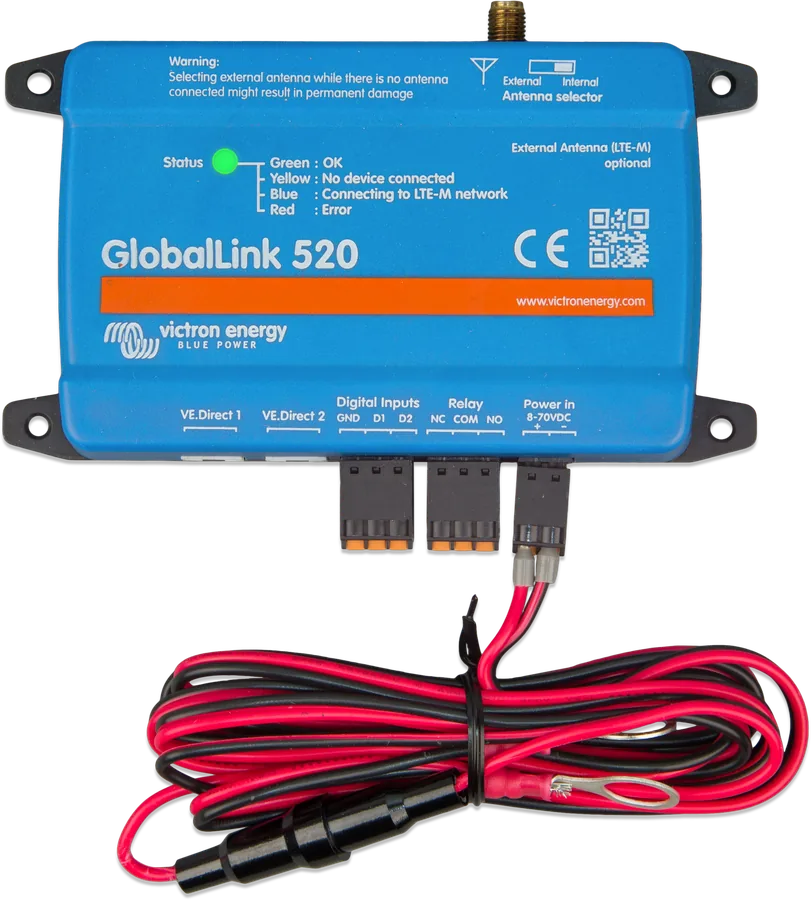
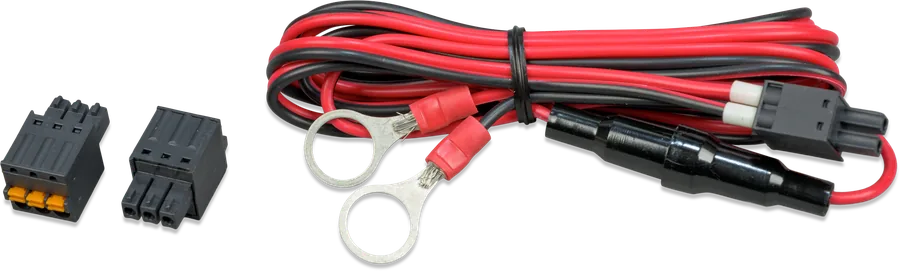
- 8–70 V power supplyWith the supplied 1.5 m cable, 1 A fuse and M10 eyelets. The LED flashes blue — connecting to the network, up to 5 minutes.
- Add in VRMWhen the LED flashes green or yellow, add the installation in VRM (Add installation) using the Portal ID.
Do not set the switch on top to “external” unless an external antenna is connected — this may permanently damage the module. In a moving campervan, Victron recommends an external antenna.
The module has a sticker with Wi-Fi and Bluetooth login details — do not leave it visible and cover it after installation.
| Signal strength (RSSI) | Rating | Meaning |
|---|---|---|
| ≥ −65 dBm | excellent | maximum speed |
| −65 to −75 dBm | good | good speed |
| −75 to −85 dBm | average | possible interruptions |
| −85 to −95 dBm | poor | performance drops sharply — data do not arrive on time |
| ≤ −100 dBm | none | disconnected |
You can check signal strength in VRM (the RSSI graph on the Advanced page and the device list) or in VictronConnect.
What the LED indicates
| LED | Meaning |
|---|---|
| blue, flashing | connecting to VRM; if it takes a long time, check the signal. After about 15 minutes without a connection, the module restarts itself |
| green, flashing | everything OK: connected to VRM and to two VE.Direct devices |
| green and yellow, flashing | connected to VRM, but only to one VE.Direct device |
| yellow, flashing | connected to VRM without a VE.Direct device — check the device cable and power supply |
| red, lit | problem detected — the module will restart itself (usually after a few minutes) |
| purple, flashing | firmware update (up to 10 minutes) — do not switch off the power |
The LED does not flash at all? Check the power supply and the fuse in the cable — it can blow, among other things, if connected the wrong way round. Manual 530 in the faults section mentions the LTE-M network, although this model uses LTE Cat 1.
Digital inputs, relay and power supply
2 digital inputs
Non-isolated, 3.3 V (tolerant up to 5 V), pulled up to 3.3 V with a 10 kΩ resistor. Best used via a potential-free relay contact or an open collector / optocoupler output. They also work as pulse counters (up to 1000 Hz, reset after restart). They can trigger an email alarm in VRM — with up to a 15-minute delay.
Relay
NO, COM, NC contacts; DC up to 30 V: 2 A, AC: 0.5 A at 125 V. Switched from the device list in VRM — the change arrives with the next transmission, i.e. even after 15 minutes.
Current draw
Bluetooth off: 20 / 10 / 5 mA at 12 / 24 / 48 V (relay closed: 40 / 20 / 10 mA). Bluetooth on: 50 / 26 / 14 mA (closed: 64 / 34 / 19 mA).
Voltage measurement
GlobalLink measures the voltage at its own supply and shows it in VRM when no connected device is measuring voltage. Accuracy: ±0.2 V at 14 V, ±0.5 V at 24 V, ±1 V at 48 V.
Updates
Automatic: official, beta or disabled versions — in VictronConnect or VRM. There is no manual update.
VictronConnect
From firmware 3.00: SIM card and network status, operator, antenna, signal strength, VE.Direct ports, Bluetooth devices, digital inputs, settings, custom names. Some Android phones will not connect (for example, Huawei Y6 2019).
GlobalLink FAQs
Can I change MPPT or BMV settings remotely via GlobalLink?
No. GlobalLink does not change settings, does not update device firmware and does not switch the MPPT load output. Remotely, you can only switch its own relay from VRM.
Does GlobalLink work with Cerbo GX?
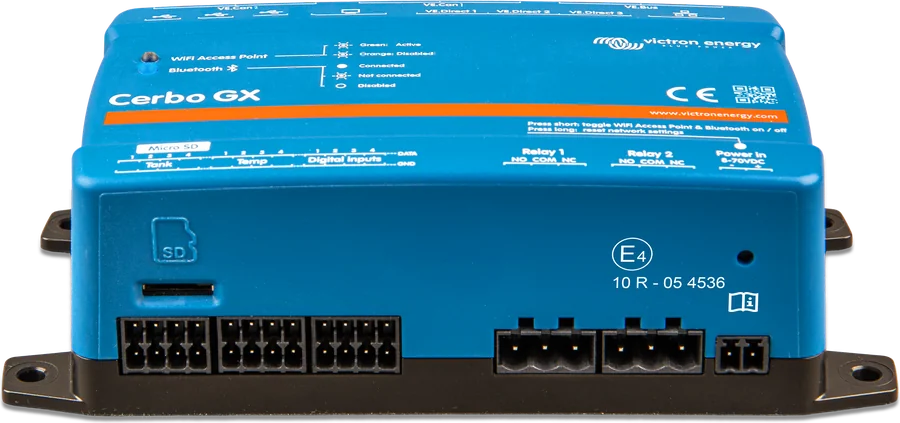
No — it is intended instead of a GX device. For GX with mobile internet, use GX LTE 4G.
What happens after five years?
Victron plans a paid extension of the built-in SIM card in VRM. Until then, the cards work normally, and Victron covers the costs. You can also insert your own SIM card.
Can I insert my own SIM card or move the built-in one to another device?
Your own — yes (nano SIM, set the PIN and APN in VictronConnect). You cannot move the built-in one: it is locked and has a strict data limit. When going back to the factory card, remove your own APN.
Are data stored when there is no signal?
No. GlobalLink does not store data for later sending.
Does it work via Wi-Fi or NB-IoT?
No — only via the mobile network (520: LTE-M; 530: LTE Cat 1 with 2G). There is no GPS either.
Manufacturer documentation
Content checked against Victron Energy documentation (datasheets and manuals) — status as of 23 September 2026. Report an error in the content · Correction log