
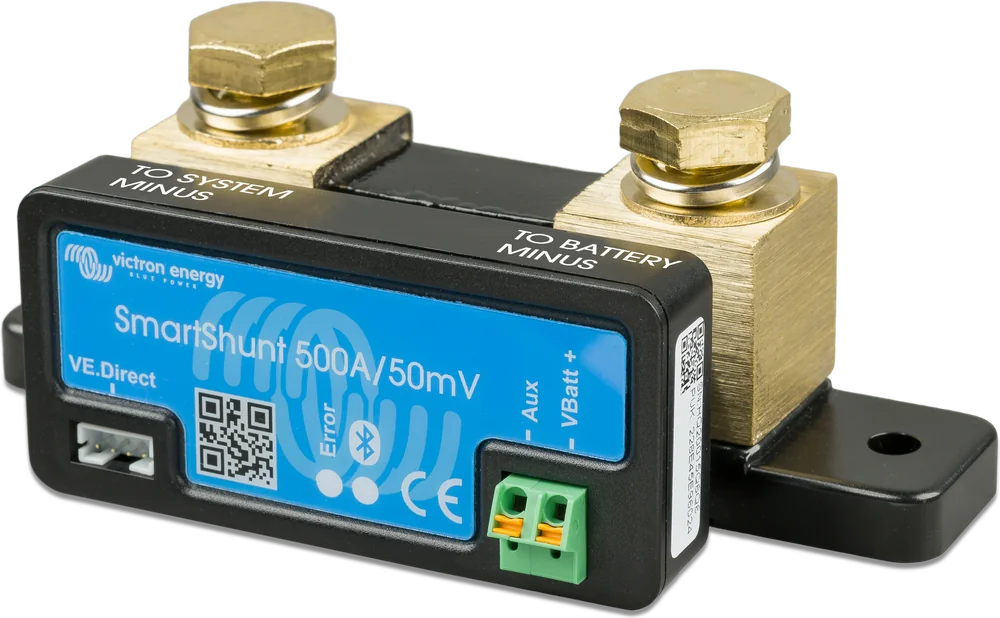
SmartShunt 500 A — angled view, TO BATTERY MINUS and TO SYSTEM MINUS labels
SmartShunt
A battery monitor in a shunt. It measures current in and out, sums amp-hours and gives you the true state of charge and runtime — on your phone, with no panel on the wall.
- 300 / 500 / 1000 / 2000 A
- 6.5–70 V
- Bluetooth
- VE.Direct
- IP21 or IP65
Voltage does not tell the truth
A LiFePO4 battery keeps almost constant voltage for most of the cycle — about 13.2–13.3 V, regardless of whether it is 80% or 30% charged. You cannot tell how much energy is left from a voltmeter alone.
SmartShunt works like an amp-hour counter: it adds up amp-hours flowing into and out of the battery. This shows the state of charge in percent, how many amp-hours you have already used, and how many hours the battery will last at the current load.
- works with lithium, AGM, gel and lead-acid batteries,
- from 1 to 32,500 Ah battery capacity (from firmware v4.19; earlier versions — up to 9999 Ah),
- your phone or the GX device screen is the display.


All current must pass through the shunt
SmartShunt is installed on the battery negative cable. Hover over a diagram element or tap it to see the description. Before working on batteries, ensure ventilation, do not smoke, and do not allow sparks or flames. Use eye protection and protective clothing, remove metal jewellery and take special care with tools.
- Battery minus → TO BATTERY MINUSTerminal on the Aux and Vbatt+ connector side. Nothing may be connected to battery negative except the shunt.
- TO SYSTEM MINUS → whole installationTerminal on the VE.Direct port side: inverter, MPPT, charger and distribution panel negatives.
- Battery plus → main fuse → installationThe positive cable does not pass through the shunt.
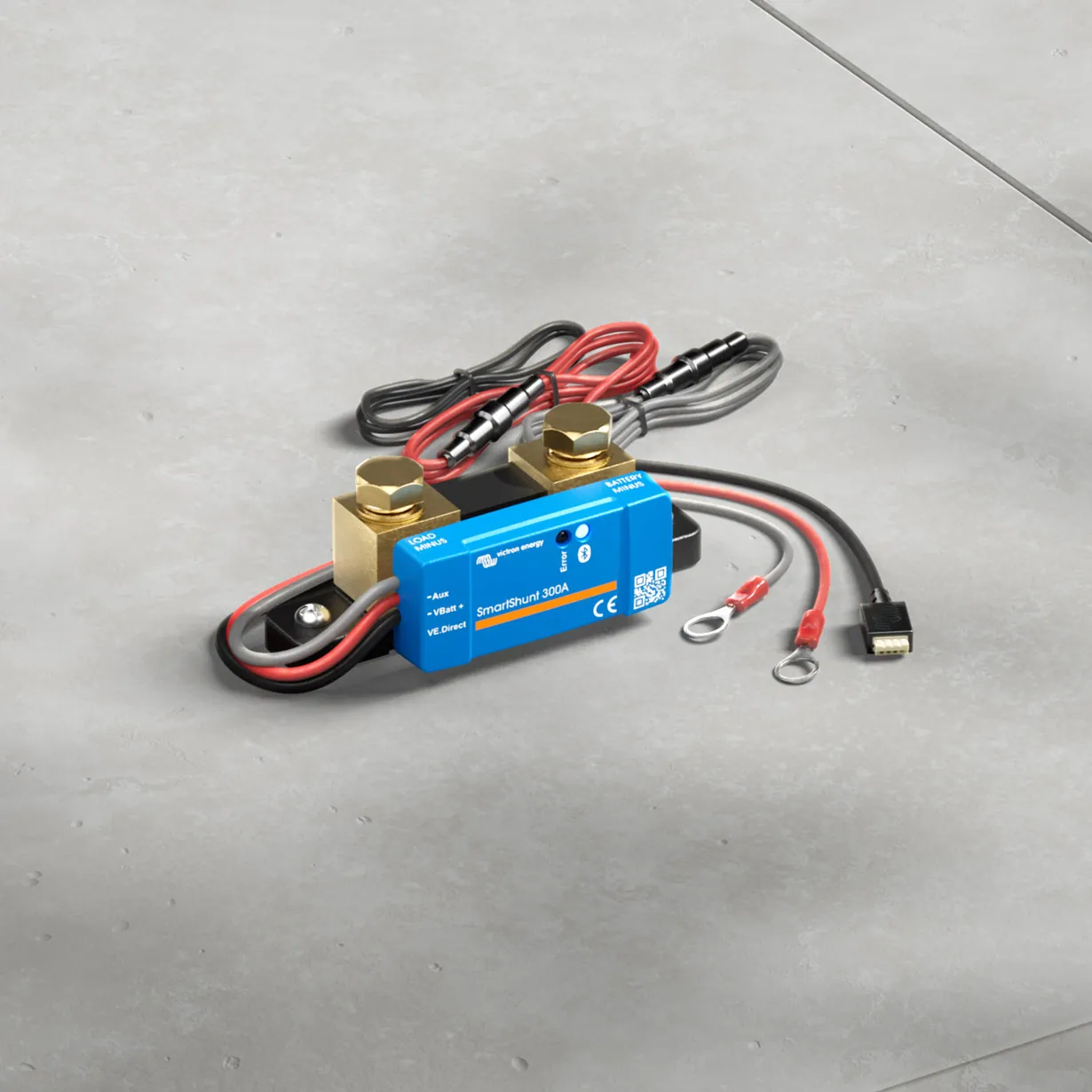
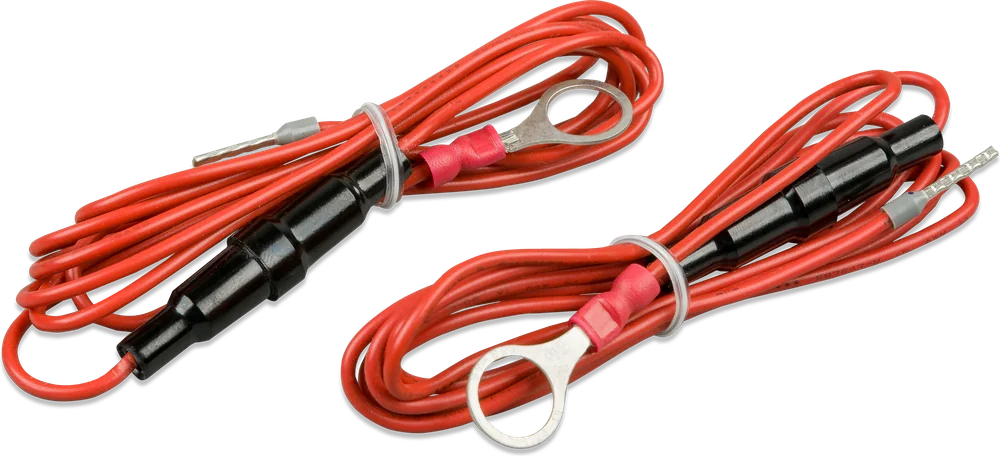
- Vbatt+ → battery plusThin wire with 1 A fuse (included) — powers the SmartShunt and measures voltage.
- Aux (optional)Starter battery (its negative to system negative), midpoint or temperature sensor.
What SmartShunt shows
State of charge
Charge percentage with 0.1% resolution, amp-hours used and battery voltage with 0.01 V resolution (voltage measurement accuracy ±0.3%).
Time to discharge
Converts current draw (averaged over about 3 minutes) into runtime to the discharge floor (discharge floor, factory set at 50%). The manufacturer recommends relying primarily on state of charge in percent.
History for about 45 days
Voltage, current, state of charge and the Aux input value are stored in memory. Additional statistics: deepest discharge, number of cycles.
Aux input
A second selectable measurement: starter battery voltage, battery bank midpoint deviation or battery temperature (optional sensor).
System-wide data
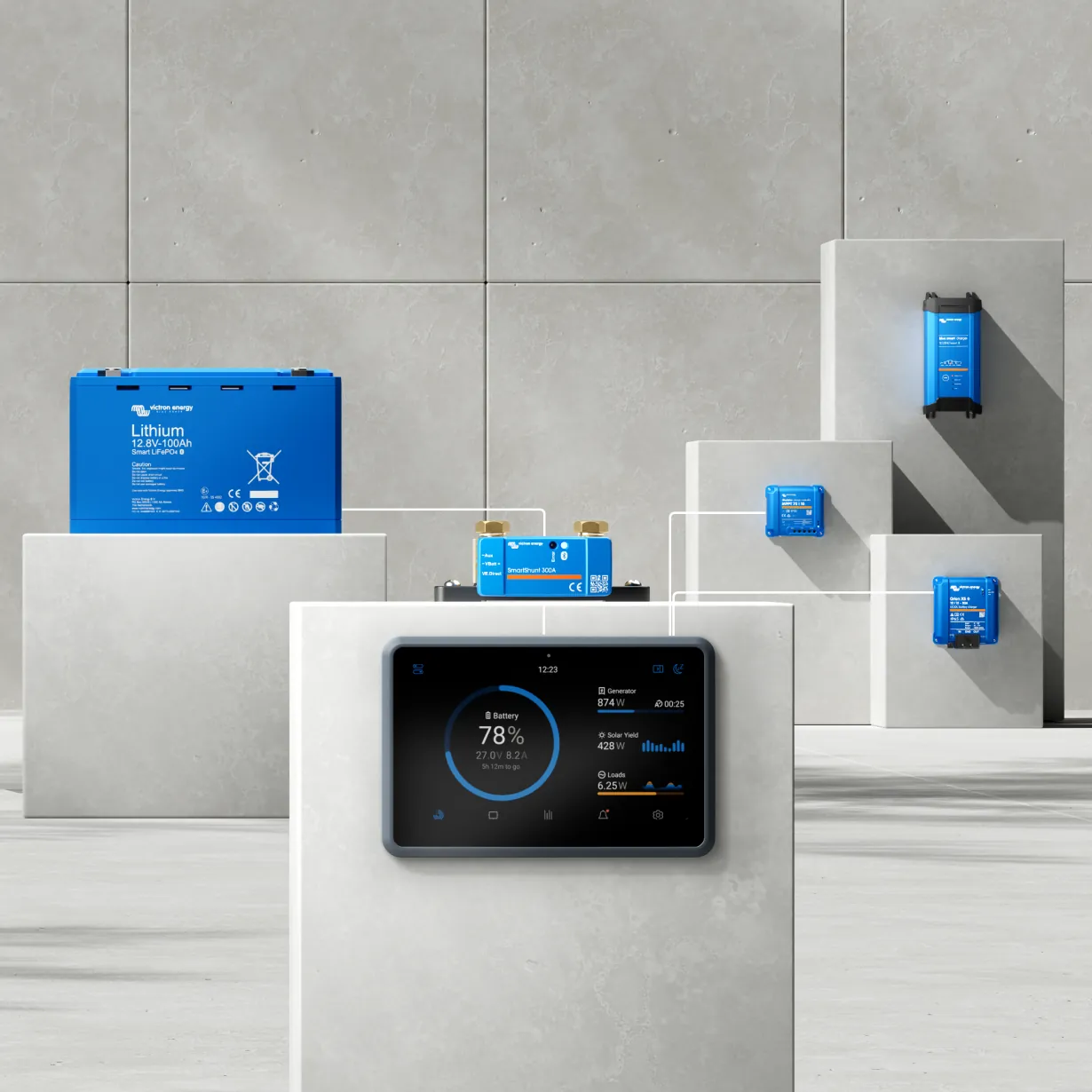
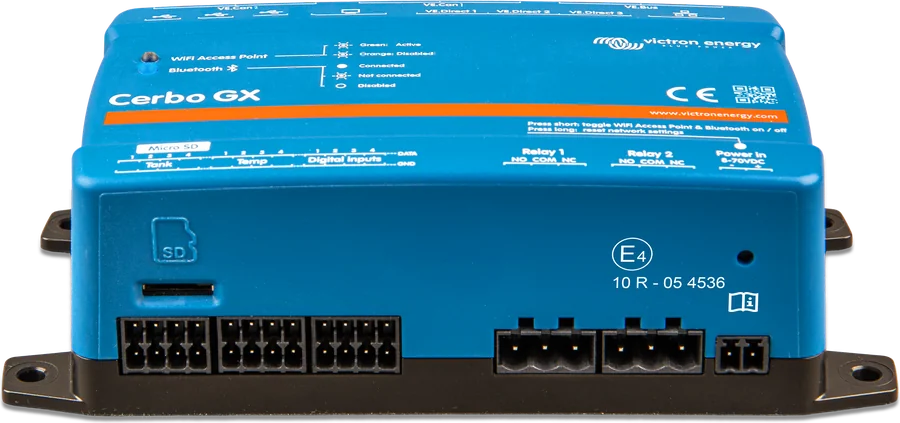
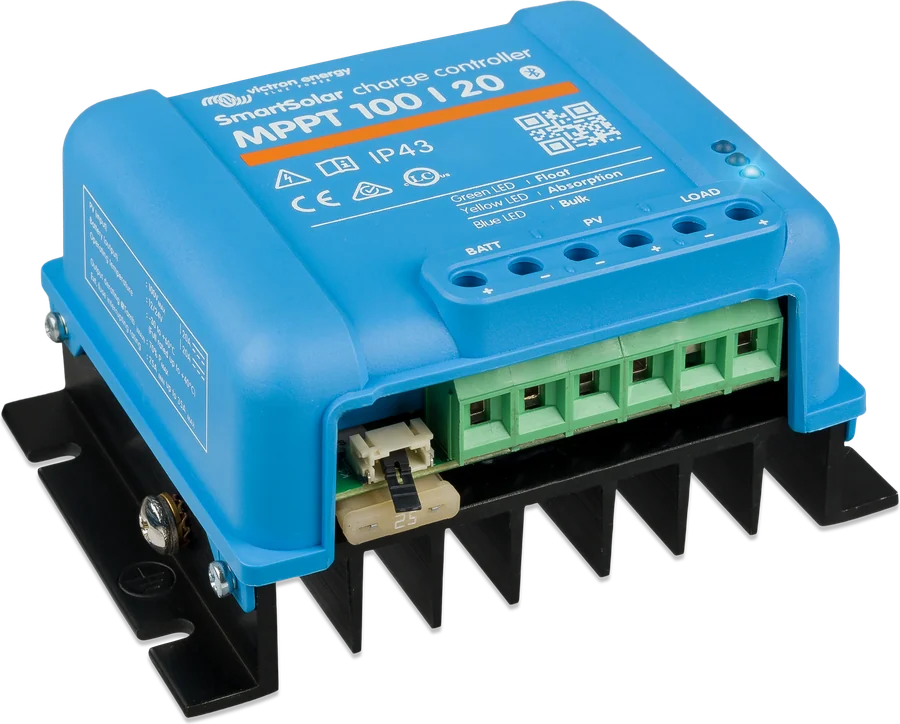
Via VE.Direct it sends data to the GX device and the VRM portal. It can also wirelessly pass battery voltage and temperature to SmartSolar controllers.
App alarms
Low state of charge, under-voltage or over-voltage — in VictronConnect and on the GX screen. Alarms are disabled by default. SmartShunt has no relay — this function is provided by the GX device.
Which size should you choose?
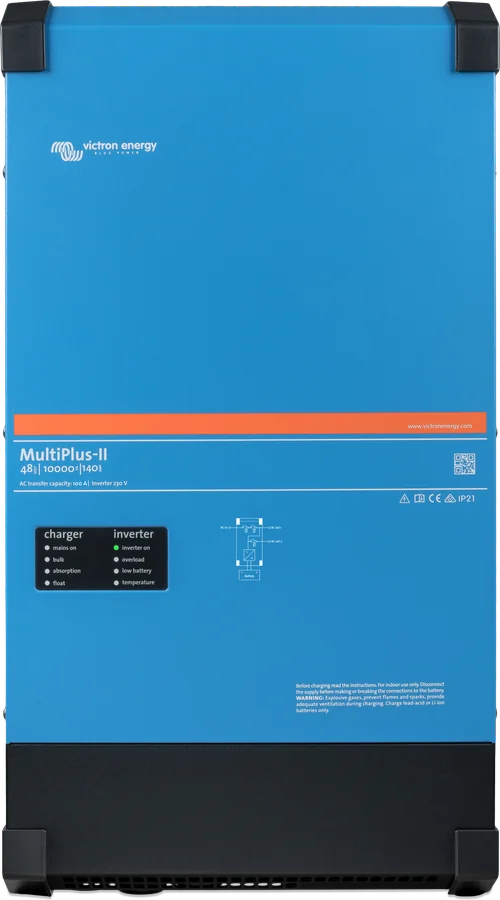
The number in the name is the maximum continuous current. Choose the version for the highest current in the installation — usually this flows through the inverter. Example: a 3 kVA inverter on a 12 V battery can draw about 250 A, so choose the 500 A version.
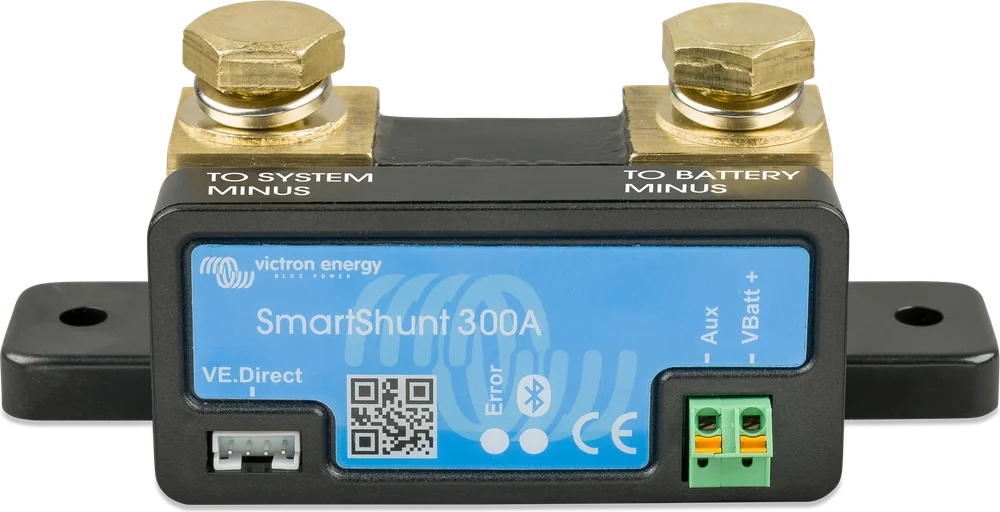
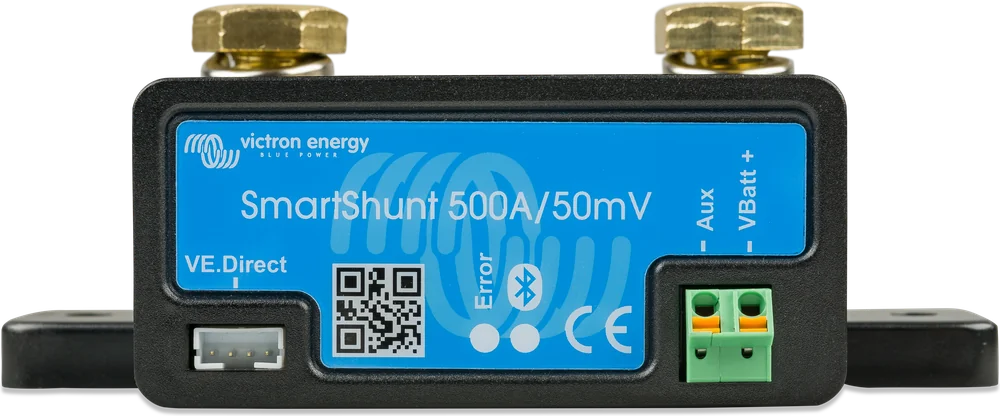
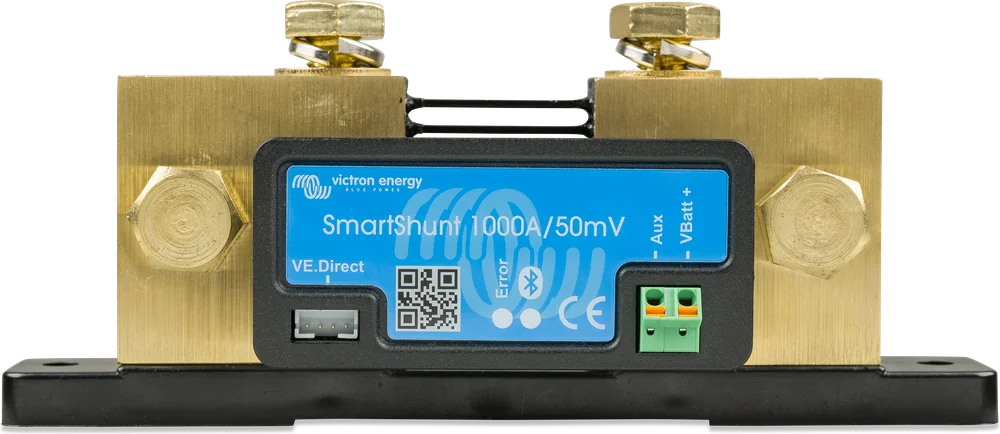
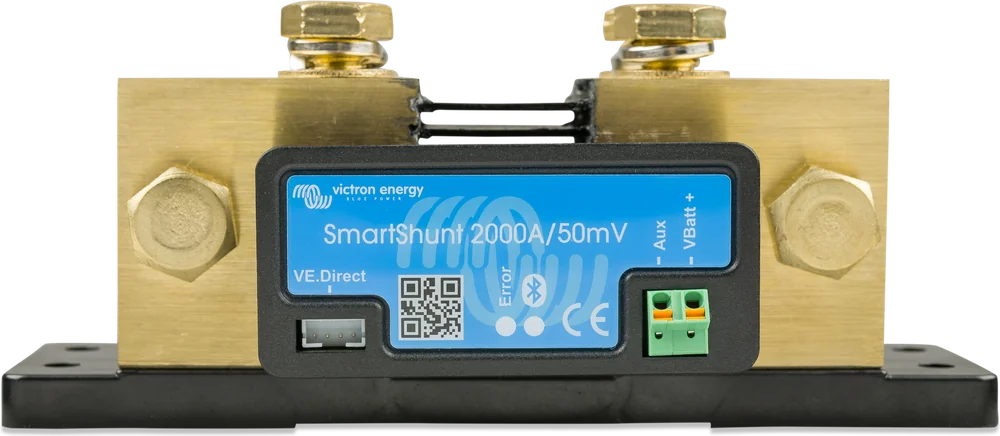
| Version | Dimensions (H × W × D) | Shunt studs | Measurement offset | IP21 | IP65 |
|---|---|---|---|---|---|
| 300 A | 44 × 120 × 44 mm (IP65: 38 mm D) | M8 | < 10 mA | yes | yes |
| 500 A | 46 × 120 × 54 mm | M10 | < 10 mA | yes | yes |
| 1000 A | 68 × 168 × 75 mm | M10 | < 20 mA | yes | yes |
| 2000 A | 68 × 168 × 100 mm | M10 | < 40 mA | yes | yes |
IP65 version — for damp locations
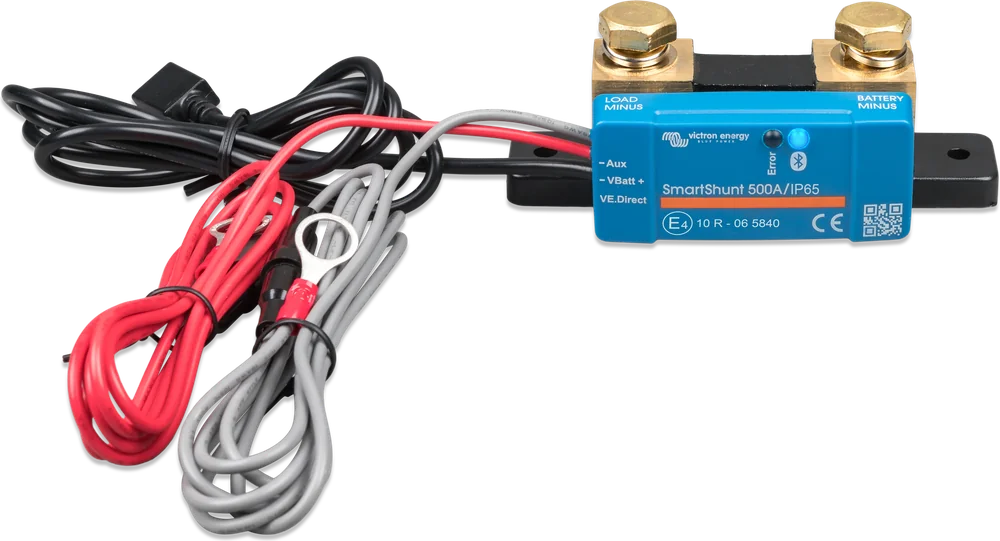
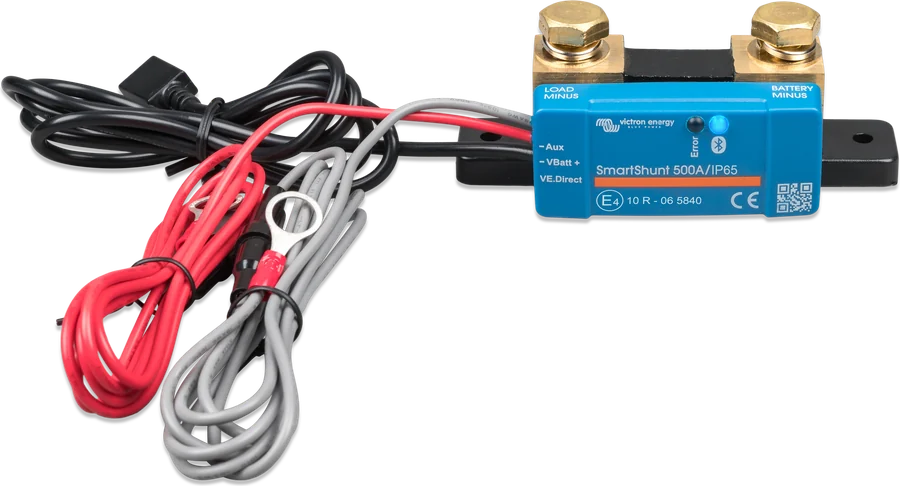
SmartShunt IP65 has sealed potted electronics, permanently attached 1.5 m measurement wires and a VE.Direct socket on a lead. It is suitable for battery compartments in boats, trailers and off-road vehicles.
A separate VE.Direct cable is required to connect to a GX device (not included).
- Supply voltage
- 6.5–70 V DC
- Battery capacity
- 1–32,500 Ah (firmware from v4.19)
- Current / voltage accuracy
- ±0.4% / ±0.3%
- Operating temperature
- −40 … +50 °C
- Bluetooth range
- typically 10–15 m
- Included
- 2 wires with 1 A fuses
SmartShunt or BMV-712 Smart?
SmartShunt
The shunt with Bluetooth — read out on your phone or on the GX device screen. Fewer cables and simpler installation, because you do not need to cut a hole for a panel.
300–2000 A · IP21SmartShunt IP65
Sealed potted electronics, 1.5 m measurement wires and VE.Direct socket permanently attached — for battery compartments in boats and off-road vehicles.
same electronics, IP65 enclosureBMV-712 Smart
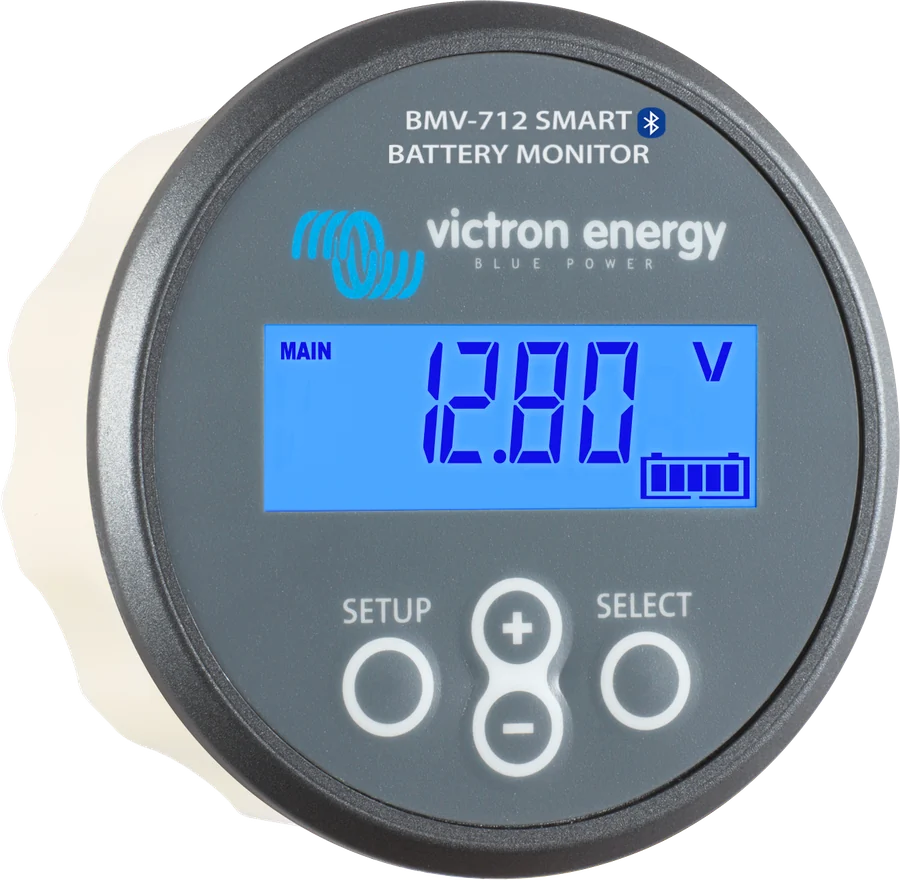
The same measurement, but with a 52 mm panel, audible alarm and programmable relay (e.g. generator start). BMV-712 Smart datasheet.
panel + relay| SmartShunt | BMV-712 Smart | |
|---|---|---|
| Measurement (shunt) | yes | yes |
| Bluetooth and VE.Direct | yes | yes |
| Aux input | yes | yes |
| Display on the panel | no | yes |
| Audible alarm | no | yes |
| Programmable relay | no | yes |
| Installation | only with the battery | shunt + panel in the opening |
First setup
In the VictronConnect app, enter the capacity of the battery bank in Ah. Without this, the percentages will not make sense.
SmartShunt detects full charge using three conditions: charged voltage (Charged voltage — set 0.2–0.3 V below the charger float voltage), tail current (Tail current, factory setting 4%) and the time they must be maintained (Charged detection time, factory setting 3 min). The factory values are intended for lead-acid batteries (including 200 Ah, Peukert 1.25, charge efficiency 95%, discharge floor 50%). For LiFePO4, the manual recommends: Peukert 1.05, charge efficiency 99%, discharge floor (Discharge floor) 10–20%, and a higher tail current if the charger ends charging early. Warning: a lithium battery can be irreversibly damaged by very deep discharge or overcharging; small loads can slowly discharge it when the system is not in use. If a Li-ion battery system is to remain unattended for long enough, interrupt the monitor’s positive supply; if in doubt, disconnect the battery with a switch, fuse or by disconnecting the positive terminal.
At the first full charge, the monitor synchronises and from then on shows the true state. It also synchronises later at every full charge.
The standard SmartShunt has an IP21 enclosure — it is not waterproof and must be installed in a dry place (on a yacht this is especially important; there is an IP65 version for damp locations). Tighten the shunt bolts to max. 21 Nm (300 A model: 10 Nm).
The vehicle body or the water around the hull can reduce the range below a usable level. In that case, add a VE.Direct Bluetooth Smart dongle (ASS030536011) and switch off Bluetooth in the SmartShunt. Note: history trends and the Keep SOC option do not work through the adapter.
Symptom and what to do about it
SmartShunt has no display or LEDs — everything it shows is visible in the VictronConnect app or on the GX device screen. Below are the situations that most often occur after installation.
State of charge “drifts away” after a few days
Most often the battery has not been charged fully for a long time, so the monitor has not had a chance to synchronise. Also check the capacity, charged voltage and tail current. Step by step: SoC does not match.
State of charge rises too quickly or too slowly
The battery bank capacity in amp-hours is set incorrectly. For LiFePO4, also change the Peukert exponent to 1.05 and charge efficiency to 99% — the factory values are intended for lead-acid batteries.
State of charge always shows 100%
Usually one of the cables bypasses the shunt. On the battery negative terminal there must be only the SmartShunt, and everything else — on the TO SYSTEM MINUS terminal.
The monitor does not detect charging
Check whether the charger is connected on the system side, not directly to the battery negative terminal, and whether the monitor power lead (with 1 A fuse) is intact.
Bluetooth only works near the device
The vehicle body or the water around the hull shorten the range. Add a VE.Direct Bluetooth Smart adapter (ASS030536011) and turn off Bluetooth in the monitor — remember that history trends and the Keep SOC option do not work through the adapter.
The shunt bolts heat up
Check the tightening torque: no more than 21 Nm, and 10 Nm on the 300 A model. Also check the cable cross-section and the quality of the crimped terminals.
The lithium battery discharged during storage
The monitor and other small loads can slowly discharge the bank. If the system is to stand for longer without supervision, interrupt the monitor’s positive supply or disconnect the battery with a switch or fuse.
The GX device does not see the monitor
Check the VE.Direct cable (IP65 version bought separately) and the socket in the GX device: GX does not see the device.
Frequently asked questions about SmartShunt
I have a Victron Smart LiFePO4 battery with Bluetooth. Why do I need SmartShunt?
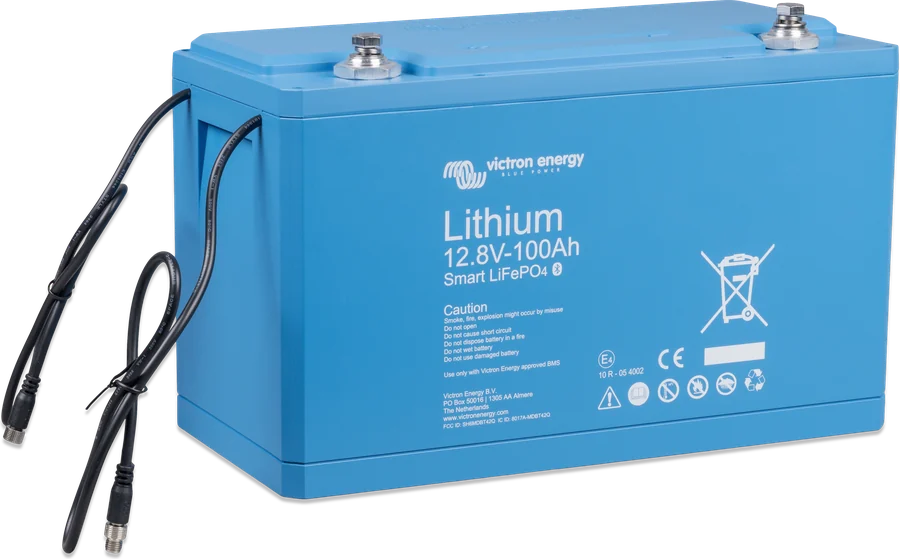
The Smart battery shows cell voltages and temperature in the app, but it does not count the energy that has flowed through it. State of charge in percent and runtime are only provided by a battery monitor such as SmartShunt.
Can I connect something directly to the battery negative terminal, bypassing the shunt?
No. Any current that bypasses the shunt will not be counted and the state of charge will drift. On the battery negative terminal there is only the SmartShunt; everything else connects to its TO SYSTEM MINUS terminal.
Why does the state of charge “drift away” after a few days?
Most often the battery has not been charged fully for a long time, so the monitor has not had a chance to synchronise, or the settings (capacity, charged voltage, tail current) do not match the battery. Also check whether any cable is bypassing the shunt.
Can SmartShunt measure two batteries?
The full measurement (current, amp-hours, percentages) applies to the battery through which the shunt current flows. On the Aux input you will also see the voltage of the second battery, for example the starter battery — provided its negative terminal is connected to the system negative (the TO SYSTEM MINUS side of the shunt).
Which size for a campervan with a 2000 W inverter?
With a 12 V battery, a 2000 W inverter draws about 170–190 A. The 300 A SmartShunt is sufficient, but 500 A gives headroom for short peaks and future expansion — for a small price difference, it is a common choice.
How do I set the monitor for a LiFePO4 battery?
The manual recommends a Peukert exponent of 1.05, charge efficiency of 99% and a discharge floor of 10–20%; it is worth increasing the tail current if the charger ends charging early. Set charged voltage 0.2–0.3 V below the charger float voltage. The factory values (Peukert 1.25, efficiency 95%, floor 50%) are intended for lead-acid batteries.
What is different about the IP65 version?
It has fully sealed electronics, 1.5 m measurement leads and a permanently fitted VE.Direct socket — suitable for battery compartments in boats and vehicles. The VE.Direct cable to the GX device is bought separately.
What tightening torque should be used for the shunt bolts?
No more than 21 Nm, and 10 Nm on the 300 A model. The standard SmartShunt has an IP21 enclosure, so it must be installed in a dry place; there is an IP65 version for damp conditions.
Can the monitor work without a phone?
Yes. Bluetooth is used for reading and setup, but the measurement itself works independently. Data can also be sent by VE.Direct cable to the GX device and the VRM portal — then you can see the battery state on the screen and remotely.
Devices it works with most often
Manufacturer documentation
- SmartShunt datasheet 300–2000 APDF · EN
- SmartShunt IP65 datasheetPDF · EN
- Manufacturer’s product page (manual)victronenergy.com
We prepared this description independently based on the manufacturer’s documentation. If there are any discrepancies, the current Victron Energy documentation is binding. You can report an error here.
Content checked against Victron Energy documentation (datasheets and manuals) — as of 19 September 2026. Report a content error · Revision log