
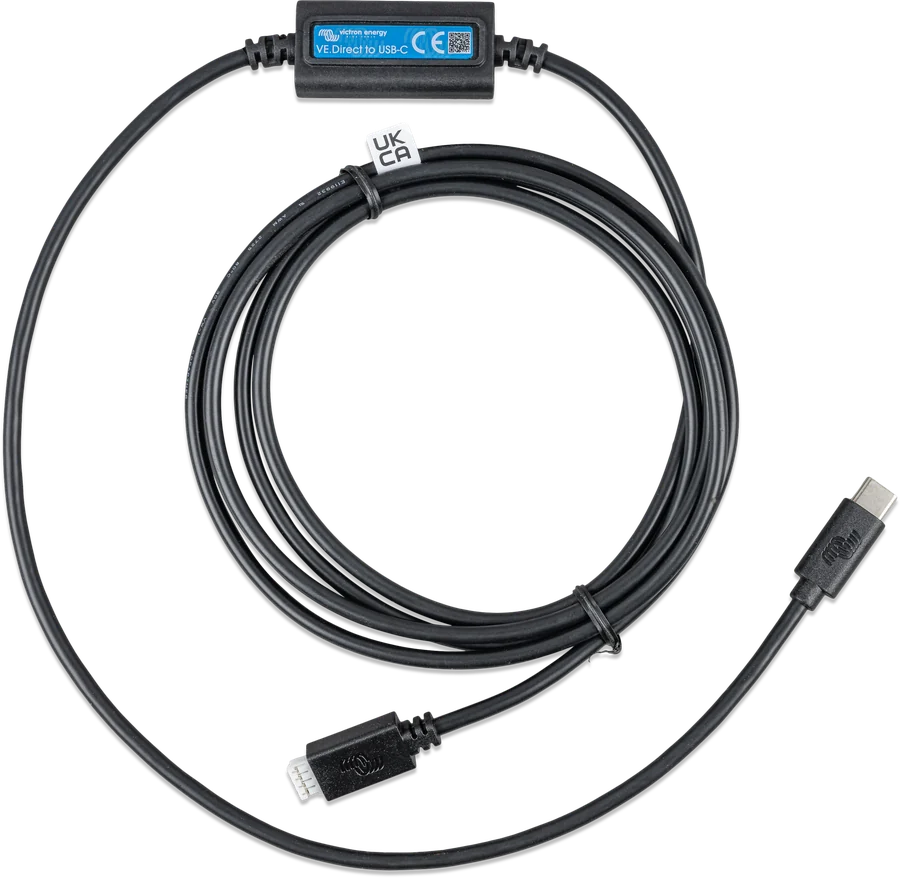
VE.Direct to USB-C interface — lead with module and VE.Direct and USB-C plugs
VE.Direct–USB interface
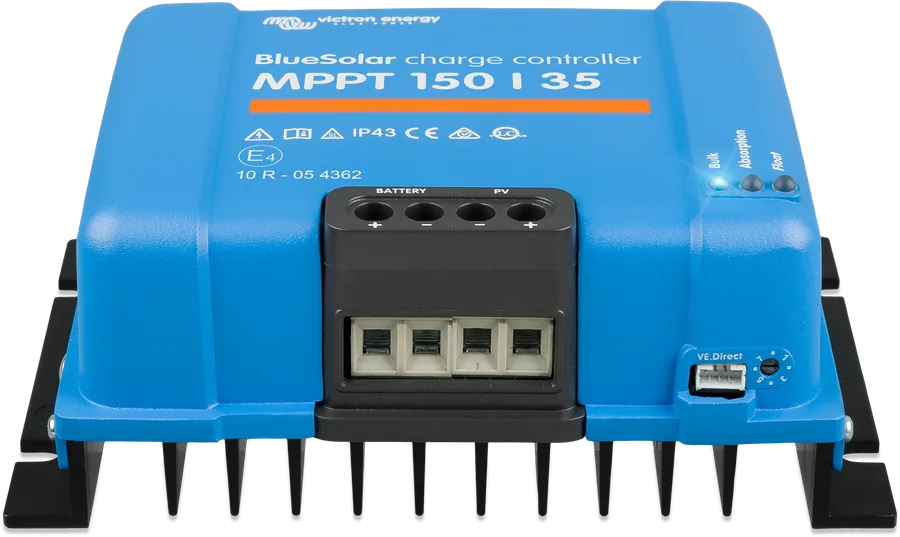
Lead with an interface module that connects the VE.Direct port (MPPT controllers, BMV, SmartShunt, Orion XS, Smart IP43 chargers, Phoenix VE.Direct inverters) to a USB socket. On the computer side it is used for VictronConnect — settings, monitoring and updates. On the GX device side it adds extra “VE.Direct ports” via USB.
- VE.Direct → USB
- USB-A or USB-C
- Windows · macOS · Linux · Android (OTG)
- GX: more VE.Direct devices
What it is useful for
- VictronConnect on a computer: settings, monitoring, history and firmware updates for devices without Bluetooth — for example BlueSolar MPPT or BMV-700/702.
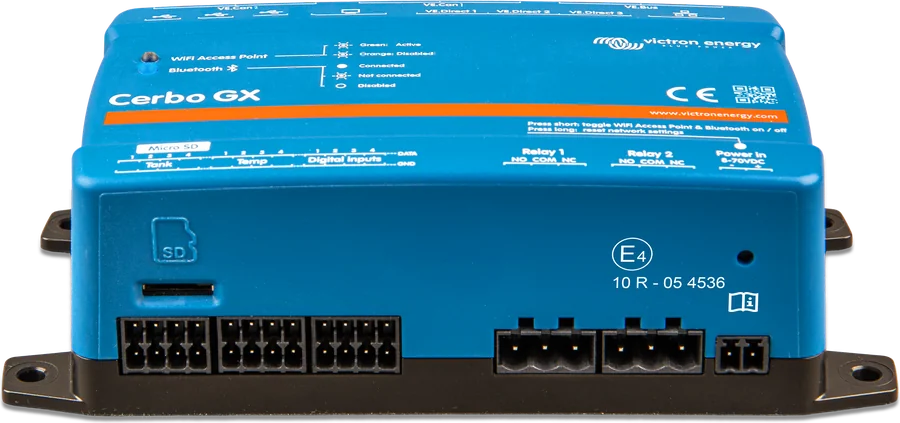
- More devices on GX: when the VE.Direct ports on the Cerbo GX run out, you connect additional devices via USB — directly or through a USB hub.
- Longer connection: the VE.Direct cable is at most 10 m long and cannot be extended. For a greater distance, the GX manual recommends the VE.Direct–USB interface with an active USB extension lead.
- Programming RS devices: on the Inverter RS and Multi RS, the VE.Direct port is used only for programming via this interface — they are connected to GX via VE.Can.
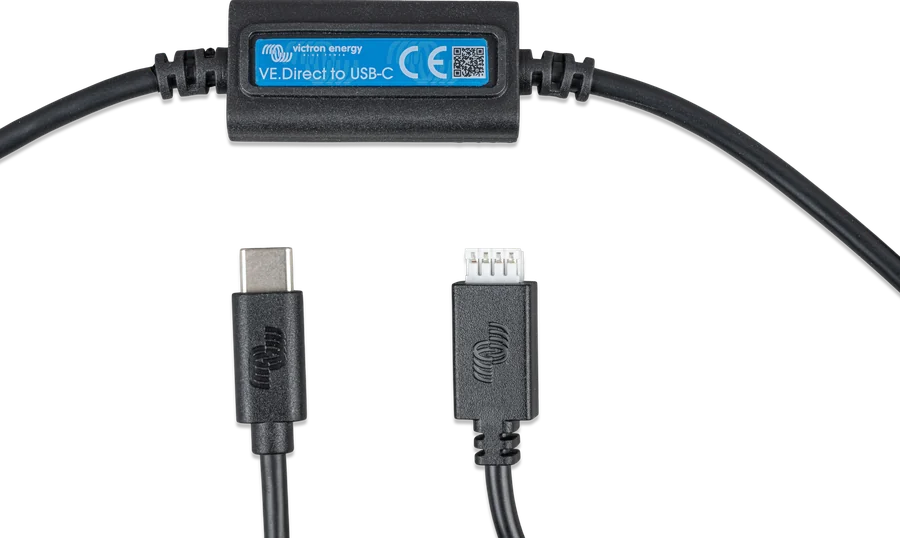
USB-A or USB-C
| Version | Number | Computer-side plug | What it is for |
|---|---|---|---|
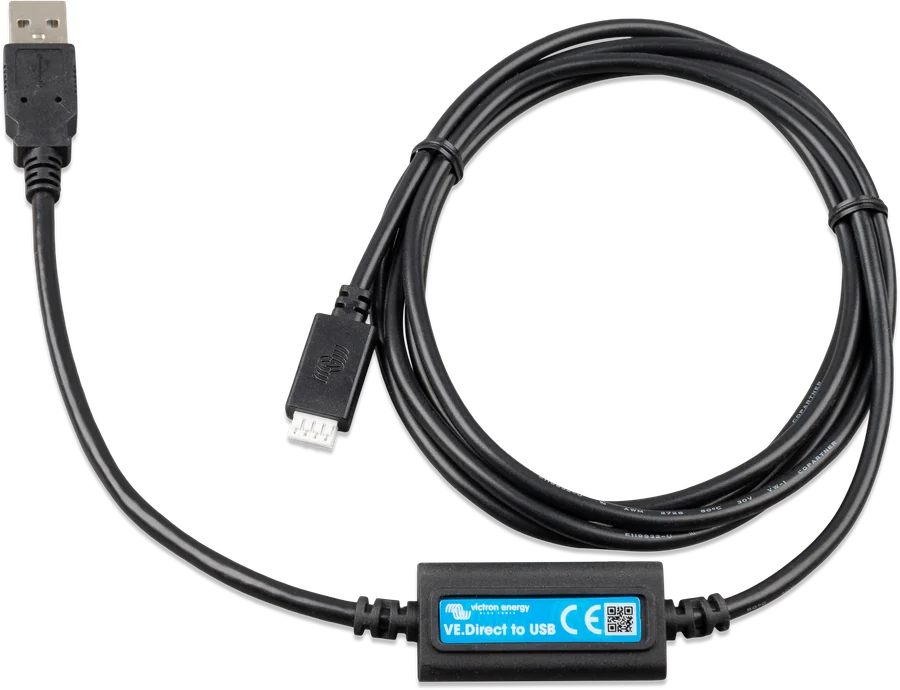
| VE.Direct to USB interface | ASS030530010 | USB-A | typical socket in a computer, Cerbo GX and USB hubs |
| VE.Direct to USB-C interface | ASS030530030 | USB-C | newer laptops and phones with a USB-C socket |
An older Victron interface overview (2021) lists part number ASS030530000 for the USB version; the product page currently gives ASS030530010. Both versions are available (the site does not mark either as discontinued).
VictronConnect via USB
| System | VE.Direct–USB | Notes |
|---|---|---|
| Windows | yes | Windows 10 has a driver; if you have problems and on Windows 7/8 — install the VE.Direct USB driver from Victron |
| macOS | yes | current VictronConnect from macOS 13; in macOS 10.9 the built-in FTDI driver does not work properly |
| Linux | yes | VictronConnect as an AppImage (without official support); the user must belong to the dialout group |
| Android | yes | a USB OTG cable is needed (for example, from a GSM accessories shop) |
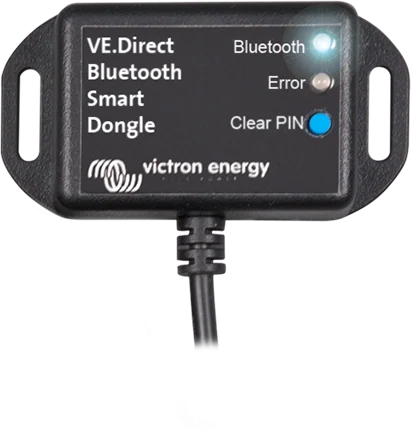
| iPhone, iPad | no | iOS does not support USB OTG — Bluetooth is the only option: VE.Direct Bluetooth Smart dongle |
More VE.Direct devices than ports
A GX device has 1–3 VE.Direct ports. Additional devices are connected with VE.Direct–USB interfaces to the USB sockets on the GX, and when those run out — via a USB hub. The manual recommends powered, good-quality hubs, because the USB sockets on GX devices have limited current output.
| GX device | VE.Direct ports | Max. total VE.Direct devices |
|---|---|---|
| Ekrano GX | 3 | 25 |
| Cerbo GX / Cerbo GX MK2 | 3 | 15 |
| Venus GX | 2 | 6 |
| CCGX | 2 | 5 |
“Total” means devices on VE.Direct ports plus those connected via USB. The limit is mainly determined by processor capacity — it is also loaded by, for example, PV inverters and Modbus-TCP. Controllers with a VE.Can port are better connected via VE.Can.
- Cerbo GX (first version): the USB socket closest to the HDMI connector powers the GX Touch screen only — it does not transfer data. Do not connect a VE.Direct–USB interface to it. On the Cerbo GX MK2, all three USB sockets are fully functional.
- Isolation: VE.Direct ports on GX devices are galvanically isolated; USB sockets are not. According to the manual, a ground loop through USB did not cause problems in the manufacturer’s tests.
- Older MPPTs: for example, the MPPT 70/15 works with GX only from production in year/week 1308 onwards (serial number HQ1308… or later); a firmware update does not change this.
Two additional devices on Cerbo GX
The control unit’s VE.Direct ports are occupied — the controller and battery monitor are connected via VE.Direct–USB interfaces and a powered USB hub. Illustrative diagram.
- VE.Direct portsFirst use the control unit’s VE.Direct ports with standard VE.Direct cables.
- InterfacesAdditional devices — each via its own VE.Direct–USB interface.
- HubIf there are not enough USB sockets — a powered USB hub.
- LimitKeep an eye on the total number of VE.Direct devices for your GX.
VE.Direct–USB, Bluetooth dongle or VE.Direct cable
VE.Direct–USB interface
Computer or Android phone via cable; additional VE.Direct devices on GX; connections longer than 10 m (with an active USB extender).
Windows · macOS · Linux · AndroidVE.Direct Bluetooth Smart dongle
VictronConnect via Bluetooth, also on iPhone, and participation in the VE.Smart network. It does not connect the device to GX.
Android · iOS · macOS · WindowsVE.Direct cable
The simplest connection is to a free VE.Direct port on GX, up to 10 m, without extension.
GX · VRMTypical problems
Windows cannot see the device
Install the VE.Direct USB driver from the Victron website (Software section). You can do this with the cable connected or without it.
Android does not connect
You need a USB OTG cable or adapter. Victron does not supply one.
GX loses the USB device
Check whether the interface is plugged into the socket that only powers the GX Touch screen (first Cerbo GX version), and whether the hub has its own power supply. Check the VE.Direct device limit for your GX.
Old MPPT does not appear in GX
Devices made before year/week 1308 do not work with GX regardless of how they are connected. See also GX cannot see the device.
Frequently asked questions about VE.Direct–USB
Can I extend the VE.Direct cable?
No. The VE.Direct cable is at most 10 m and, according to the GX manual, it must not be extended. For longer distances, use a VE.Direct–USB interface and an active USB extender.
Is it the same cable as MK3-USB?
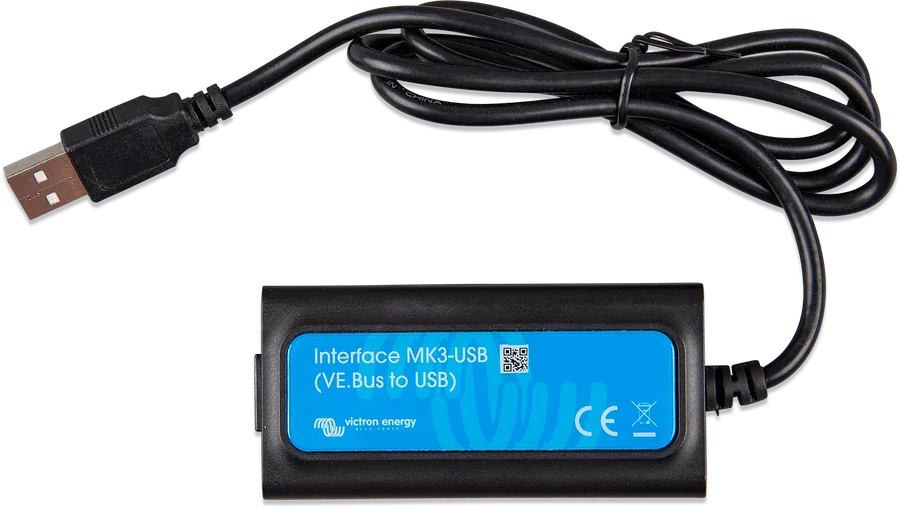
No. MK3-USB is for the VE.Bus port (MultiPlus, Quattro). VE.Direct–USB is for the VE.Direct port (MPPT, BMV, SmartShunt, Orion XS, Phoenix VE.Direct).
Will it work with an iPhone?
No — iOS does not support USB OTG. For iPhone or iPad you need Bluetooth: a device with built-in Bluetooth or a VE.Direct Bluetooth Smart dongle.
How many interfaces can I connect to one GX?
As many as the total VE.Direct device limit allows: for example, 15 for Cerbo GX, 25 for Ekrano GX (including devices on VE.Direct ports).
Manufacturer documentation
Content checked against Victron Energy documentation (datasheets and manuals) — status as of 23 September 2026. Report an error in the content · Correction log