
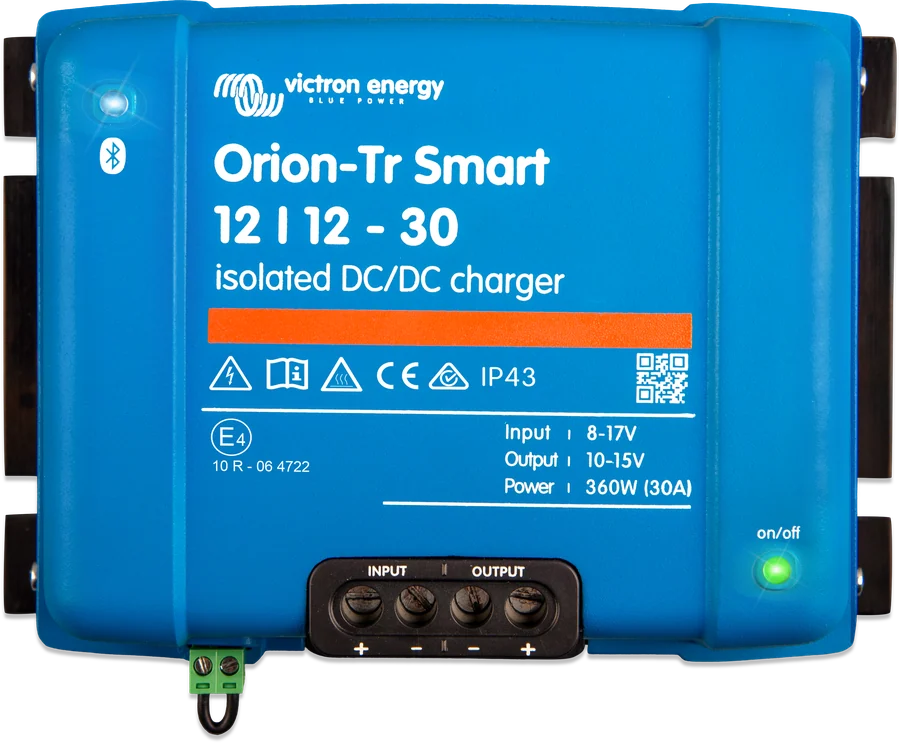
Orion-Tr Smart 12|12-30 — top view, INPUT and OUTPUT terminals and remote control connector
Orion-Tr Smart
DC-DC charger with three-stage charging or a constant-voltage power supply. Charges the house battery from the alternator (including a ‘smart’ alternator), separates the starter battery from the house battery and changes voltage — for example, 24 V in a lorry to 12 V for loads.
- 12 / 24 / 48 V
- 8–30 A
- isolated or non-isolated
- Bluetooth
- engine running detection
Non-isolated and isolated versions
| Model (input/output-current) | Input | Continuous current (40 °C) | Continuous power 25 / 40 °C |
|---|---|---|---|
| Non-isolated (360–400 W) | |||
| 12/12-30 | 8–17 V | 30 A | 430 / 360 W |
| 12/24-15 | 8–17 V | 15 A | 430 / 360 W |
| 24/12-30 | 16–35 V | 30 A | 430 / 360 W |
| 24/24-17 | 16–35 V | 17 A | 480 / 400 W |
| Isolated 360–400 W | |||
| 12/12-30, 12/24-15, 12/48-8 | 8–17 V | 30 / 15 / 8 A | 430 / 360 W |
| 24/12-30, 24/24-17, 24/48-8.5 | 16–35 V | 30 / 17 / 8.5 A | 430 / 360 W; 480 / 400 W (24/24, 24/48) |
| 48/12-30, 48/24-16, 48/48-8 | 32–70 V | 30 / 16 / 8 A | 430 / 360 W; 430 / 380 W (48/24, 48/48) |
| Isolated 220–280 W | |||
| 12/12-18, 12/24-10 | 8–17 V | 18 / 10 A | 280 / 220 W; 280 / 240 W |
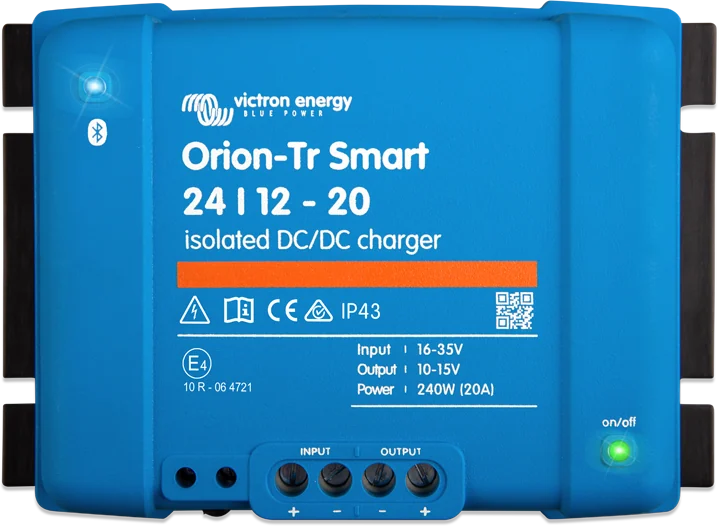
| 24/12-20, 24/24-12 | 16–35 V | 20 / 12 A | 300 / 240 W; 320 / 280 W |
| 48/12-20 | 32–70 V | 20 A | 280 / 240 W |
Efficiency 87–89%. Standby consumption below 1 mA. Operating range −20 to +55 °C (above 40 °C power derates by 3% per degree). The isolated versions have 200 V DC galvanic isolation between input, output and enclosure. Screw terminals up to 16 mm². Orion-Tr Smart has no VE.Direct port, and the app does not show input or output current.
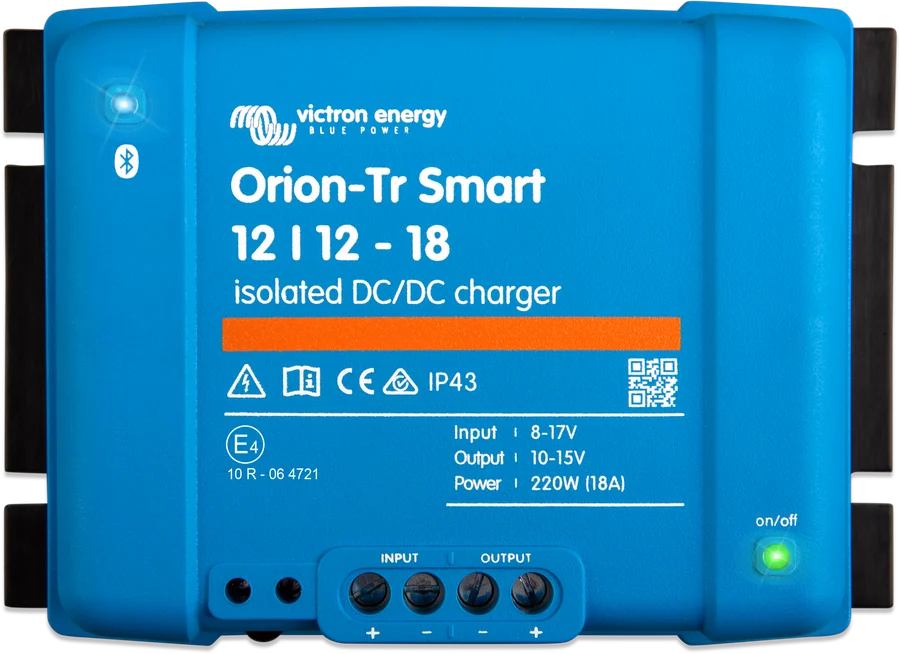
Charger or power supply
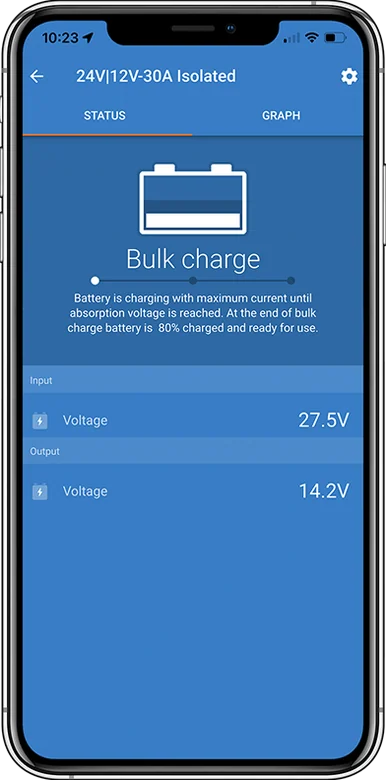
- Charger mode: three-stage charging (bulk, absorption, float), eight preset profiles and a custom profile; for lithium batteries — fixed absorption time, 2 hours by default. According to the manual, controlled charging also protects the alternator from overload caused by a lithium battery with low internal resistance.
- Power supply mode: constant output voltage regardless of load and input voltage fluctuations (within the operating range) — for example, powering 12 V loads from a 24 V installation.
- Engine running detection — enabled by default in charger mode. For a “Smart alternator”: start at 14 V, delayed start (2 min) from 13.3 V (standard alternator: 13.8 V); switch off when the input voltage stays below 13.1 V (13.5 V) for longer than 1 min. Values are for a 12 V input; for 24 V multiply by 2, and for 48 V by 4. In Euro 6 vehicles, the same notes apply as for Orion XS.
- Remote on/off: L–H switch, or a switch from the starter/input battery positive to H (above 3 V), or an L switch to the input/starter ground (below 5 V). For the isolated version, you can use an isolated remote cable controlled by the BMS, for example; for the non-isolated version — BMS control via the H pin.
How to connect the Orion-Tr Smart
The DC-DC charger sits between the starter and house systems. Mount it vertically, terminals down, close to the batteries, but never directly above them. The unit has no reverse polarity protection. Overview diagram.
- Fuses on both sidesSized for each side’s voltage: 60 A at 12 V, 30 A at 24 V, 20 A at 48 V.
- Cable cross-sectionsAccording to the table on the page — for example, 12 V and 5 m means 16 mm².
- Check polarityNo reverse polarity protection: connect the cables to the Orion first, then the battery.
- RemoteBefore connecting, remove the remote bridge; set the mode and profile in VictronConnect.
- Operating modeCharger (3-stage) or constant-voltage power supply.
Fuses and cable cross-sections
| Side voltage (input or output) | Fuse | 0.5 m | 1 m | 2 m | 5 m | 10 m |
|---|---|---|---|---|---|---|
| 12 V | 60 A | 6 mm² | 10 mm² | 10 mm² | 16 mm² | 16 mm² |
| 24 V | 30 A | 4 mm² | 6 mm² | 6 mm² | 10 mm² | 10 mm² |
| 48 V | 20 A | 2.5 mm² | 4 mm² | 4 mm² | 6 mm² | 6 mm² |
Minimum cross-sections according to the table in the manual (for both versions).
- Vertical mounting on a non-flammable surface, terminals down, with at least 10 cm of free space above and below the unit; close to the battery, but never directly above it. Do not use in a wet environment or in places where there is a risk of gas or dust explosion. Ensure a heat-resistant environment, with no chemicals, plastics or textiles in the immediate vicinity, and provide good ventilation; do not cover the charger.
- Flexible, multi-strand copper cables, rated to 90 °C (single strand up to 0.4 mm / 0.125 mm²); for example, 16 mm² — at least 122 strands (class 5 or higher). Strands that are too thick can cause high contact resistance, overheating and fire. Terminal tightening torque 1.6 Nm, held for at least 5 s.
- No reverse polarity protection: connect the cables to the Orion, check the polarity again and only then connect the battery. The unit is potted; do not open it. There are no service-replaceable parts or fuses, and in the non-isolated version the input fuse is non-replaceable.
- Before connecting, disconnect remote (remove the bridge), connect the input, set the mode and profile in VictronConnect, connect the battery or load, and only then insert the remote bridge.
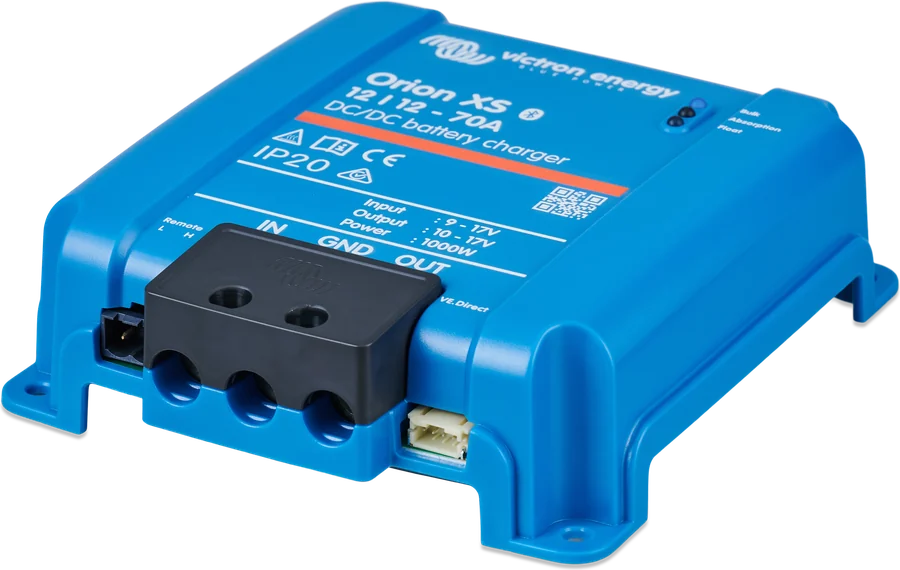
Orion-Tr Smart or Orion XS
| Orion-Tr Smart | Orion XS | |
|---|---|---|
| Voltages | 12, 24, 48 V on input and output, including voltage conversion | 12 V → 12 V |
| Current | 8–30 A per unit | 50 A (there are also 70 A and 1,400 W versions) |
| Galvanic isolation | choice | no |
| VE.Direct / VE.Smart | no VE.Direct; VE.Smart not supported on the network (VE.Smart manual status rev 05) | VE.Direct; uses VE.Smart data |
In a 12 V camper with a lithium battery, Orion XS will usually be the better choice (higher current, VE.Direct). Orion-Tr Smart is the right choice for other voltages (for example, a 24 V vehicle and a 12 V battery) or when galvanic isolation is required.
Most common questions about the Orion-Tr Smart
How does it differ from Orion XS?
Orion-Tr Smart is available in isolated and non-isolated versions, charges in three stages and can operate as a constant-voltage power supply. Orion XS is a newer, more efficient DC-DC charger — the comparison is in the “XS” section on this page.
Will it work with a “smart” alternator?
Yes. Engine running detection for a “Smart alternator” starts at 14 V or after a 2-minute delay from 13.3 V (standard alternator: 13.8 V) and switches off when the input voltage stays below 13.1 V for more than a minute. The values apply to a 12 V input; for 24 V multiply by 2.
Which fuses and cables?
According to the table on this page: at 12 V, a 60 A fuse; at 24 V — 30 A; at 48 V — 20 A, on both sides of the unit. The cross-section depends on length; for example, 12 V and 5 m means 16 mm².
Can I switch it off remotely?
Yes, via the remote input: with an L–H switch, a switch from the input battery positive to H (above 3 V), or an L switch to ground (below 5 V). In the isolated version, you can use an isolated remote cable controlled by the BMS.
What happens with reverse polarity?
The unit has no reverse polarity protection. Therefore, connect the cables to the Orion first, check the polarity again and only then connect the battery.
Content checked against Victron Energy documentation (datasheets and manuals) — as of 19 September 2026. Report a content error · Revision log