

Troubleshooting
Choose a symptom. Each diagnostic leads you step by step — from the most common and simplest causes to the rarer ones — and is based on the “Troubleshooting” sections in the Victron Energy manuals.
From symptom to cause
ChargingMPPT controllers, DC-DC chargers and mains chargers
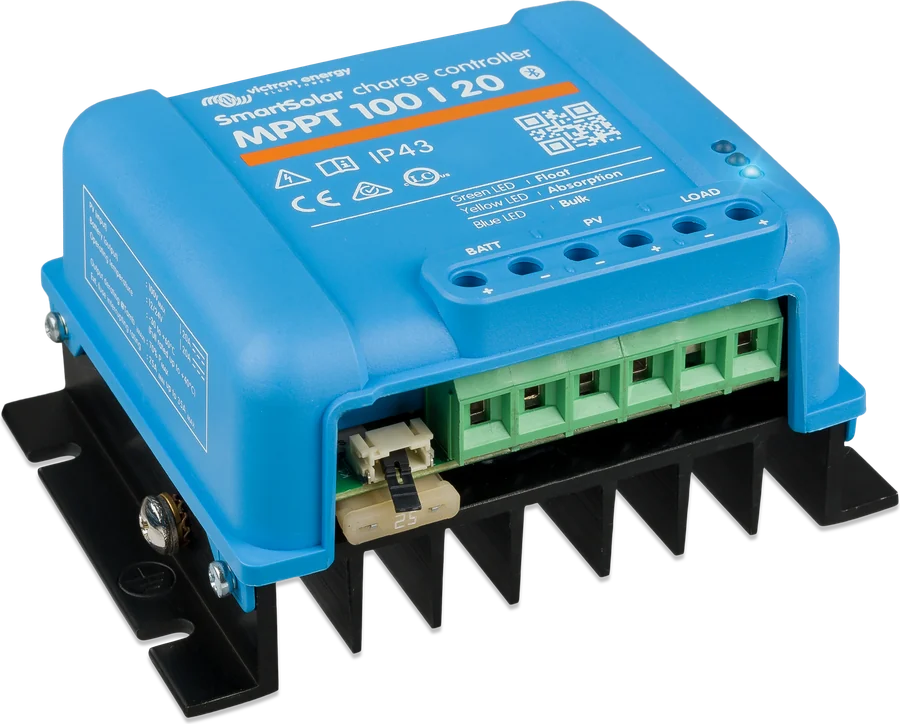
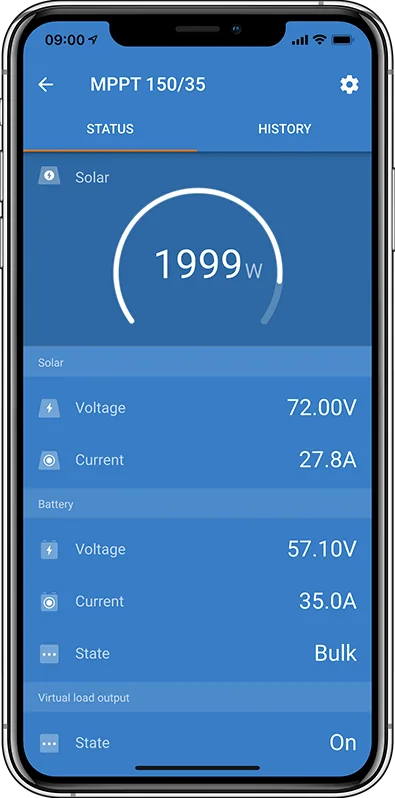
MPPT solar charge controller not charging or charging poorly
The controller does not respond, does not charge, current is close to zero, or the battery ends the day undercharged.
Open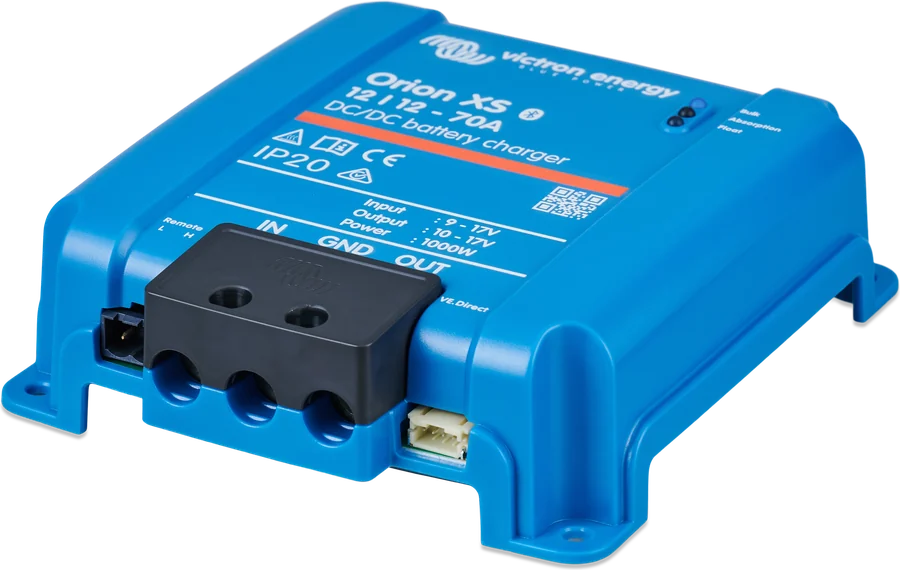
Orion XS does not charge the house battery
Orion XS does not charge while driving, stops charging, or charges too weakly — including in Euro 6 vehicles.
Open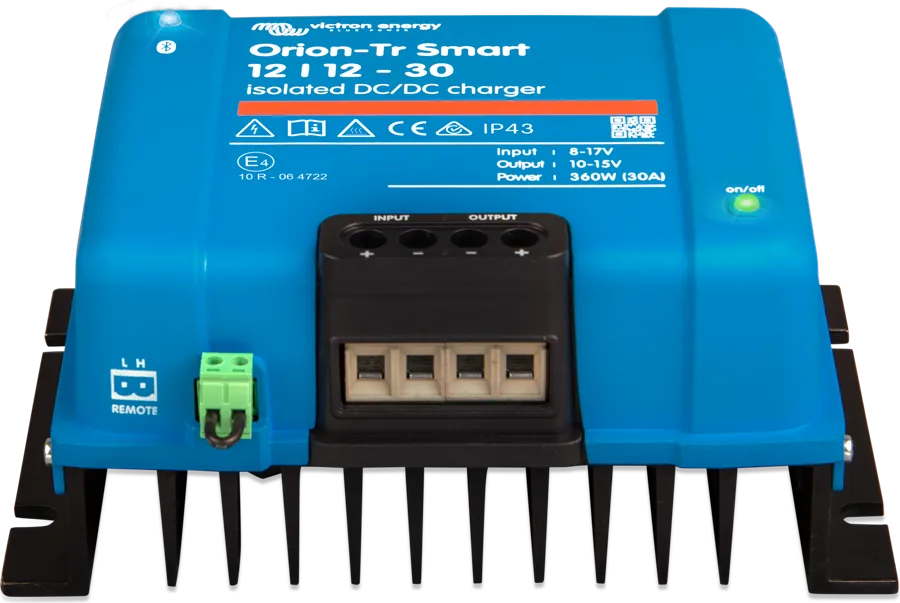
Orion-Tr Smart does not charge the battery
Orion-Tr Smart does not switch on, does not charge while driving, stops charging, or does not fully charge the battery.
Open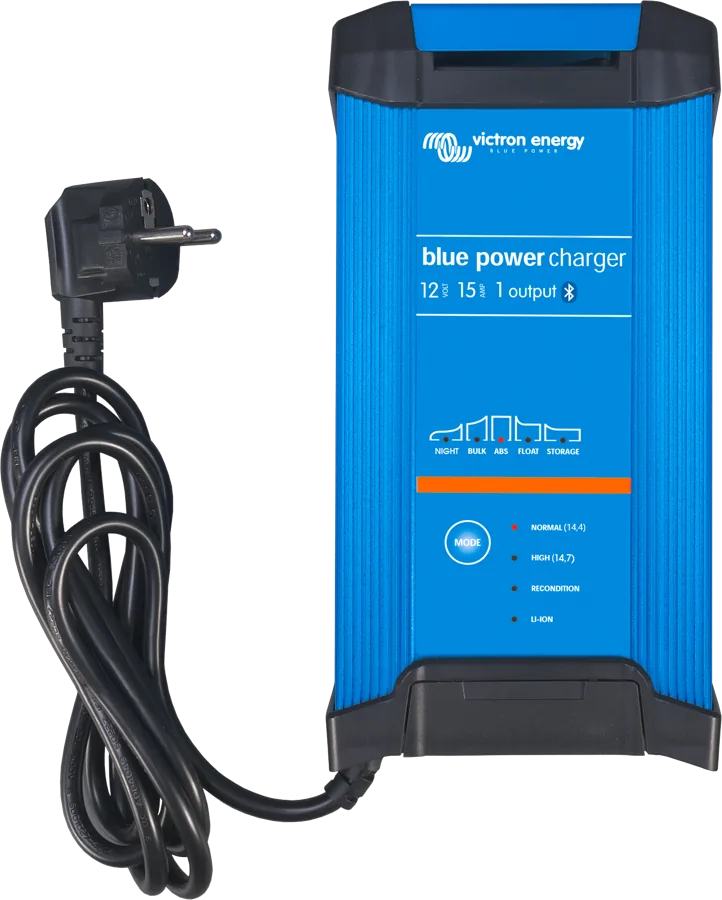
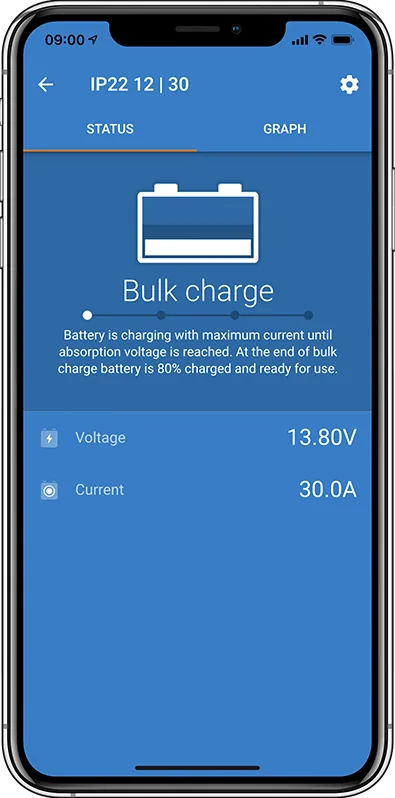
Blue Smart and Smart IP43 do not charge
The Blue Smart IP22, IP65 or Smart IP43 charger does not charge, ends the cycle too early, or signals an error with LEDs.
OpenInverters and ESSMultiPlus, Phoenix, Multi RS, energy storage
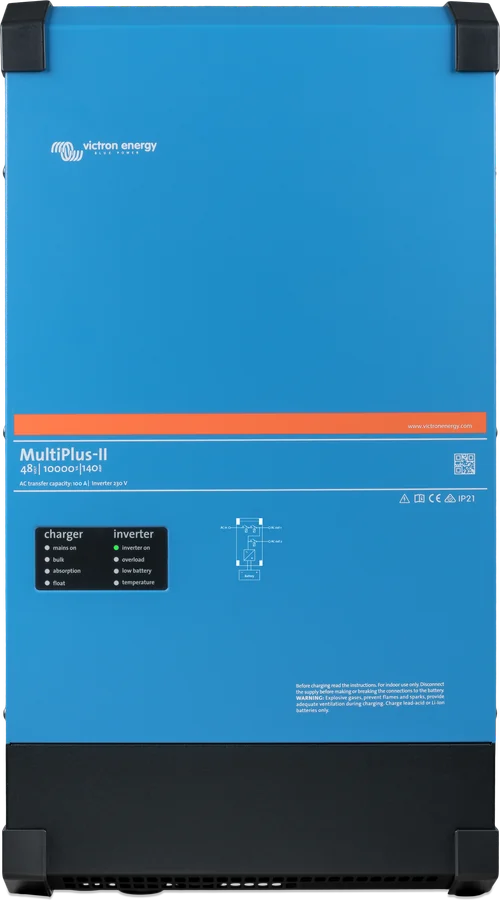
MultiPlus does not accept mains or generator input
The MultiPlus-II 230V or Quattro-II 230V does not switch to mains or generator, switches to inverter, or does not charge despite AC power.
Open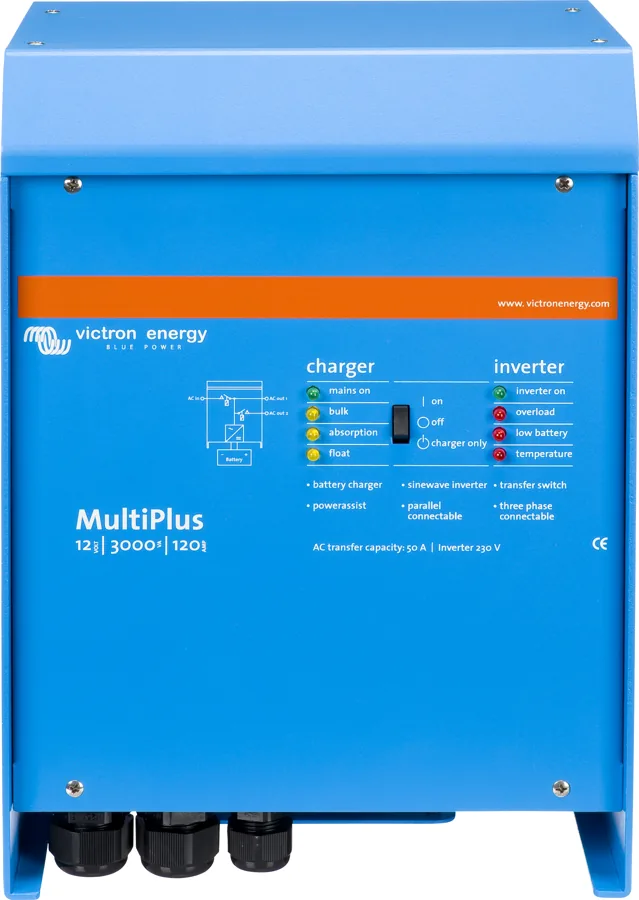
MultiPlus reports overload
The MultiPlus or MultiPlus-II reports overload — overload LED, shutdown under load.
Open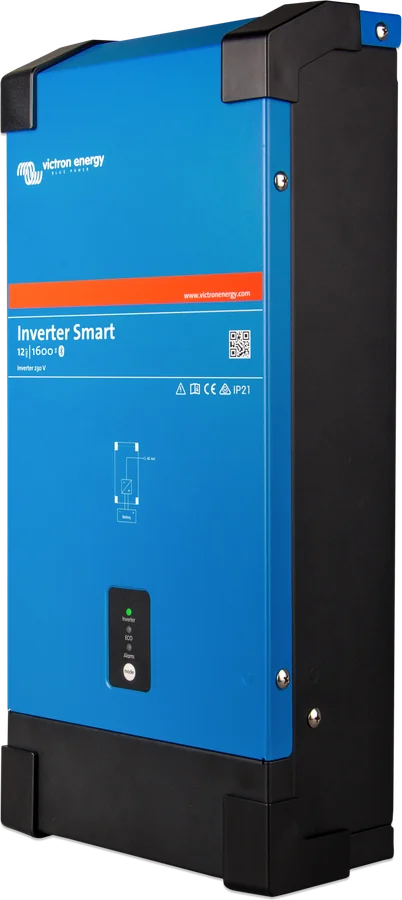
Phoenix inverter switches off or does not switch on
The Phoenix inverter does not switch on, switches itself off, flashes the alarm LED, or in ECO mode keeps switching on and off.
Open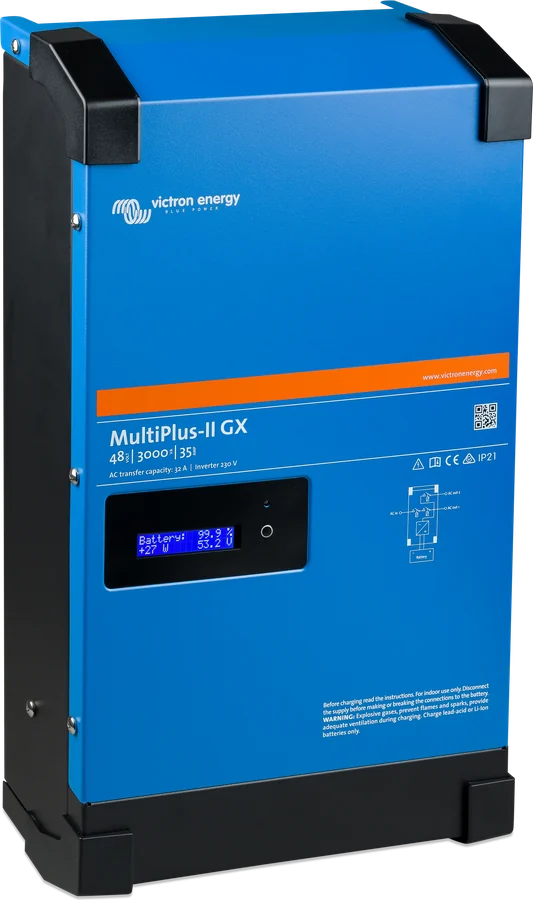
ESS takes power from the grid instead of the battery
ESS powers the house from the grid, does not discharge the battery, charges it from the grid at night, or does not feed back surplus from the panels.
Open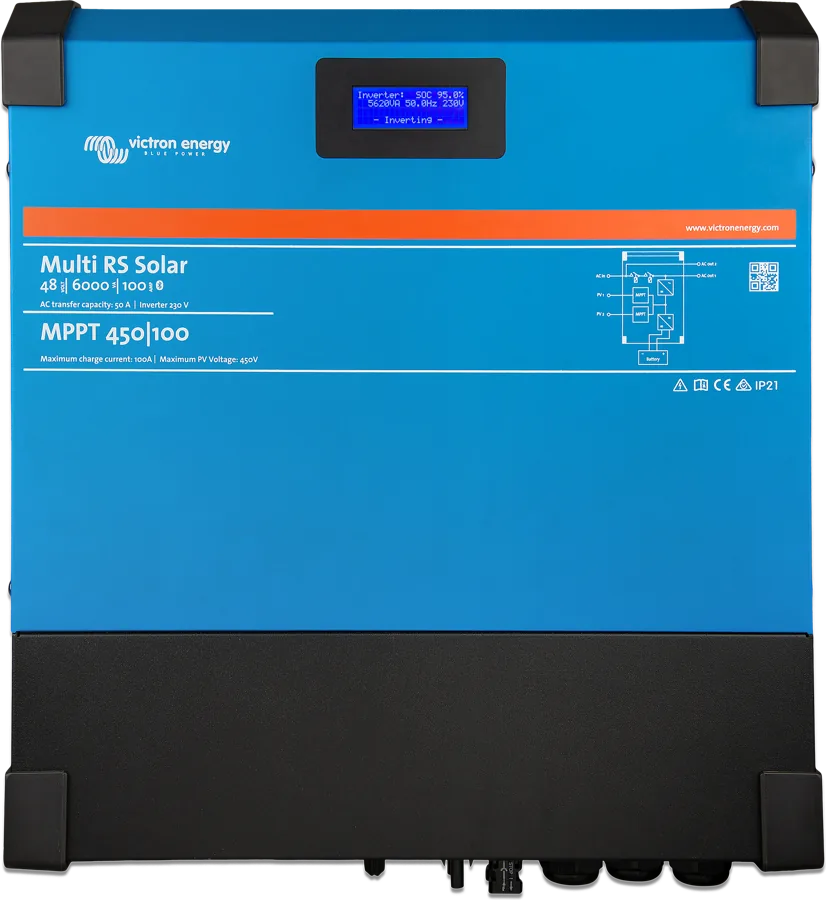
Multi RS Solar and Inverter RS Smart switch off or do not charge
The Multi RS Solar or Inverter RS Smart does not switch on, switches off the inverter, does not supply 230 V despite sunshine, or the MPPT does not charge.
OpenBatteries and BMSstate of charge, BMS, BatteryProtect
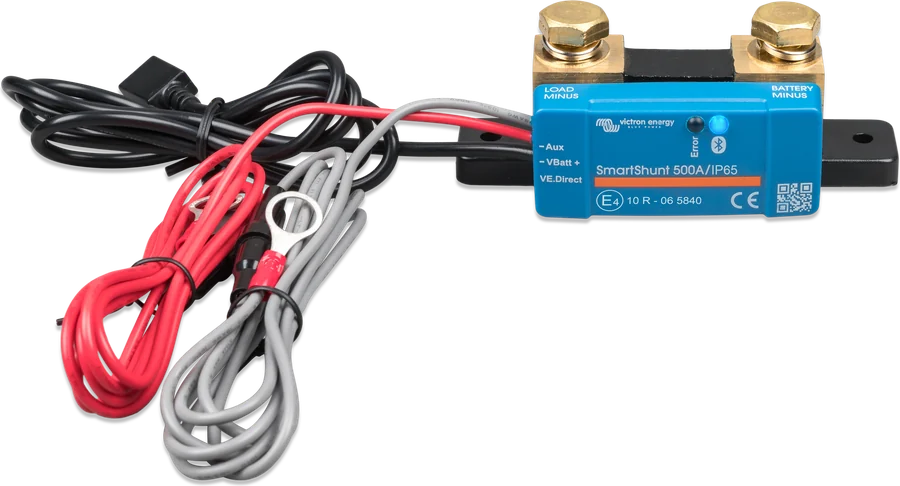
State of charge (SoC) does not match
The battery monitor shows the wrong SoC, never reaches 100%, stays at 100%, or shows “--” instead of SoC.
Open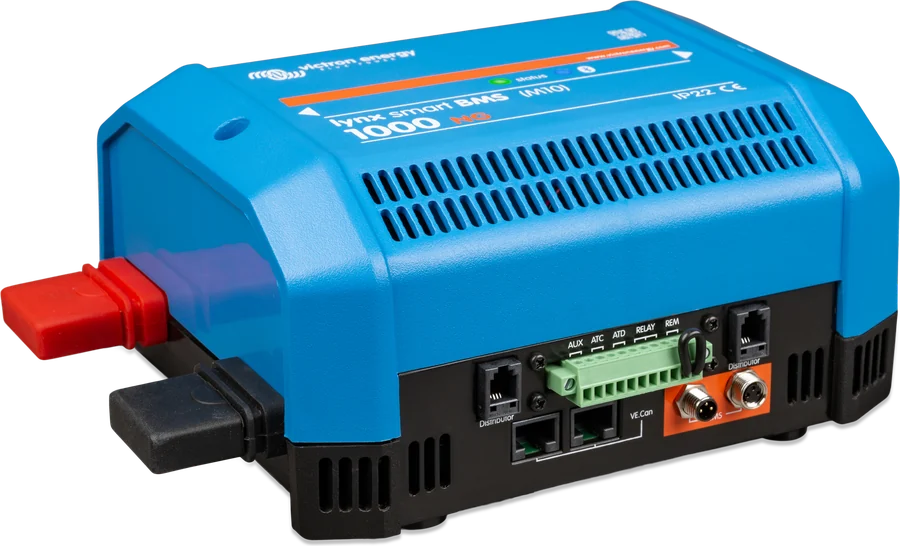
BMS has disabled charging or loads
The BMS switches off the charger, disconnects the loads too early, or shows an alarm even when the cell voltages are correct.
Open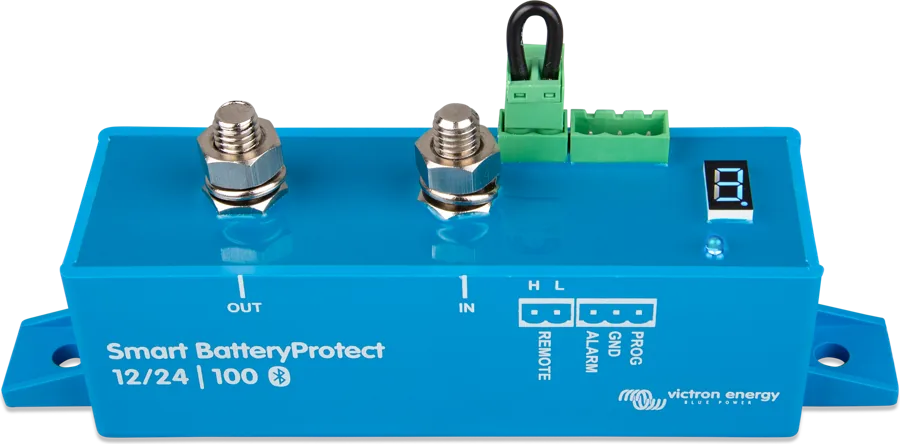
Smart BatteryProtect disconnects the loads or does not switch them on
Smart BatteryProtect does not switch the loads on, disconnects them for no obvious reason, or shows an error code.
Open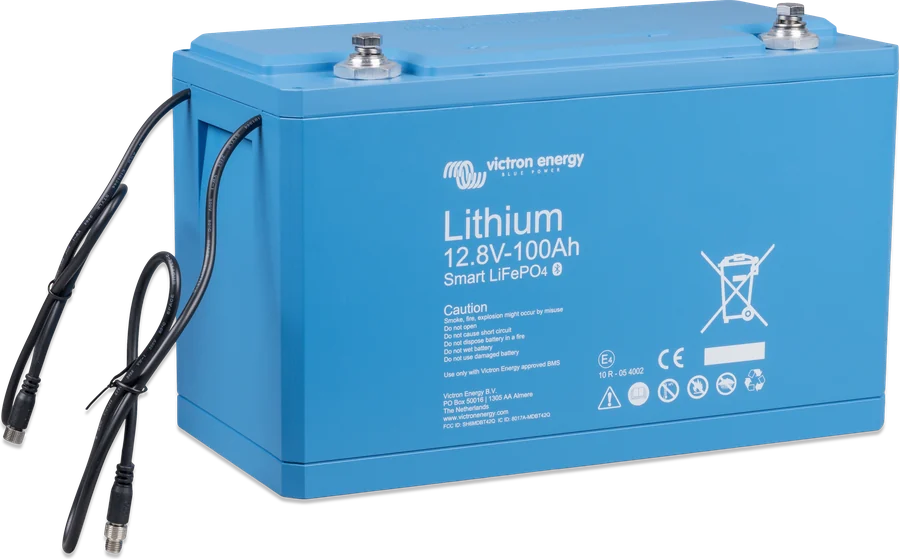
Deeply discharged lithium battery
Lithium battery discharged below 10 V, does not respond over Bluetooth, or cannot be charged.
OpenGX, VRM and communicationGX device, VRM portal, Wi-Fi, LTE, energy meter
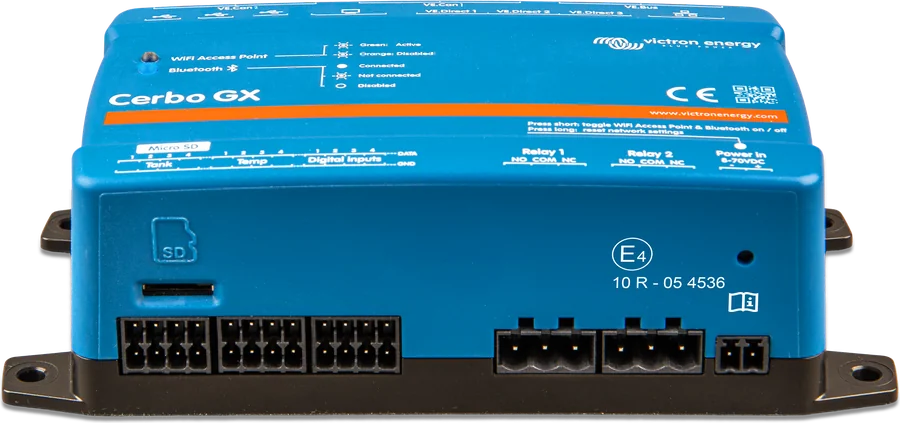
GX cannot see the device
Cerbo GX or Ekrano GX does not show the MPPT, SmartShunt, MultiPlus or battery with BMS.
Open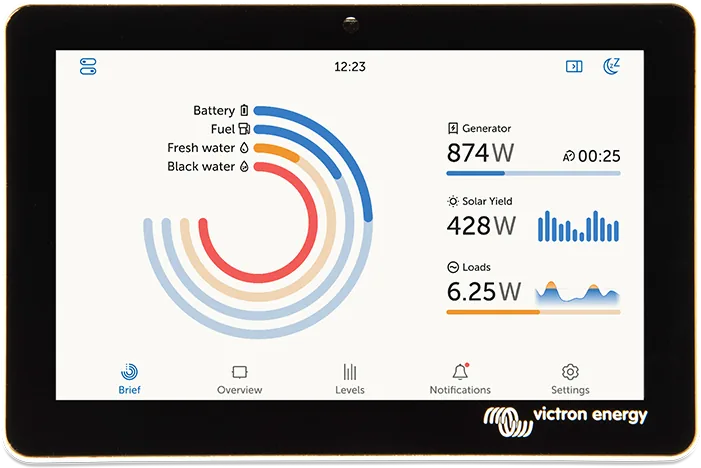
VRM does not show data
The VRM portal does not show data from the GX device — Last contact, Ethernet, Wi-Fi and #150–159 codes.
Open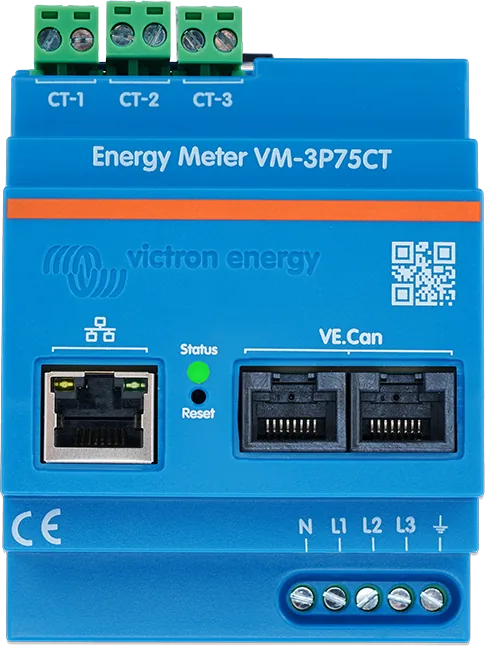
VM-3P75CT meter: GX does not see it or the readings are wrong
The VM-3P75CT meter does not appear in GX, shows odd values, or signals an error with its LED.
Open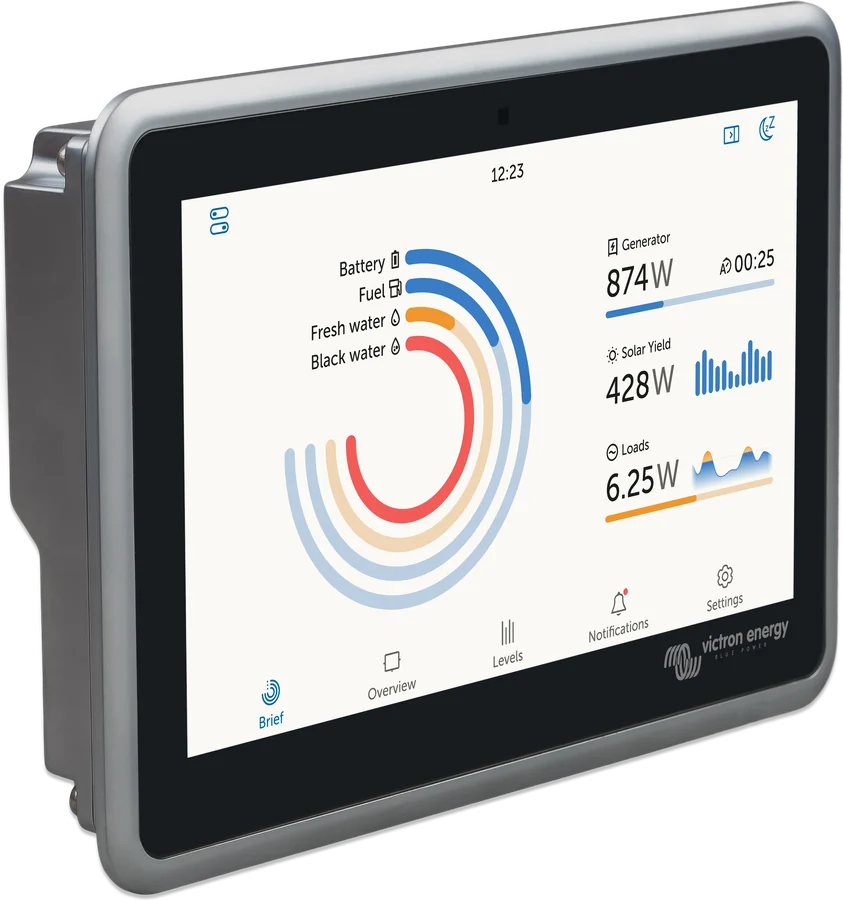
GX does not connect to Wi-Fi
Cerbo GX or Ekrano GX does not connect to Wi-Fi or has no internet access.
Open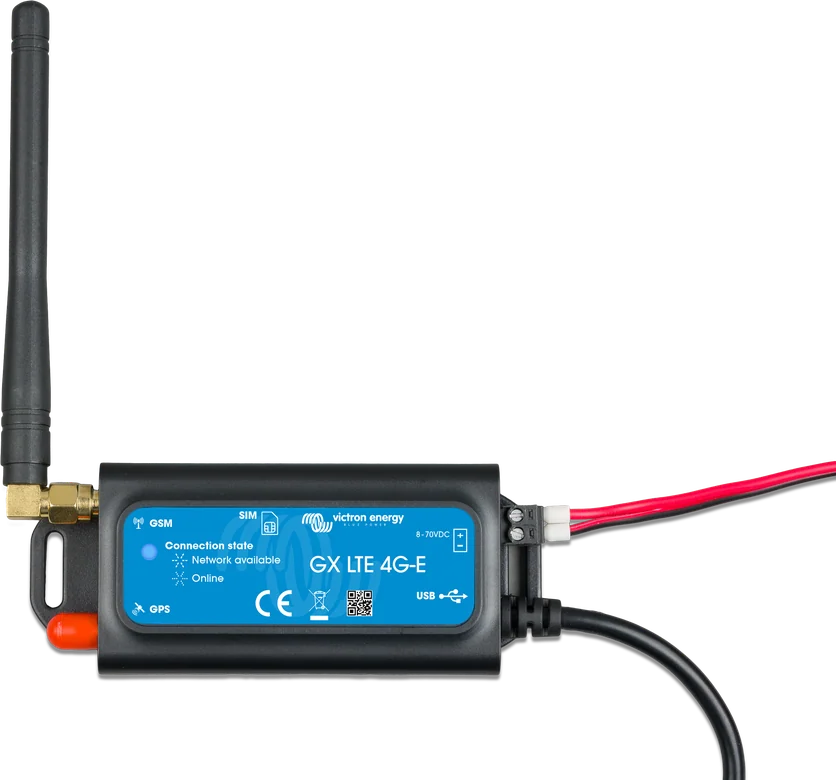
GX LTE 4G does not connect to the internet
GX LTE 4G does not connect to the internet, does not see the SIM card or operator, or loses the connection to VRM.
OpenVictronConnect and firmwareBluetooth, firmware updates
Error code or flashing LEDs
Error codes
MPPT solar charge controllers, chargers and Orion XS, Multi and Quattro (VE.Bus), Lithium Smart and Lynx BMS, BMS NG, Smart BatteryProtect and GX devices — what the code means and what to check.
OpenLED decoder
Select which LEDs are lit or flashing — we will show you what the device is signalling.
OpenGather this information
You can diagnose most faults yourself if you have a few details to hand. They will also help the dealer or installer if you need to make a warranty claim:
- exact model and serial number (from the sticker on the enclosure or from the product screen in VictronConnect),
- firmware version — visible in VictronConnect,
- screenshots of settings and history from VictronConnect or the VRM portal,
- error code and LED behaviour (whether they are lit or flashing, and how fast),
- installation diagram with cable cross-sections and fuses (even a hand-drawn one).
We do not provide individual consultations. For warranty, repair and on-site diagnostics, contact the dealer or installer from whom you bought the device.
An inverter/charger connected to a battery can have dangerous voltage present at the input and output terminals even when switched off. Before working on the wiring, disconnect the AC supply (grid, generator) and the battery, and in a solar installation also the panels.