
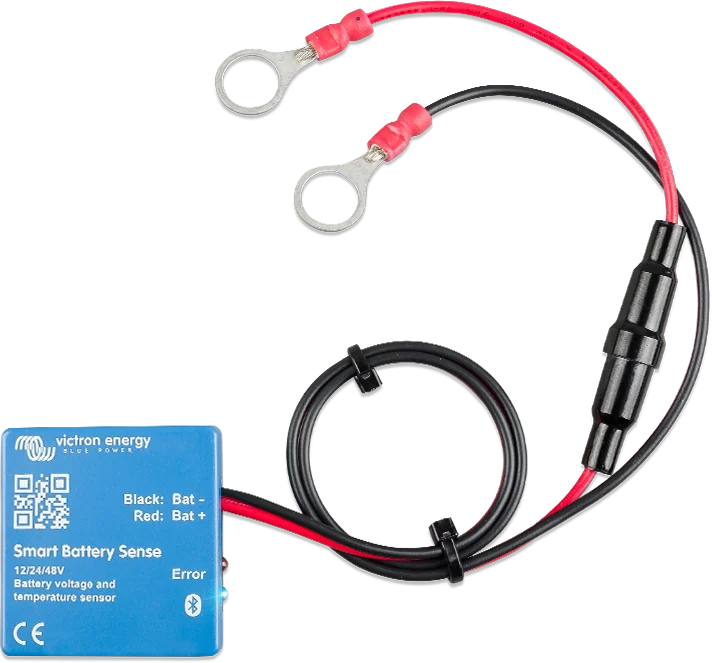
Smart Battery Sense with ring terminals and a fuse in the positive lead
Smart Battery Sense
A small sensor stuck to the battery. It measures voltage at the terminals and battery temperature, and sends them wirelessly (VE.Smart, Bluetooth) to solar charge controllers and chargers. This lets them charge more accurately: according to the actual battery voltage and with temperature compensation.
- Voltage and temperature
- 8–60 V
- VE.Smart (Bluetooth)
- 1 A fuse included
The controller “sees” the battery, not its own terminals
The solar charge controller measures voltage at its own terminals, and temperature with its own sensor. If there is voltage drop in the cables, or if the controller and battery are at different temperatures, the battery receives a different voltage from the one it should. Smart Battery Sense sends the voltage measured at the battery terminals and battery temperature to controllers in the VE.Smart network.
Battery temperature is also required for the freeze charging cut-off in SmartSolar and Orion XS controllers (“Low temperature cut-off”) — without a sensor in the VE.Smart network, this cut-off does not work. More: LiFePO₄ in winter. The sensor does not measure current.
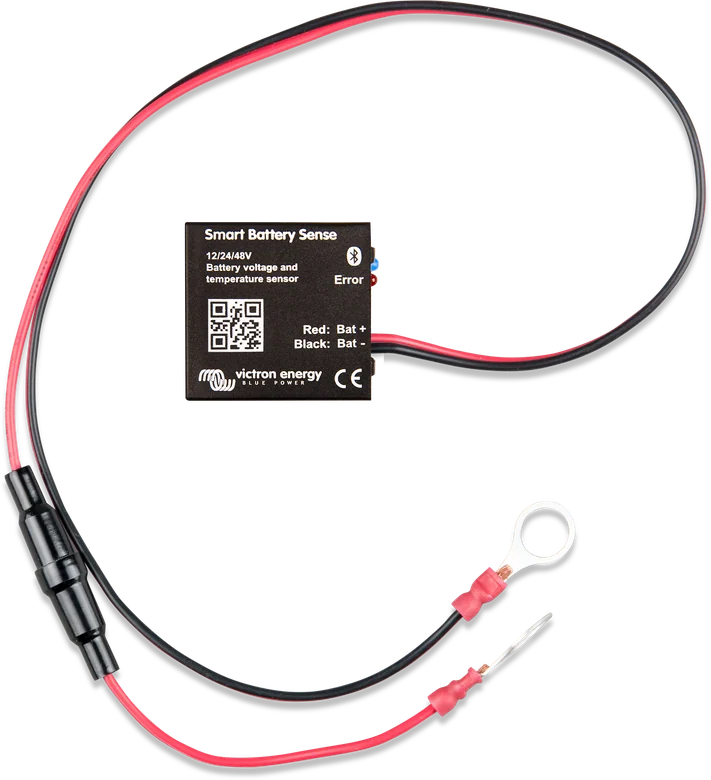

What Smart Battery Sense can do
Battery terminal voltage
The controller stops relying on its own terminals, so voltage drop in the cables does not reduce charging. Operating range 8–60 V (maximum 65 V).
Battery temperature
Allows temperature-compensated charging and is required for freeze charging cut-off (“Low temperature cut-off”) in SmartSolar and Orion XS controllers.
VE.Smart network
Data goes wirelessly via Bluetooth to chargers in the network — no signal cables. Up to 10 devices can be in one network, and the range is that of a standard Bluetooth connection.
Very low current draw
At 12 V, from 0.3 mA (not connected) to 1.6 mA (connected to a phone); at 48 V even less. The sensor can be left connected permanently.
Installation in a few minutes
Two M10 ring terminals on the battery terminals, a T1A fuse in the lead, and mounting tape on the back of the housing. The leads are 45 cm long and can be extended.
View in the app
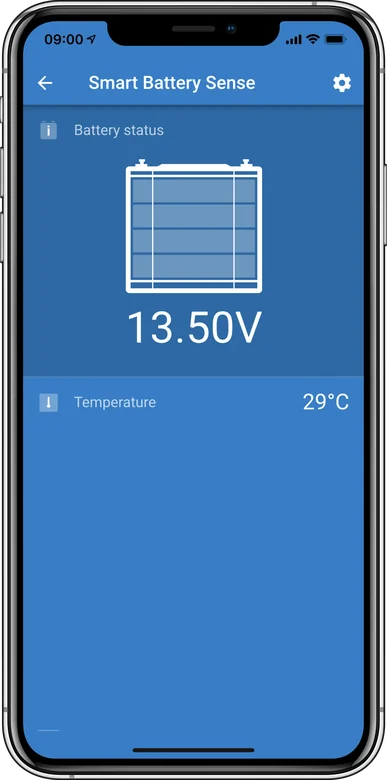
Voltage and temperature are shown live in VictronConnect — even when the sensor is working in a VE.Smart network.
What it does not do
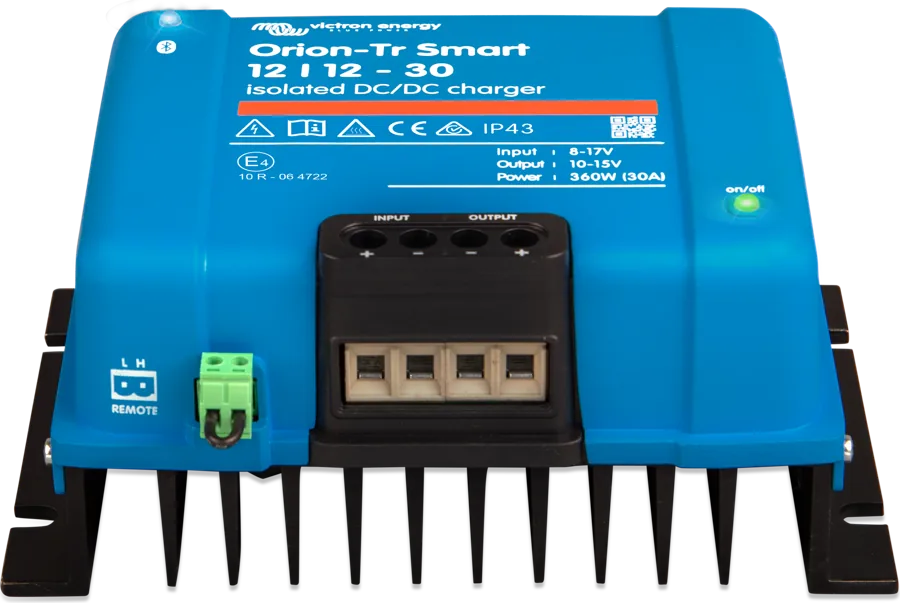
It does not measure current or state of charge — for that you need a SmartShunt or BMV-712. It also does not work with Orion-Tr Smart, Blue Smart IP65/IP67 or GX devices.
Compact housing
14 × 38 × 38 mm, operating range −10…+60 °C. Fits on the housing of almost any battery; in a battery bank it can be stuck to any one of them.
It is not always worth adding one
- You already have a BMV-712 or SmartShunt with a temperature sensor — it will already send voltage and temperature (as well as current) in the VE.Smart network.
- The system is managed by a GX device (Cerbo GX, Ekrano GX) — if the same data reaches the charger via GX, the charger will use that instead of VE.Smart data, so the sensor is unnecessary. The VE.Smart manual states that the network is intended for small systems without GX controlling the chargers.
Sensor, battery monitor or GX centre
Smart Battery Sense
When you only need battery voltage and temperature for SmartSolar or Orion XS controllers — the simplest and cheapest solution.
voltage + temperatureSmartShunt or BMV-712
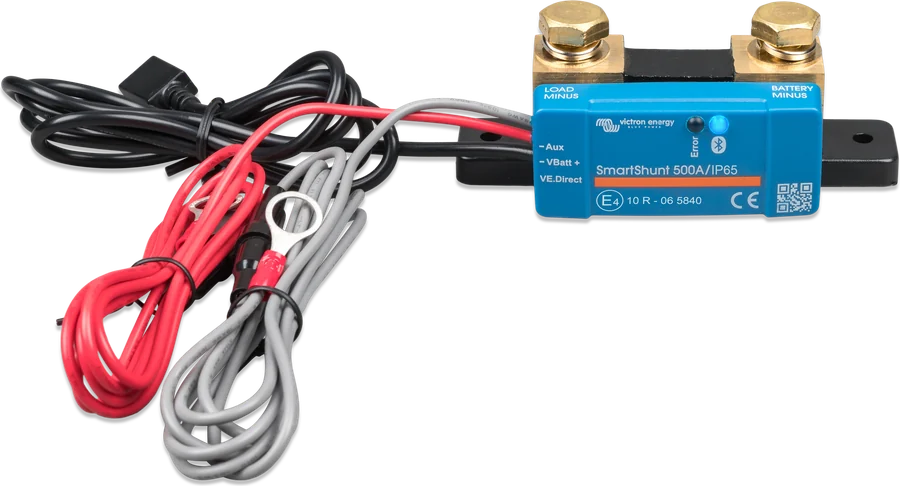
They also measure current and calculate state of charge, and in the VE.Smart network they transmit voltage (and temperature with the optional sensor). In that case a separate sensor is unnecessary. SmartShunt, BMV-712.
voltage, current, SoCHow to connect Smart Battery Sense
The sensor is bolted with ring terminals to the battery terminals and stuck to the battery case. It sends voltage and temperature wirelessly to chargers in the VE.Smart network. Illustrative diagram.
- Ring terminals on the battery terminals10 mm hole (M10); T1A fuse in the lead.
- Sensor on the caseStick it on with the tape on the back — it measures battery temperature.
- VE.Smart networkFirst configure the sensor in VictronConnect, then add the chargers.
- EffectCharging based on battery voltage, with temperature compensation and freeze cut-off.
Two terminals and tape
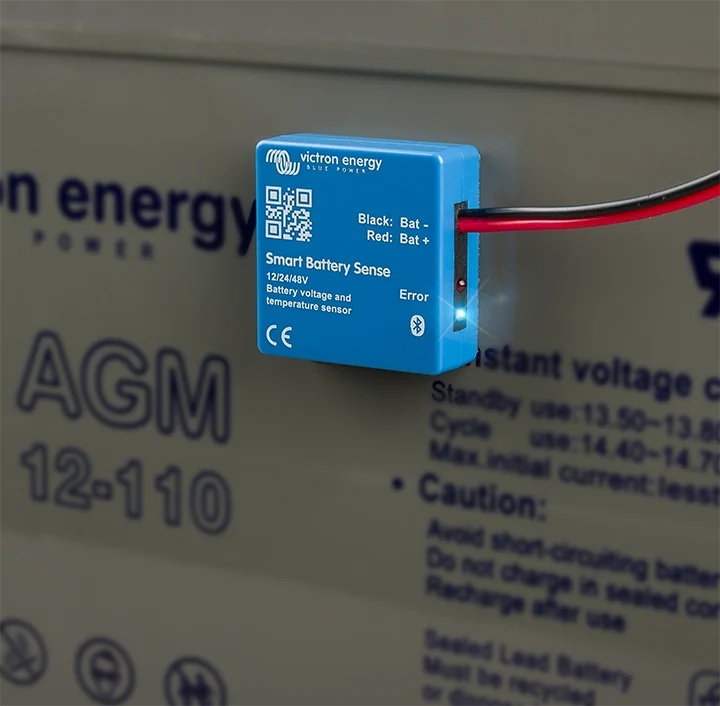
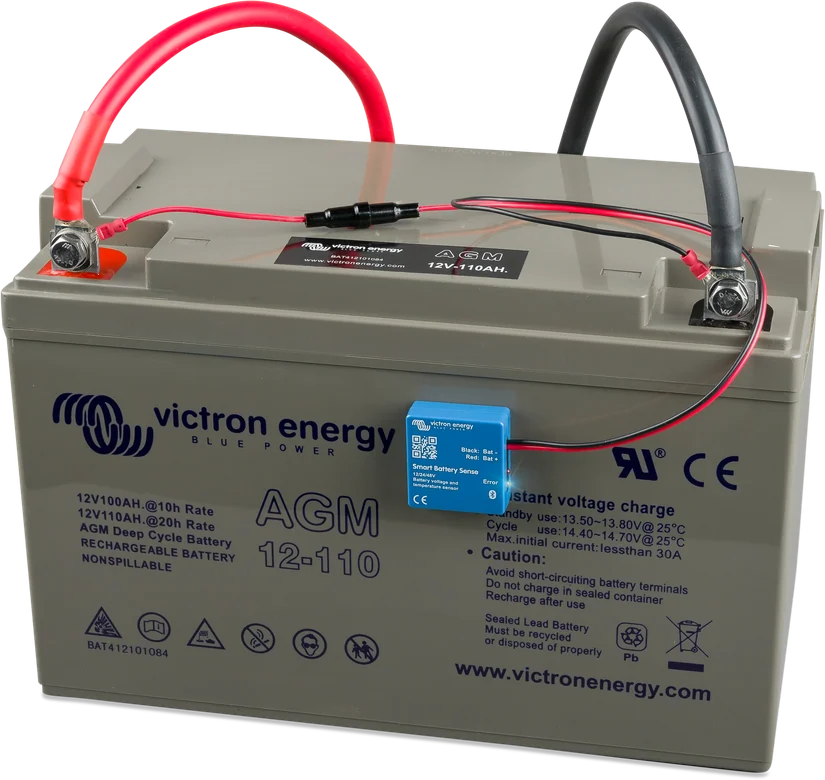
- Bolt the ring terminals (10 mm hole, M10) to the battery terminals — there is a T1A fuse in the lead.
- Stick the sensor to the battery case with the tape on the back.
- In a battery bank, the sensor can be on any one of the batteries.
- If the leads (45 cm) are too short, they can be extended with cable of the same or larger cross-section.
- Connect the sensor in VictronConnect and create a VE.Smart network — first configure the sensor, then add the chargers to the network.
What it works with
| Device | In the VE.Smart network |
|---|---|
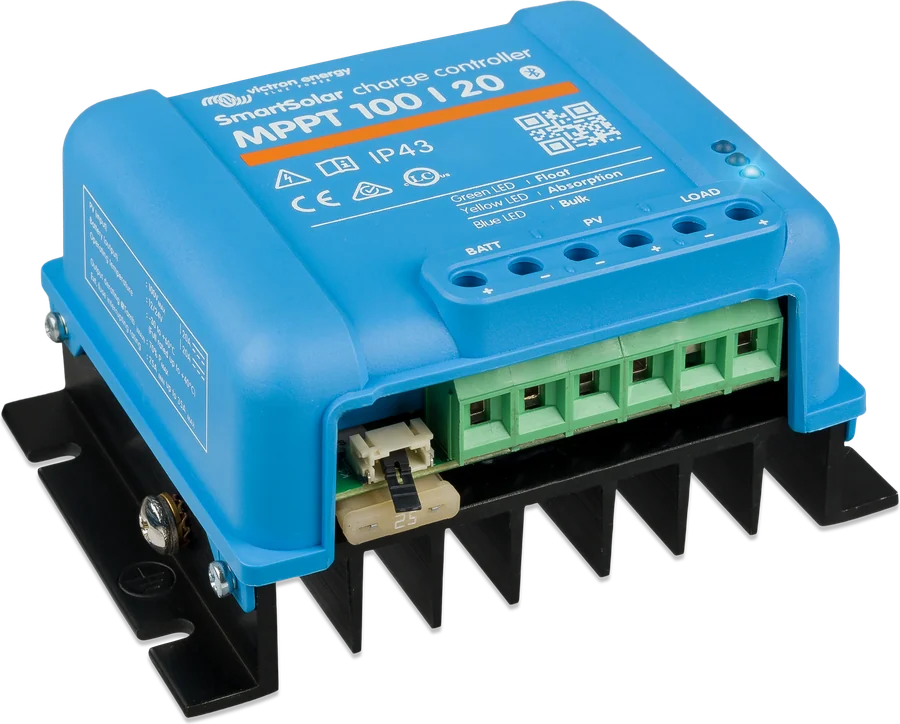
| SmartSolar MPPT (all currently sold) | yes — uses the data; charge synchronisation with other SmartSolar units requires firmware v1.47 or later, with exceptions noted in the manual |
| Orion XS | yes — uses the data (without charge synchronisation) |
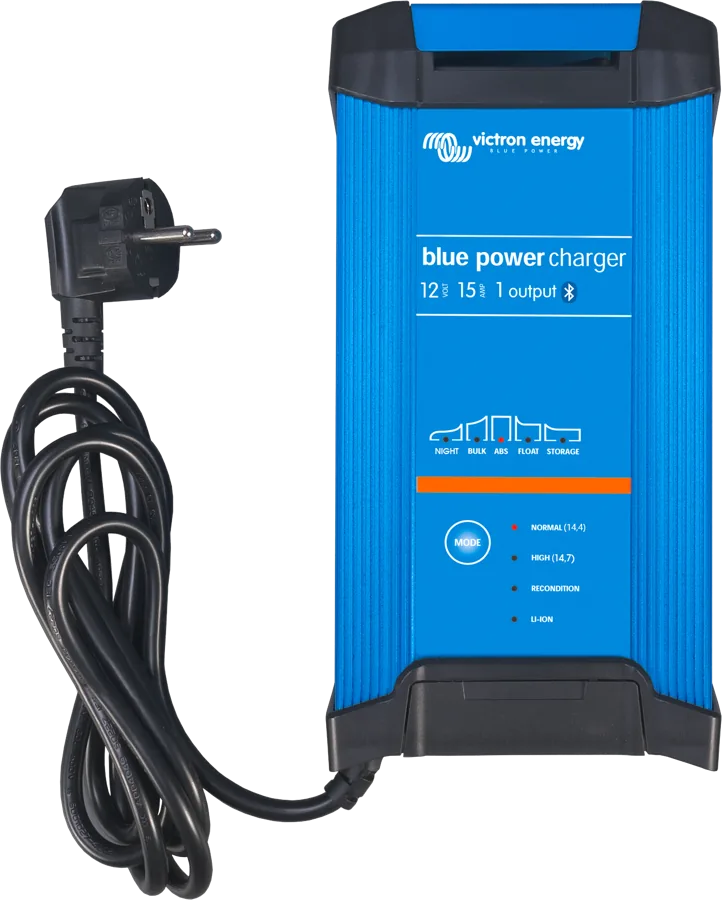
| Smart IP43, Blue Smart IP22 | yes — Smart IP43 120–230 V uses remote sensing data and synchronises charging, while the 230 V model uses voltage and temperature; Blue Smart IP22 only from HQ2024nnnnn and hw rev 02 or higher |
| BlueSolar MPPT, older SmartSolar | limited — via the VE.Direct Bluetooth Smart dongle; voltage and temperature data are available, but charge synchronisation via Bluetooth/dongle is not possible |
| Orion-Tr Smart, Blue Smart IP65/IP67, GX devices | no (per VE.Smart manual rev 05) |
- Up to 10 devices in one network; range is the same as a standard Bluetooth connection.
- Only one battery measurement source in the system (Smart Battery Sense or BMV/SmartShunt). All sensors and chargers in the VE.Smart network must be connected to the same battery. Sensors on different batteries can lead to overcharging or battery overheating. If two sensors are connected by mistake, priority applies (BMV has a higher priority than Smart Battery Sense).
- You can also connect a phone at the same time — this does not interfere with the network.
What the LEDs show
Blue slowly flashes
The sensor is measuring and is not connected to a phone. Data reaches the VE.Smart network if it has been configured.
Blue lit steadily
The sensor measures and is connected to your phone — you can view it in the VictronConnect app.
Blue and red light together
Hardware fault: the sensor does not work and will not appear in the device list in the app.
LEDs flash alternately
A firmware update is in progress — you need to complete it in the VictronConnect app.
Specifications
| Operating / max. voltage | 8–60 V / 65 V |
| Current draw 12 V (disconnected / joining / connected) | 0.3 / 0.5 / 1.6 mA |
| Current draw 24 V | 0.2 / 0.3 / 0.9 mA |
| Current draw 48 V | 0.2 / 0.3 / 0.6 mA |
| Operating temperature | −10…+60 °C |
| In-line fuse | T1A 250 V |
| Cables, eyelets | 45 cm, M10 |
| Dimensions (h × w × d) | 14 × 38 × 38 mm |
Frequently asked questions about Smart Battery Sense
Why do you need a sensor if the charger measures voltage itself?
The charger measures voltage at its own terminals — if there is voltage drop in the cables, the battery receives less than the charger shows. The sensor sends the voltage measured directly at the battery terminals and its temperature.
Does the sensor measure current and state of charge?
No. It measures only voltage and temperature. For state of charge, use a battery monitor, for example SmartShunt or BMV-712.
Is it needed for charging lock-out in frost?
Yes — battery temperature is a condition for the “Low temperature cut-off” function in SmartSolar controllers and the Orion XS. Without a sensor in the VE.Smart network, this lock-out does not work.
How do you connect a sensor?
The eyelet terminals (10 mm hole, M10) are bolted to the battery terminals — there is a T1A fuse in the cable — and the sensor is stuck to the battery case with the tape on the back. The cables are 45 cm long and can be extended with cable of the same or larger cross-section.
In what order should you set up a VE.Smart network?
First set up the sensor in VictronConnect and create the network, and only then add chargers and controllers to it. In a battery bank, the sensor may be on any one of them.
How many devices can be in one VE.Smart network?
Up to ten, and the range is the same as a normal Bluetooth connection. Only one battery measurement source can work in the system — Smart Battery Sense or a battery monitor; with two sensors, BMV has priority.
Will all Victron chargers use the data?
No. SmartSolar controllers, Orion XS, Smart IP43 and Blue Smart IP22 use it (the latter from serial number HQ2024nnnnn and hardware version 02). Older BlueSolar and SmartSolar only via the VE.Direct Bluetooth Smart dongle and without charge synchronisation. Orion-Tr Smart, Blue Smart IP65/IP67 and GX devices are not compatible.
What if the cables are too short?
The factory cables are 45 cm long and can be extended with cable of the same or larger cross-section. In a battery bank, the sensor may be stuck to any one of them.
Will the sensor drain the battery during a long stop?
It draws 0.3 to 1.6 mA at 12 V (less at higher voltages), so it can be left connected permanently. For a very long lay-up, it is still worth disconnecting the whole installation from the battery.
Manufacturer documentation
Content checked against Victron Energy documentation (datasheets and manuals) — as of 19 September 2026. Report a content error · Revision log