
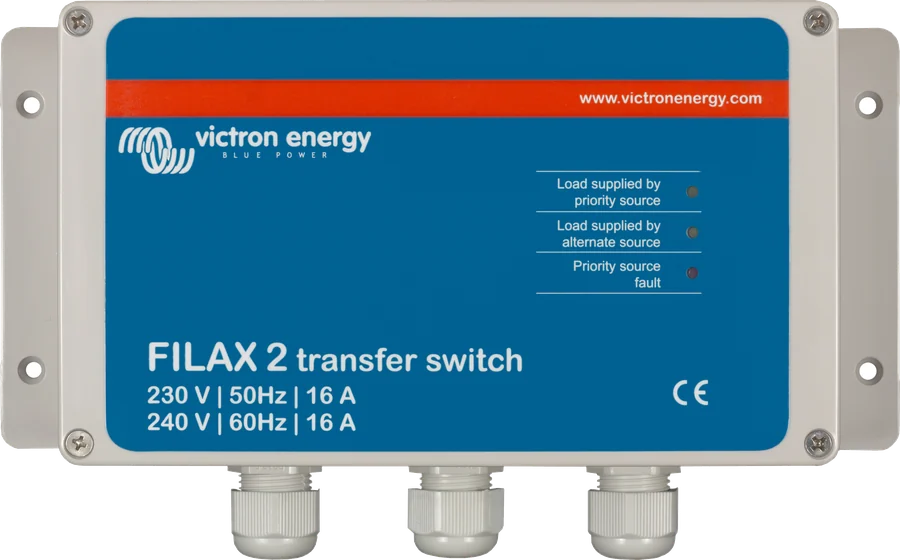
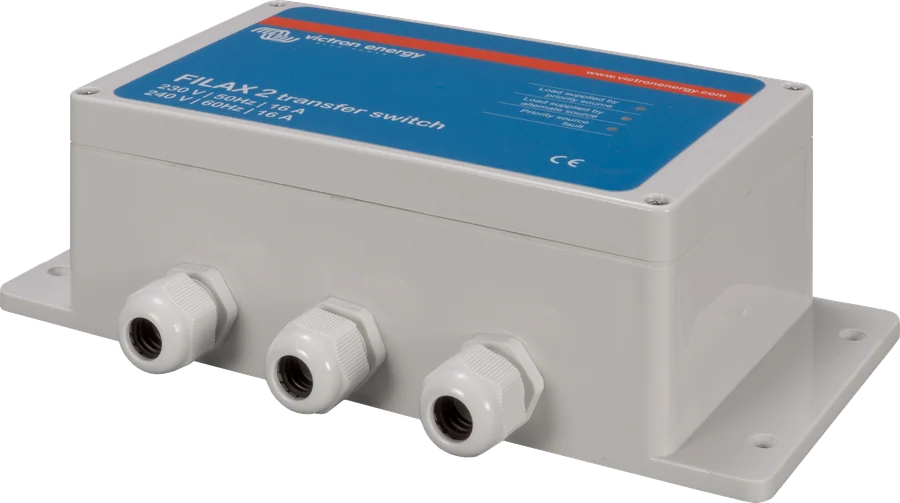
Filax 2 — front of the enclosure with labels: load supplied from the priority source, failure of the priority source
Filax 2
Automatic transfer between two 230 V sources: priority (mains or generator) and backup (inverter). When the priority source disappears or moves outside the permitted voltage and frequency range, Filax transfers the loads in less than 16 ms — computers and controllers do not notice it.
- 16 A
- switching < 16 ms
- return after 30 s
- 50 or 60 Hz
- IP65
Loads do not notice the power cut
Filax 2 monitors the priority source — usually the mains or a generator. When the voltage disappears or goes outside the permitted range, it switches the loads to the backup source, usually an inverter. The transfer takes less than 16 milliseconds, so a computer or controller keeps running without restarting.
When the priority source returns, Filax does not switch back immediately: it waits 30 seconds for the voltage and frequency to stabilise within the permitted range, and only then returns — again in less than 16 ms.
- load up to 16 A, i.e. about 3.7 kVA at 230 V,
- works in both 50 Hz and 60 Hz systems — selected with a jumper,
- IP65 enclosure, operating range from −20 to +50 °C.

What Filax 2 can do
Transfer in under 16 ms
The return to the priority source takes just as long. This means computers and critical equipment keep running uninterrupted.
30 seconds to check
After the priority source returns, Filax watches for 30 seconds to make sure the voltage and frequency remain within limits, and only then transfers the load back.
Monitors voltage and frequency
In a 230 V / 50 Hz system it switches when the voltage falls below 180 V (return at 188 V) and when the frequency falls below 45 Hz or rises above 60 Hz.
Two configuration jumpers
Frequency jumper: removed means 50 Hz (factory setting), fitted across both pins means 60 Hz. The “LINK + HIGH POWER” jumpers are removed when the load is below 850 W.
Three status LEDs
Yellow “priority source”, yellow “alternate source” and red “priority fault” show which source is supplying power and whether the priority source is available.
Break before make
This is an open-transition switch: it never connects both sources together. Both inputs must have their own neutral-to-protective-earth connection.
IP65 enclosure
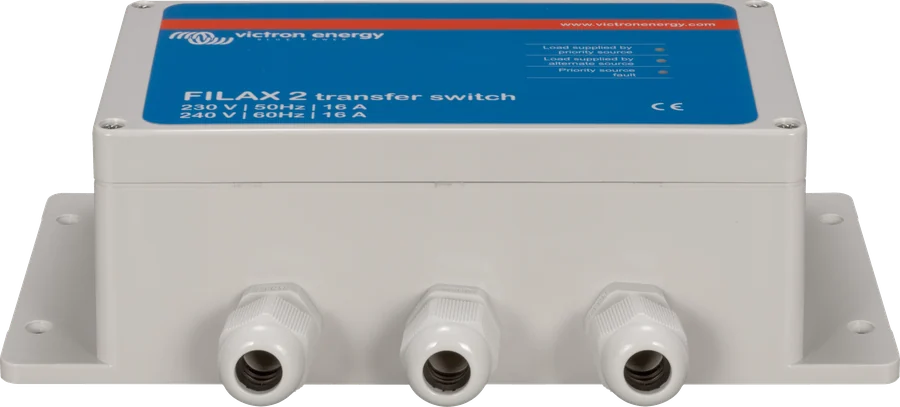
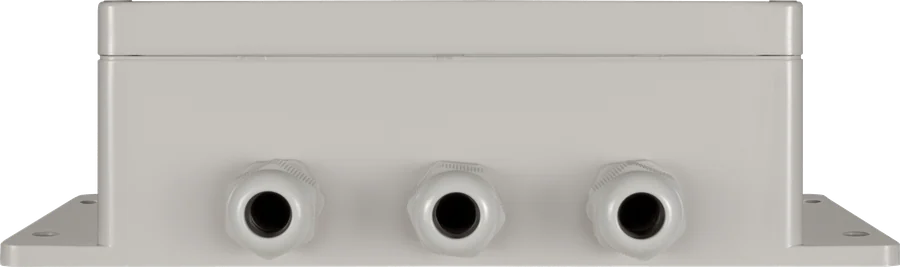
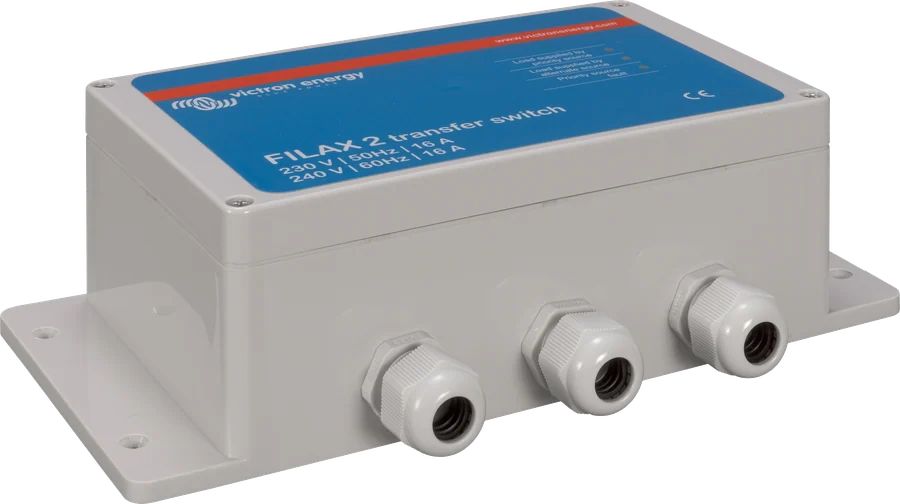
ABS plastic in RAL 7035, weight 0.8 kg, mounted through four holes in the base. Operating range from −20 to +50 °C, humidity up to 95% non-condensing.
What it will not handle
The manufacturer states that Filax is not intended for high-power loads or loads with a high starting current — electric motors or washing machines.
When Filax changes to the backup source
| Parameter | 230 V / 50 Hz | 240 V / 60 Hz |
|---|---|---|
| Maximum current | 16 A | |
| Low-voltage transfer | below 180 V | below 180 V |
| Return after low voltage | from 188 V | from 188 V |
| Low-frequency transfer | below 45 Hz | below 46 Hz |
| Return after low frequency | from 47 Hz | from 52 Hz |
| High-frequency transfer | above 60 Hz | above 68 Hz |
| Return after high frequency | to 56 Hz | to 63 Hz |
| Maximum continuous voltage (both inputs) | 260 V | |
| Return delay | 30 s | |
The thresholds depend on the selected frequency — if the jumper does not match the actual mains supply, Filax will switch at the wrong moments. Enclosure: the manual gives dimensions of 12 × 255 × 75 mm, where the first value is clearly a typo; weight is 0.8 kg. The product comes with a five-year manufacturer’s warranty.
How to connect Filax 2
The priority source (mains or generator) and the backup source (inverter) connect to separate terminals, and the critical loads connect to the output. Both inputs must be protected to 16 A and fitted with residual current devices. Hover over or tap a schematic element. Diagram for reference.
- Priority sourceMains or generator to PRIORITY terminals: L, N and PE; protection up to 16 A.
- Backup sourceInverter on the ALTERNATE terminals — also protected up to 16 A.
- LoadsOUTPUT terminals; load up to 16 A, without motors or other heavy inrush loads.
- RCDsEach input must have its own N–PE connection; neutrals must not be connected together.
- JumpersFrequency 50 or 60 Hz and “high power” jumpers for loads above 850 W.
Installation rules
Before installation, disconnect or switch off all AC sources. There are no user-serviceable parts inside; do not open the enclosure while operating, and only qualified personnel may remove the front cover.
Both inputs and the output must be protected by fuses or circuit breakers matched to the cable cross-section, and both inputs additionally protected against current above 16 A. The installation must also have residual current devices.
The enclosure is mounted using four holes in the base. Remove the cover by undoing the four screws at the top — this gives access to the configuration jumpers.
- Terminals: primary source to PRIORITY (L, N, PE), backup source to ALTERNATE, loads to OUTPUT.
- The neutral conductors of both inputs must remain separate — they must not be connected either between the inputs or to the output. Each source must have its own neutral-to-protective connection, otherwise the RCD will trip when switching.
- First start-up: Filax has no on/off switch — it starts when voltage appears at any input. First the yellow backup source LED lights, and after 30 seconds the unit transfers to the primary source.
Two things to set inside
- Frequency jumper. Removed or fitted on one pin means 50 Hz — this is how the unit leaves the factory. Fitted on both pins changes it to 60 Hz. All switching thresholds depend on this setting.
- “LINK + HIGH POWER” jumpers (L and N). For loads below 850 W both jumpers must be removed. For loads above 850 W they stay in place.
- After changing the jumpers, it is worth checking operation: when voltage is first applied, the yellow backup source LED lights, and after 30 seconds Filax transfers to the primary source.
Filax 2, Quattro or a manual transfer switch
Filax 2
When switching must be truly fast — for computers and critical equipment. It also adds redundancy where the inverter/charger is already working as a UPS.
16 A · < 16 msQuattro-II
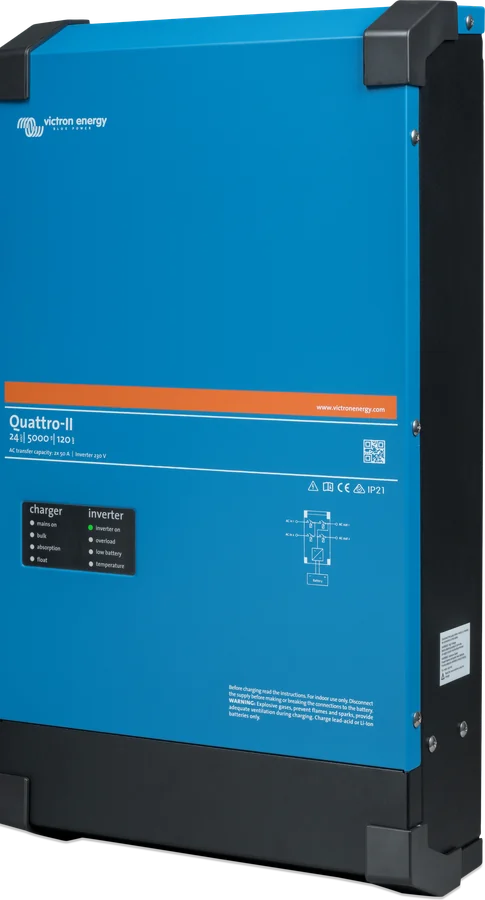
It has two AC inputs, a charger and its own transfer switch — one unit instead of an inverter, charger and Filax. Quattro-II datasheet.
grid + generator in oneStandard source switch
When ultra-fast switching is not needed — for example on a boat, where shore power and a generator supply an inverter/charger — the manufacturer points you to Quattro or the VE Transfer Switch 5 or 10 kVA.
higher power ratingsFilax is also useful when replacing an inverter/charger: it lets you disconnect the unit for service without interrupting power to critical loads. With an inverter without a charger, remember battery charging — with a mains battery charger or solar controller — and a battery monitor.
What the LEDs mean
Filax has three LEDs: two yellow ones show the active source, the red one indicates that the primary source is unavailable. Below is their meaning and the most common problems described in the manual.
Yellow “priority source” lit
Normal operation — the loads are being powered from the primary source.
Yellow “alternate source” and red “priority fault” lit
The primary source has disappeared or moved outside the permitted voltage or frequency range; the load has switched to the backup source in under 16 ms.
Only the yellow “alternate source” lit
The primary source has returned, but Filax is still checking it. After about 30 seconds of stable operation it will switch the load back.
After the first application of voltage, the backup source LED lights
This is how start-up works: for the first 30 seconds Filax uses the backup source, even if the primary source is available.
It switches at the wrong moments
Check the frequency jumper — if it is set incorrectly for the mains, the voltage and frequency thresholds will be different from what they should be.
Does not return to the primary source
A lit red LED means the primary source is unavailable. Check whether voltage is present and within the thresholds, and also the fuses, breakers and RCDs on that side.
RCD trips when switching
Both inputs must be seen as independent sources: each must have its own neutral-to-protective connection, and the neutrals must not be connected between the inputs or to the output.
Load does not start after switching
Filax is not intended for high-power loads or loads with high inrush current — electric motors or washing machines. Such loads should be handled by an inverter/charger.
Most common questions about Filax 2
How fast does Filax switch the load?
In less than 16 milliseconds — both to the backup source and back again. However, it only returns after 30 seconds of stable primary-source operation.
What load can be connected?
Up to 16 A, which is around 3.7 kVA at 230 V. The manufacturer states that the unit is not intended for high-power loads or loads with high inrush current, such as electric motors or washing machines.
When does Filax switch to the backup source?
When the primary-source voltage drops below 180 V or the frequency goes out of range — in a 50 Hz system, below 45 Hz or above 60 Hz. It returns when the voltage reaches 188 V and the frequency is 47–56 Hz and remains there for 30 seconds.
What do the jumpers set?
System frequency (jumper removed = 50 Hz — factory setting, fitted on both pins = 60 Hz) and the “high power” mode: for loads below 850 W both “LINK + HIGH POWER” jumpers must be removed.
Can Filax replace an inverter/charger?
No. It is only a source switch — it does not generate voltage or charge batteries. With an inverter without a charger, you need separate battery charging, for example with a mains battery charger or a solar controller.
Can I connect both neutral conductors together?
No. Both sources must be treated as independent, and each must have its own neutral-to-protective connection. Connecting the neutrals between the inputs or to the output causes the residual current device to trip when switching.
Does Filax make sense with MultiPlus or Quattro?
Yes, if you want extra redundancy: if the inverter/charger fails, critical loads still have power, and the unit itself can be replaced without interrupting operation. In a typical system, however, the inverter/charger already provides the UPS function.
What operating conditions can it handle?
From −20 to +50 °C, humidity up to 95% non-condensing, IP65 ABS housing weighing 0.8 kg. Install in a dry, well-ventilated place, using the four holes in the base.
Content compared with Victron Energy documentation (datasheets and manuals) — current as of 20 September 2026. Report a content error · Correction log