
Node-RED on Cerbo GX
Automation for Victron installations without writing code: a relay switched according to battery state or time, a custom dashboard in the browser, non-Victron devices visible in GX and in VRM. Everything runs on a GX device with Venus OS Large software.
Flow generator — describe the automation, download JSON Step-by-step articles
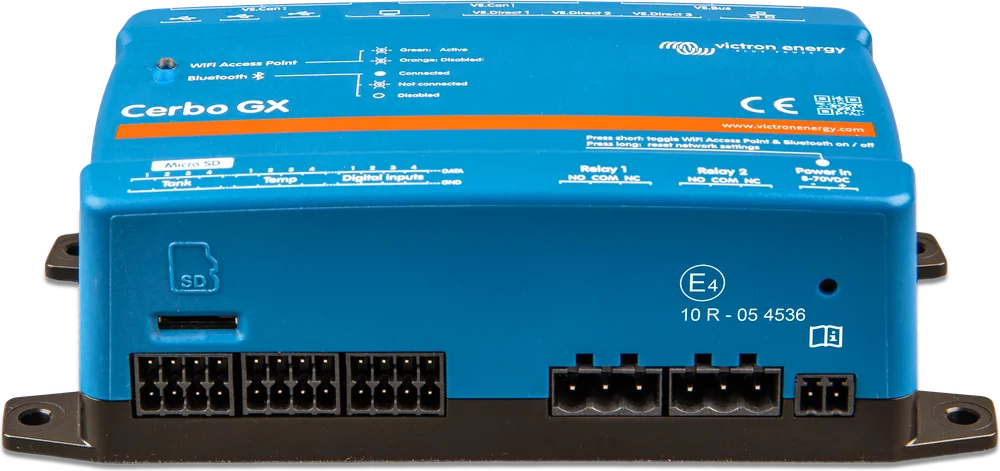
Block programming, like in a PLC
Node-RED is a tool for connecting devices, online services and data in a browser editor: you build a “flow” from ready-made blocks (nodes) instead of writing code. Victron adds its own set of nodes to it, which read measurements from devices connected to GX and control them. The Victron manual gives an example: a relay switched on based on a temperature measurement combined with a time.
- Relay control — GX relays, larger MPPT solar charge controllers, RS devices or battery monitors, according to any conditions.
- Schedules — for example, an inverter/charger switched on and off at fixed times, or a generator started in the evening when battery state is low (examples built into the editor).
- Virtual devices — a third-party sensor, meter or switch appears in GX and in VRM like a Victron device.
- Dashboard — your own panel with charts, indicators and switches, in a local browser or remotely through VRM.
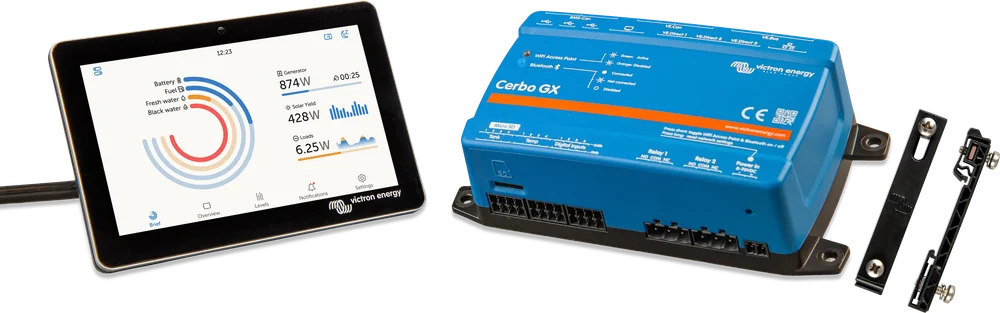
What it runs on
Node-RED is part of Venus OS Large — an extended version of GX device software that adds Node-RED and the Signal K server. Installation is a change of image type in the update menu, described in the article about first start.
Node-RED and Signal K put a heavy load on the GX device processor and memory — how much depends on the specific flows. If memory runs out or the processor is overloaded, the device will eventually restart, which can destabilise the whole system. On the Venus GX, the slowest supported device, running Signal K and Node-RED at the same time will most likely overload it.
| GX device | Venus OS Large |
|---|---|
| Ekrano GX | yes — fastest processor |
| MultiPlus-II GX, EasySolar-II GX | yes — fastest processor |
| Cerbo GX | yes — second fastest |
| Cerbo-S GX, Octo GX | yes |
| Venus GX | yes — slowest processor |
| Color Control GX, CanVU GX | no |
According to the Venus OS Large manual (status as of 22 September 2026). Venus OS Large is also available for selected Raspberry Pi models.
Node-RED is a stable part of Venus OS Large and runs in tens of thousands of systems, but Victron does not provide support for installations that use it for advanced solutions. Questions are asked on Victron Community, in the “Modifications” space, with the Node-RED tag.
The manual recommends regularly exporting all flows to a flows.json file and making an extra backup before updating GX software — details in first start.
Articles
Node-RED flow generator
Describe what the installation should do — the assistant will ask for details and prepare a JSON file for import into Node-RED.
Open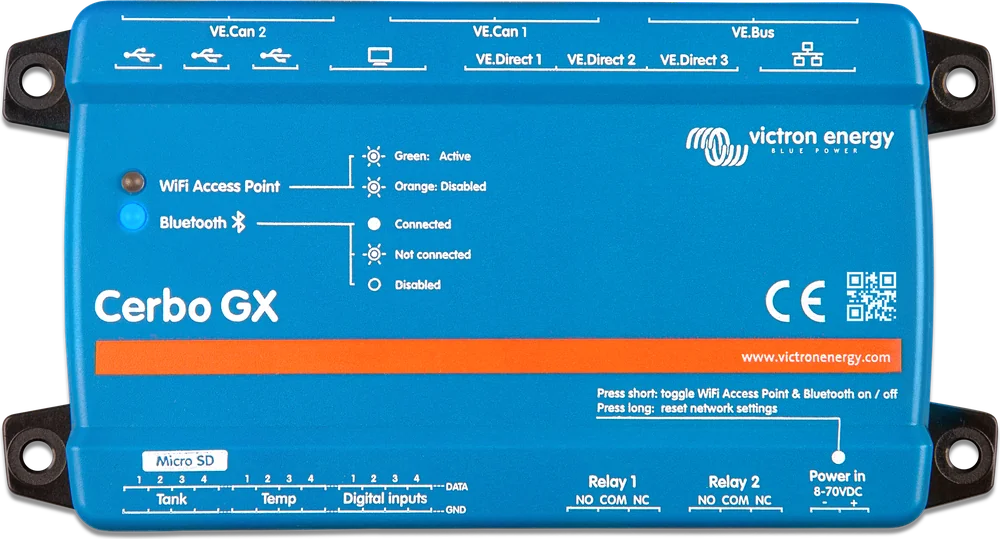
How to enable Node-RED on Cerbo GX
Venus OS Large, enabling Node-RED, editor address, password, safe mode and flow backups.
Open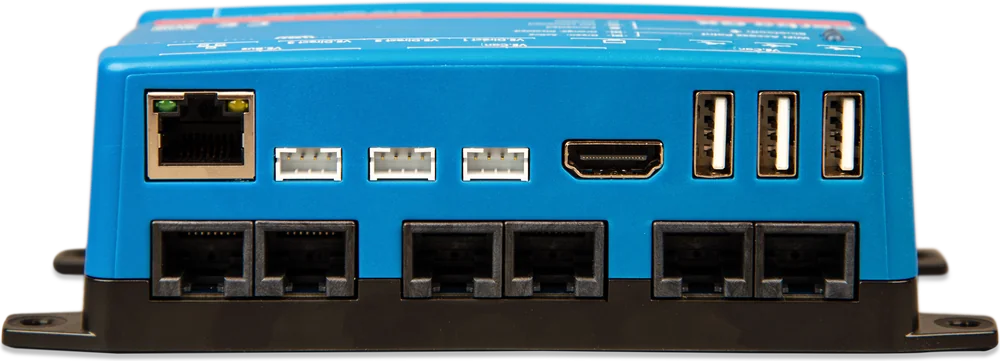
Victron nodes in Node-RED
What the Victron palette includes: input and control nodes, D-Bus paths, relays, virtual devices, notifications and events.
Open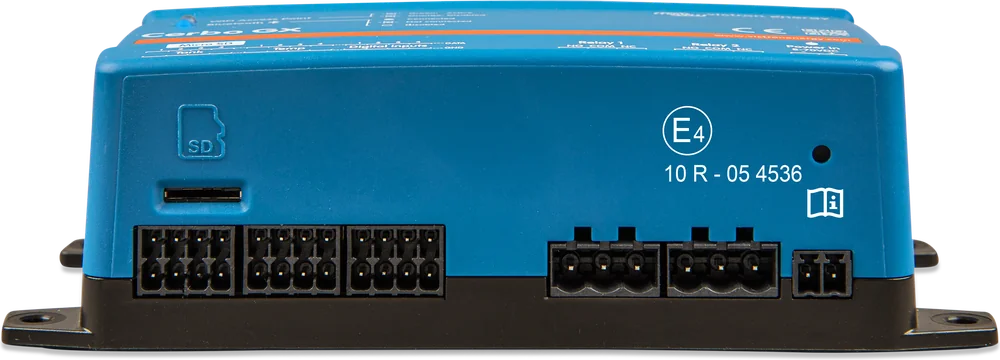
Cerbo GX relay by battery state of charge
Battery → hysteresis → Relay: Cerbo GX relay controlled by battery state of charge. Step by step and a ready-made flow to import.
Open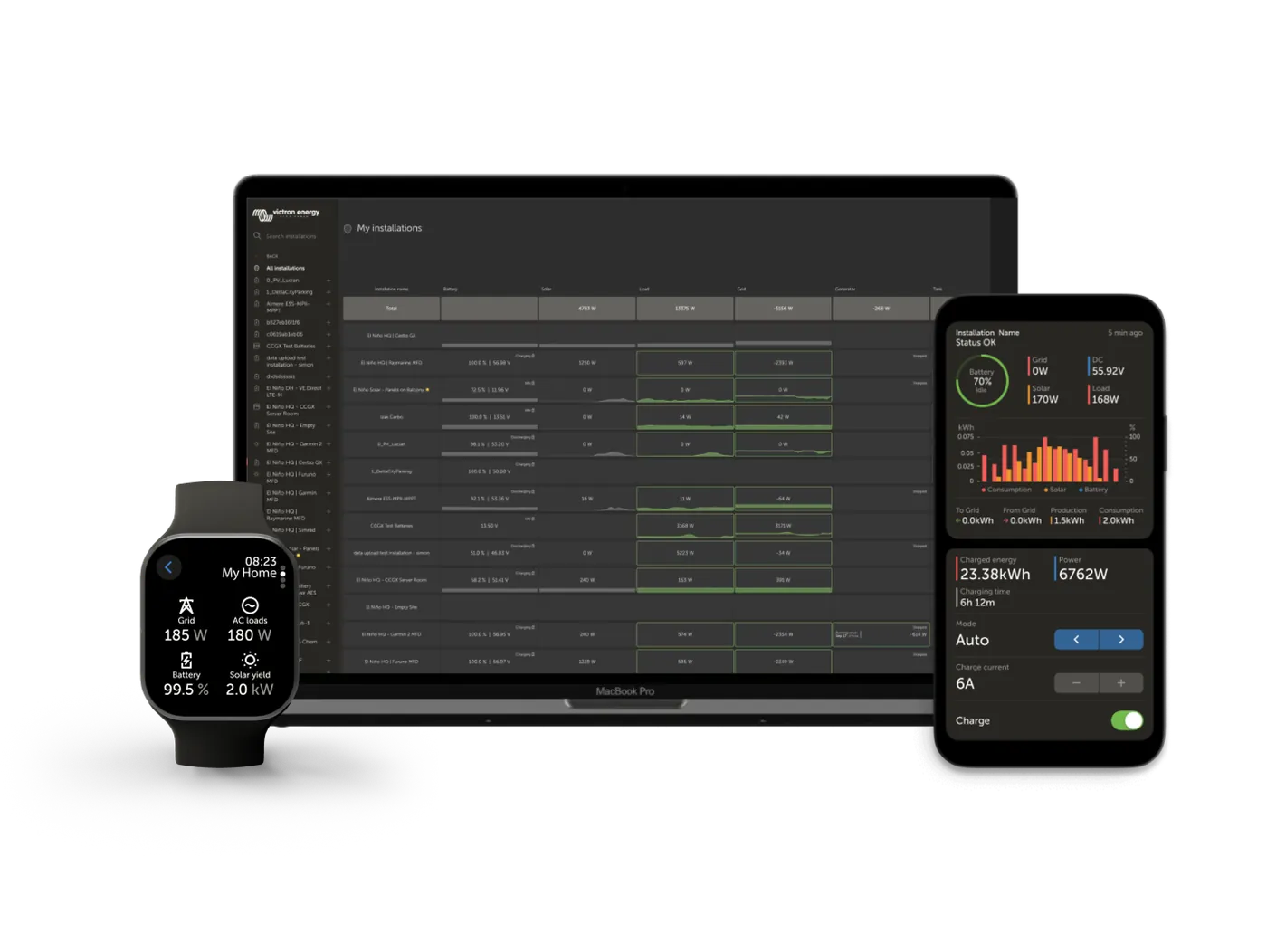
Dashboard, access through VRM and good practice
Dashboard 2.0 step by step, editor and dashboard remotely through VRM, data from the VRM API and how not to fill the GX memory.
Open