
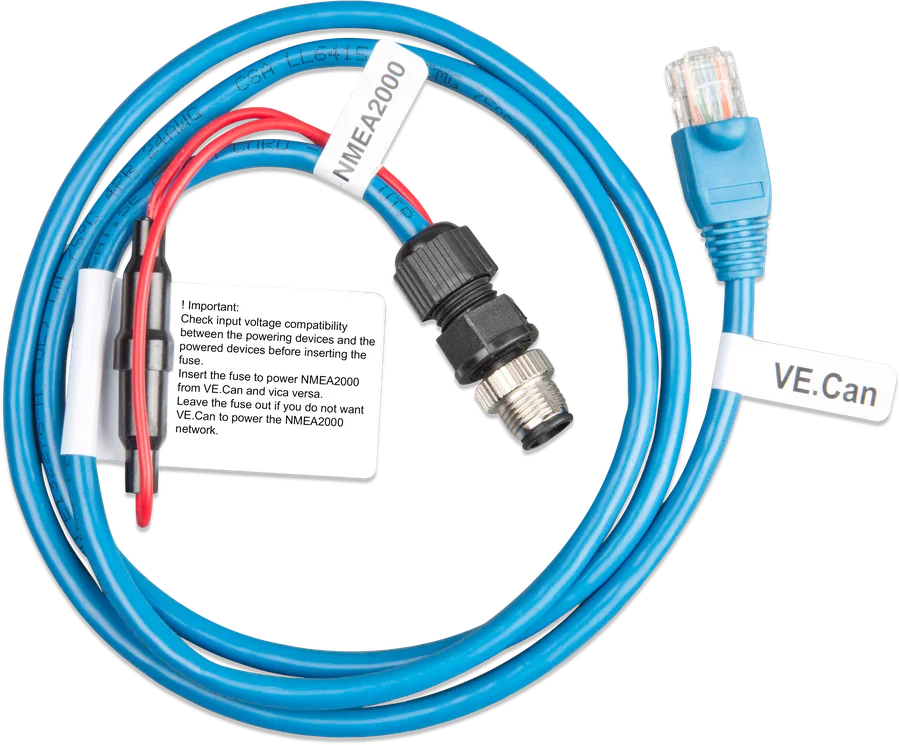
The VE.Can cable is a NMEA 2000 micro-C male — RJ45 plug (VE.Can), micro-C connector (NMEA 2000) and fuse holder with a label
VE.Can – NMEA 2000 micro-C cable
A cable connecting a Victron device with a VE.Can port to a NMEA 2000 network on a yacht. It is most often used with a GX device, which with the NMEA2000-out function provides the plotter with data from batteries, inverters, chargers, regulators and tanks. The power lead has a removable fuse — this lets you decide whether the two networks share power.
- RJ45 (VE.Can) → micro-C male
- removable fuse
- CAN 250 kbit/s
- Garmin · Raymarine · Furuno · Navico
Victron on a yacht plotter
NMEA 2000 is a CAN network used on yachts by plotters (MFDs), sensors and instruments. Victron VE.Can is also CAN, but with RJ45 sockets. This cable converts RJ45 to the round micro-C connector used in NMEA 2000.
- GX → plotter: when NMEA2000-out is enabled, the GX device exposes every battery monitor, inverter/charger and other connected device to the network — each as a separate NMEA 2000 device.
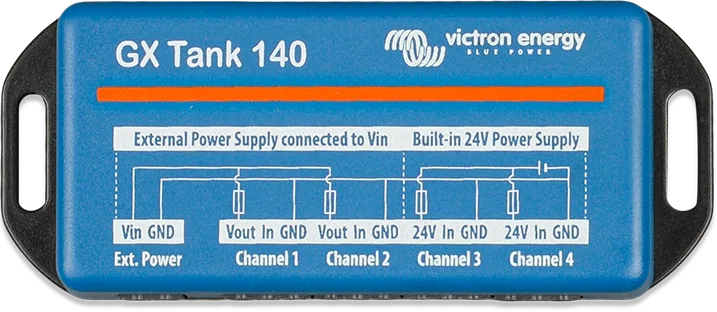
- Tanks both ways: the GX reads level sensors from the NMEA 2000 network and sends to it tanks connected to the GX (for example via GX Tank 140).
- GPS: the GX reads position and speed from NMEA 2000, but does not send GPS data to the network.
- VE.Can devices without GX: you can connect them directly to NMEA 2000 with the same cable.
Devices and plotters
GX devices
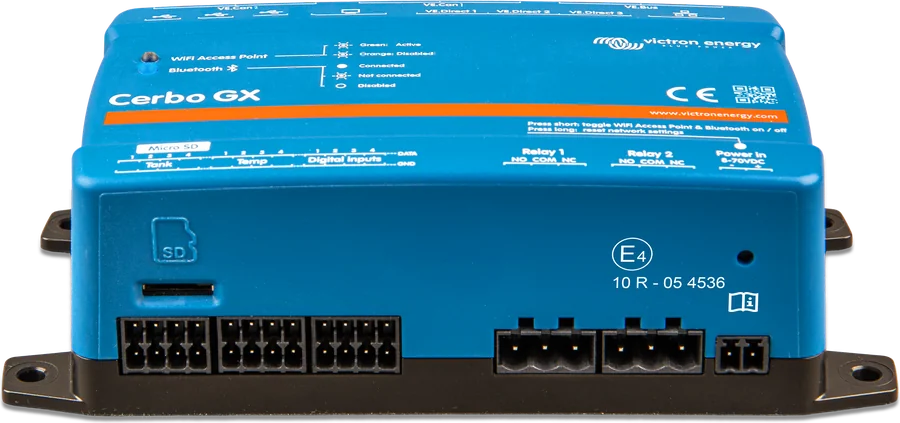
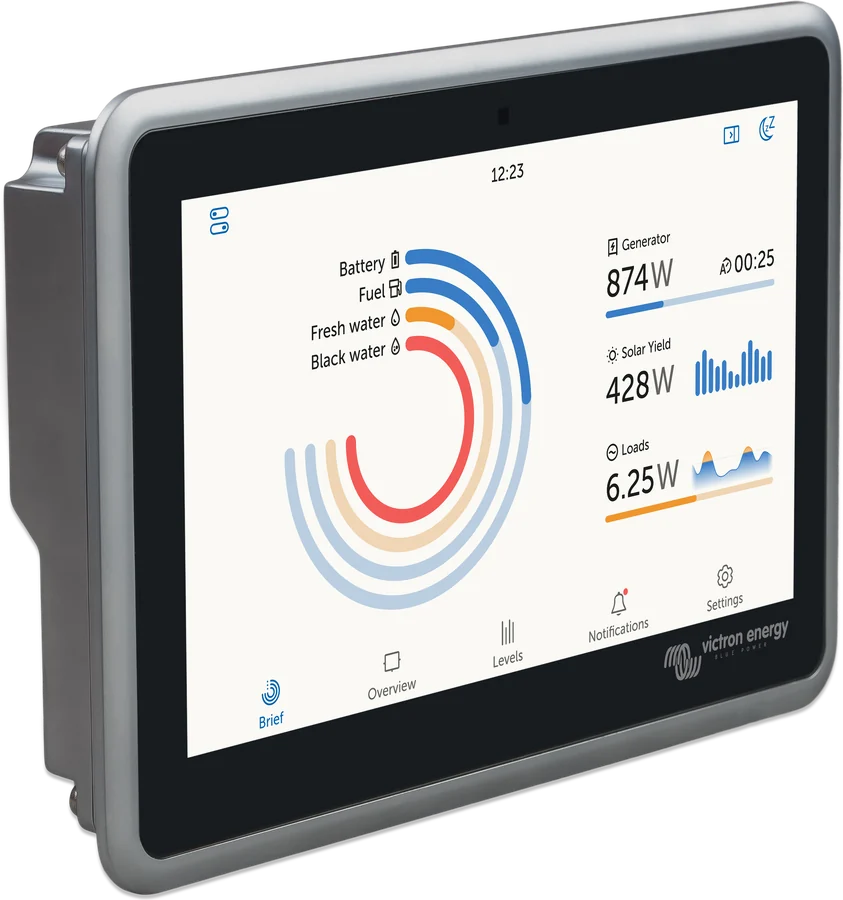
Cerbo GX, Ekrano GX and others — the best path for most installations, because they collect data from the whole system.
Devices with a VE.Can port
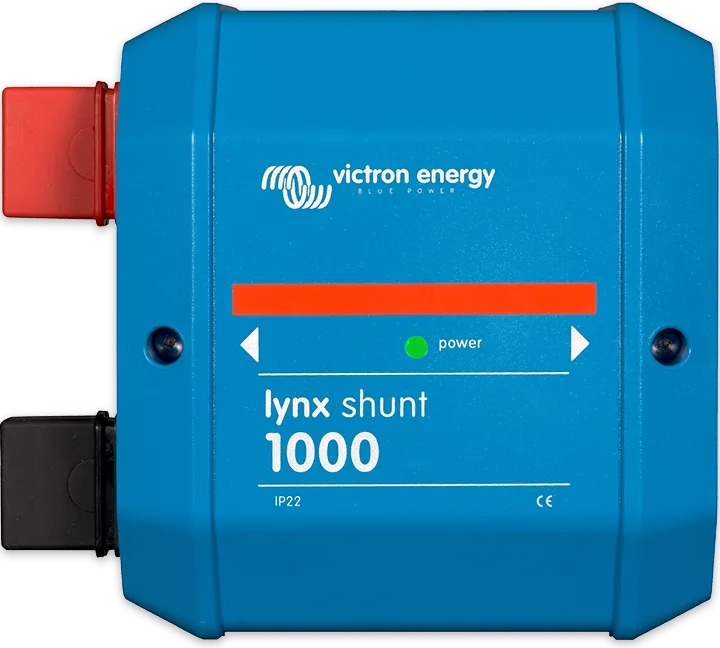
Skylla-i, Skylla IP65, Lynx Shunt VE.Can, Lynx Smart BMS, SmartSolar MPPT controllers with VE.Can, Multi RS, Inverter RS — directly to NMEA 2000.
Plotters (MFDs)
Garmin, Raymarine, Furuno, Q Display and Navico brands: B&G, Simrad, Lowrance. Maretron software reads all Victron data from the network.
Discontinued interfaces
The VE.Bus–NMEA 2000 and VE.Direct–NMEA 2000 interfaces (the latter only for BMV) are discontinued. Victron recommends a GX device instead.
In addition to NMEA 2000, the GX can appear on the plotter as an HTML5 application via Ethernet (Garmin OneHelm, Raymarine LightHouse). Both connections can work at the same time: the application gives you a ready-made system screen, NMEA 2000 gives you data for your own fields on the plotter.
When to remove the fuse
The VE.Can network accepts 9–70 V and is usually powered by battery voltage. Classic NMEA 2000 is 9–16 V; newer devices may accept 9–30 V or more. In a 48 V installation, VE.Can voltage therefore exceeds what NMEA 2000 accepts.
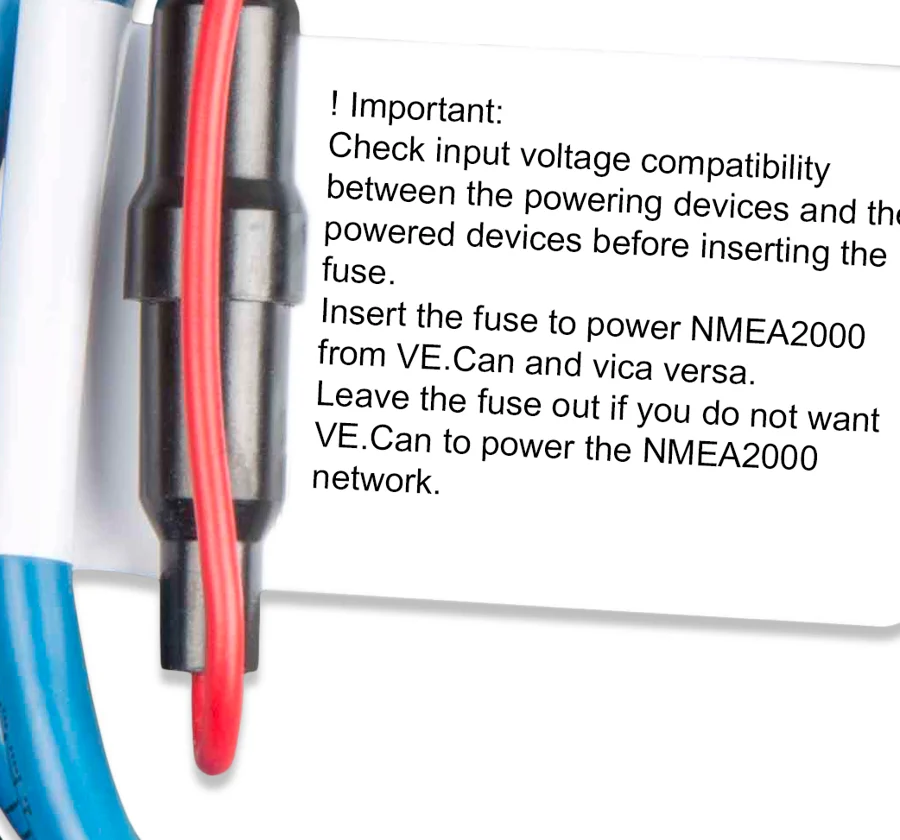
- Fuse inserted — the power wire connects both networks: VE.Can powers NMEA 2000 and vice versa. Only when the supply voltages of all devices on both sides match.
- Fuse removed — both networks exchange data, but each has its own power supply. Do this when you do not want VE.Can to power NMEA 2000, and especially in 24 and 48 V systems.
The cable has a label: “check that the supply voltages of the powered and power-supplying devices match before inserting the fuse”.
Galvanic isolation
Victron recommends connecting GX to NMEA 2000 via the VE.Can port with galvanic isolation, especially when the NMEA network and GX have separate power supplies or do not share a common ground. The VE.Can 1 port in Cerbo GX MK2 and Ekrano GX is isolated; VE.Can 2 is not. The first version of Cerbo GX does not have an isolated CAN port.
NMEA 2000 backbone with drop lines
A NMEA 2000-compliant variant: backbone with two terminators, a separate drop line to each Victron device using a VE.Can – NMEA 2000 cable, with no terminators in the VE.Can ports. Diagram for illustration.
- BackboneNMEA 2000 cable as the backbone, terminator at each end.
- Drop linesA separate VE.Can – NMEA 2000 cable to each Victron device.
- No terminators in VE.CanDo not fit RJ45 terminators into the VE.Can ports of devices connected this way.
- FuseInsert only when voltages match; leave it removed in 24/48 V systems.
What to set on the GX device
- CAN port profileChoose a profile for the VE.Can port that includes VE.Can and operates at 250 kbit/s.
- NMEA2000-outEnable this in the settings for this port. GX will then present connected devices to the network as “virtual devices”, each with its own address and instances.
- System batteryThe battery selected in GX as the system battery monitor is sent with a fixed device instance and battery instance 239 — so it always has the same number.
- TanksAll tanks visible in GX (including GX Tank 140 and Mopeka sensors) are sent to the network as PGN 127505 Fluid Level; GX assigns them unique numbers automatically.
- Several GX units on one networkOnly then change the block of Unique Identity Numbers so the devices do not repeat.
How the plotter knows which battery it is
When there are several batteries on the network (for example, the house battery and the bow thruster battery) and a Quattro, each of these devices sends battery voltage. The plotter distinguishes them by instances: device instance, data instance (Battery, DC, Fluid instance) and system instance.
- Garmin, Furuno, Maretron, Navico (B&G, Lowrance, Simrad): usually no manual configuration — you select the fields on the plotter by holding down the data field.
- Raymarine: before selecting fields, you usually need to assign unique Battery and DC Detailed data instances.
- Note: changing the data instance in a Victron device such as a Skylla-i charger will cause other Victron devices (including GX) to stop reading it correctly. Changing the data instances output by GX within NMEA2000-out is safe.
Most common questions about VE.Can – NMEA 2000
Can I make this cable myself?
For connecting GX and VE.Can devices to NMEA 2000, Victron recommends this cable (ASS030520200). It has, among other things, a removable fuse on the power wire and a warning label.
I have a 48 V system — can I connect GX to NMEA 2000?
Yes, but with the fuse removed: the VE.Can voltage (battery voltage) then exceeds the range of NMEA 2000 devices. Best via the isolated VE.Can 1 port in Cerbo GX MK2 or Ekrano GX.
How many terminators?
Two for the whole network. In the drop-line variant — both on the NMEA 2000 backbone, none in the VE.Can ports. In the “half-and-half” variant — one NMEA 2000 and one Victron RJ45.
Will GX send GPS position to the plotter?
No. GX reads GPS from NMEA 2000 (for example, for VRM), but does not send GPS data to the network.
Manufacturer documentation
Content checked against Victron Energy documentation (datasheets and manuals) — status as of 23 September 2026. Report an error in the content · Correction log