
01How to read the codes
- W- (warning) — a warning: a problem that will shut the system down if it is not resolved.
- A- (alarm) — the reason the system has already shut down (it has disconnected the loads or chargers).
- E- (error) — a device or installation fault.
- Letters after the dash: SL — Lithium Smart battery, B — Lynx Smart BMS, D — Lynx Distributor, F — fuse in the distributor.
02Lithium Smart battery
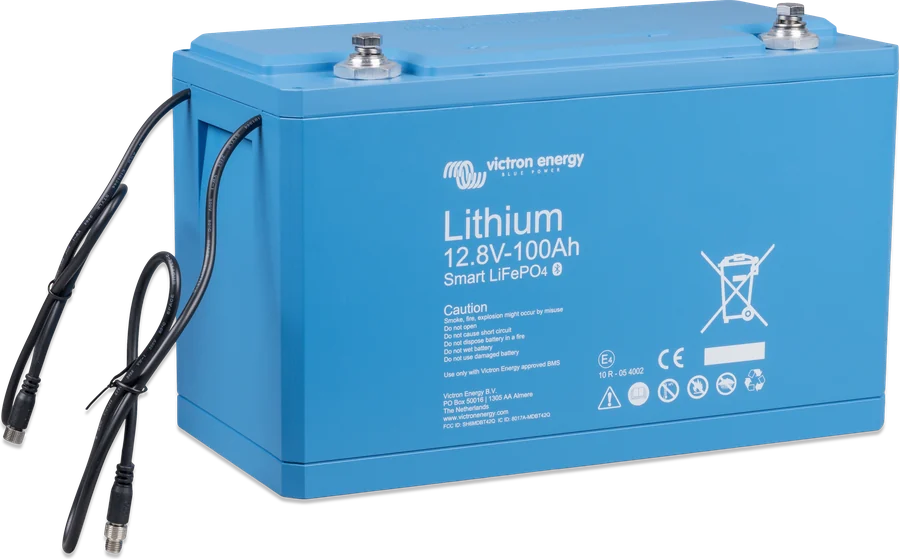
According to the Lithium Smart Battery manual (rev 21, 01/2026), section 6.4.
Warning: low cell voltage (pre-alarm)
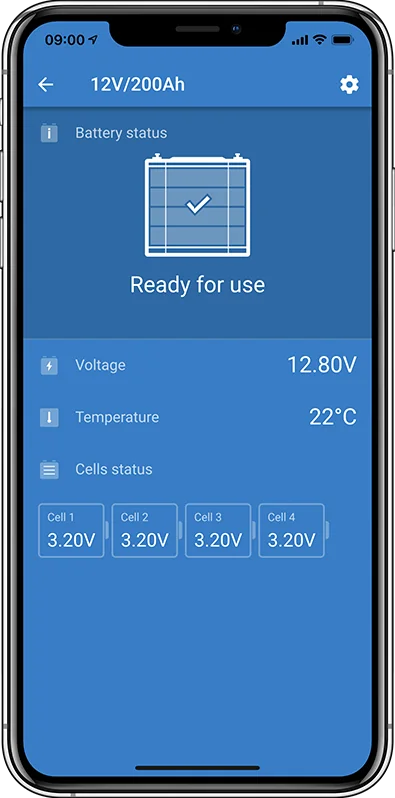
The voltage of one or more cells falls below the pre-alarm threshold.
Charge the battery as soon as possible.
Original: “Under voltage warning (pre-alarm)” · Victron source
Alarm: cell undervoltage
The voltage of one or more cells is below the configured Allow-To-Discharge threshold — discharge has been blocked.
Charge the battery as soon as possible.
Original: “Under voltage alarm” · Victron source
Alarm: cell overvoltage
The voltage of one or more cells is too high.
Switch off all chargers immediately and ask the installer to check that each charger is controlled by the BMS “charge disconnect” contact. With correct control, this situation should not occur — the BMS disconnects chargers before this alarm is triggered.
Original: “Over voltage alarm” · Victron source
Alarm: low temperature
The battery has reached the lower temperature threshold — charging is blocked.
Charging will resume automatically when the temperature rises above the configured threshold. More: LiFePO₄ in winter.
Original: “Under temperature alarm” · Victron source
Alarm: high temperature
The battery has reached the upper temperature threshold — charging is blocked.
Ensure ventilation and free space around the battery. Reduce the charging current or load.
Original: “Over temperature alarm” · Victron source
Settings data lost
The settings data in the battery memory has been lost.
In VictronConnect, restore the factory settings. If the fault does not clear, report it to the dealer or distributor, giving the serial number and battery software version — according to the manufacturer, this fault should not occur.
Original: “Settings data lost” · Victron source
Hardware fault
There are two possible causes: a very deep discharge or damage to one or more cells, or a fault on the electronic board.
First measure the voltage at the battery terminals. If it is very low — see deeply discharged lithium battery. The manufacturer notes: do not assume straight away that this is a hardware fault — first go through the manual’s “Troubleshooting & support” section, and only then contact the dealer.
Original: “Hardware failure” · Victron source
Balancer fault
Contact the Victron dealer or distributor.
Original: “Balancer failure” · Victron source
Internal communication error
Contact the Victron dealer or distributor.
Original: “Internal communication failure” · Victron source
Voltage overlap error
Contact the Victron dealer or distributor.
Original: “Overlapped voltage error” · Victron source
Balancer update error
Contact the Victron dealer or distributor.
Original: “Balancer update error” · Victron source
03Lynx Smart BMS and Lynx Smart BMS NG
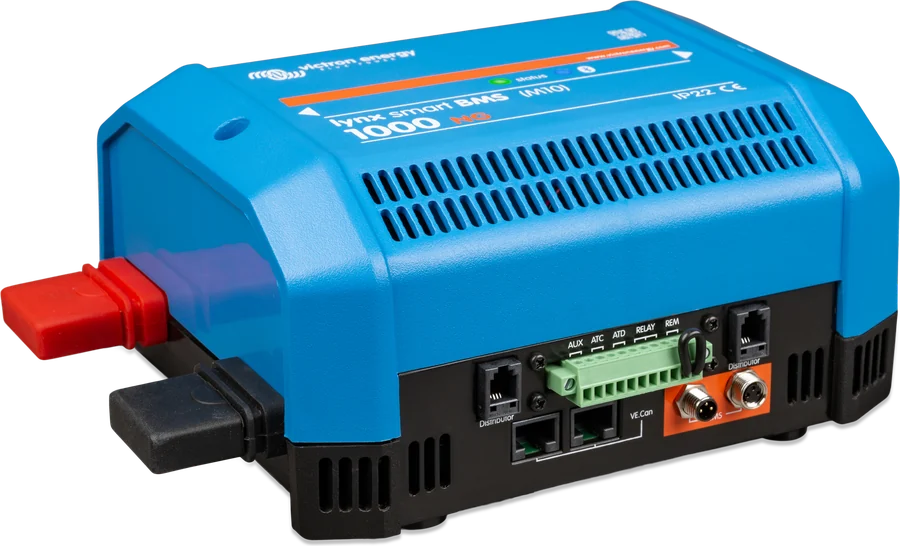
According to the Lynx Smart BMS manual (rev 17, 01/2026) and Lynx Smart BMS NG manual (rev 15, 08/2026). The codes are common to both versions unless stated otherwise.
Warning: low cell voltage
Charge the battery or reduce the load to avoid the system shutting down.
Original: “Low cell voltage” · Victron source
Warning: high current
Reduce the current (limit or switch off some loads) to avoid the system shutting down.
Original: “High current” · Victron source
Warning: BMS high temperature
Check the ambient temperature and whether the BMS fans are running. If they are, lower the ambient temperature; if not, contact the dealer.
Original: “High BMS temperature” · Victron source
Warning: contactor issue
Reduce the current (limit or switch off some loads) to avoid the system shutting down, and contact the dealer.
Original: “Warning bad contactor” · Victron source
Warning: BMS cable fault
Check the cable between the BMS and the battery.
Applies to: Lynx Smart BMS NG only.
Original: “BMS cable fault” · Victron source
Warning: loads will be disconnected
The loads will be switched off (by the ATD contact and/or via GX) if the cause — for example low battery voltage — does not clear. In Lynx Smart BMS this happens after 30 seconds. The warning is always accompanied by a second message with the actual cause.
Original: “Load will disconnect” · Victron source
Warning: low SoC
Charge the battery or reduce the load to avoid the system shutting down.
Original: “Low SoC” · Victron source
Warning: VE.Can disconnected
Check the communication wiring.
Original: “VE.Can disconnected” · Victron source
Warning: battery software update failed
Problem with the battery software update.
Applies to: Lynx Smart BMS NG only.
Original: “Firmware update failure” · Victron source
Warning: communication lost with distributor A–H
Check the cable between the BMS and the Lynx Distributor (the letter in the message indicates the distributor).
Originally: “Communication with distributor A–H lost” · Victron source
Alarm: low cell voltage
Charge the battery. The system will switch the loads back on automatically when the battery has charged sufficiently.
Original: “Low cell voltage” · Victron source
Alarm: high current
Reduce the charge current or switch off some loads. The system will try to re-enable the chargers or loads after 5 minutes.
Original: “High current” · Victron source
Alarm: BMS cable fault
Check the cable between the BMS and the battery.
Applies to: Lynx Smart BMS NG only.
Original: “BMS cable fault” · Victron source
Alarm: loads disconnected
The loads were switched off by the ATD contact (on Lynx Smart BMS also via GX). Clear the alarm by charging the battery. On Lynx Smart BMS, if the issue is not resolved, the contactor will eventually open and the DC system will be disconnected.
Original: “Load disconnected” · Victron source
Alarm: low SoC
Charge the battery. The system will switch the loads back on automatically when the battery has charged sufficiently.
Original: “Low SoC” · Victron source
Alarm: high battery temperature
Battery temperature is too high for charging. Try to lower the ambient temperature.
Applies to: Lynx Smart BMS NG only.
Originally: “High battery temperature” · Victron source
Alarm: blown fuse in the distribution box
Check the installation and replace the fuse. The message shows the fuse name assigned in VictronConnect, or the default “Fuse_N”. Before replacing the fuse, find the cause — a blown fuse means an overload or short circuit.
Originally: “Fuse "Fuse_N" is blown” · Victron source
Battery initialisation failure
Check that all batteries are connected correctly.
Originally: “Battery init failure” · Victron source
Battery not found
Check that the BMS cable loop is closed.
Originally: “No battery found” · Victron source
Invalid number of batteries
Check that all batteries are connected correctly.
Originally: “Invalid number of batteries” · Victron source
Battery voltage not allowed
The battery voltage is too high or too low — outside all system ranges (below 9 V or above 60 V). Measure the battery voltage and check the battery settings in VictronConnect.
Originally: “Battery voltage not allowed” · Victron source
Hardware fault
Contact the dealer.
Original: “Hardware error” · Victron source
Pre-charge error
The load resistance is too low to pre-charge the capacitors. Disconnect or reduce some of the DC loads.
Originally: “Pre-charge error” · Victron source
Contactor error
Contact the dealer.
Originally: “Contactor error” · Victron source
BMS cable error
Check the battery M8 cables.
Originally: “BMS cable error” · Victron source
Wrong system voltage
Check the battery voltage setting in VictronConnect. On Lynx Smart BMS NG, also check that the battery BMS cables are connected correctly.
Originally: “Wrong system voltage” · Victron source
Pre-charge timeout
The load capacity is too large for pre-charging. Disconnect some of the DC loads.
Originally: “Pre-charge timeout” · Victron source
ATC/ATD failure
Lynx Smart BMS: check the ATC/ATD wiring and make sure the loads and chargers are controlled through ATC/ATD. Lynx Smart BMS NG: check the ATC/ATD wiring and CAN communication, make sure the loads and chargers are controlled through ATC/ATD, and after the cause has been cleared, switch the unit off and on.
Originally: “ATC/ATD failure” · Victron source
Calibration data lost
Contact the dealer.
Originally: “Calibration data lost” · Victron source
Settings data lost
The settings are corrupted. In VictronConnect, restore the default settings.
Original: “Settings data lost” · Victron source
04Lynx Smart BMS Status LED flashes red
The red Status LED flashes in bursts every 4 seconds. The number of flashes in a burst means (the same on Lynx Smart BMS and Lynx Smart BMS NG):
| Flashes every 4 s | Meaning |
|---|---|
| 1× | warning — details in VictronConnect |
| 2× | battery communication error — check the battery BMS cables |
| 3× | cell overvoltage/undervoltage or overtemperature/undertemperature detected |
| 4× | high BMS temperature detected |
| 5× | pre-charge time exceeded |
| 6× | high pre-charge current |
| 7× | likely incorrect system voltage |
| 8× | contactor current too high |
| 9× | initialisation error |
| 10× | safety contactor fault |
| 12× | internal power supply error |
| 14× | battery voltage not allowed |
The other LED states (Bluetooth, green/orange Status) are described by the LED decoder.
Devices this applies to
 LiFePO4 Smart 12,8/25,6 VLithium iron phosphate batteries with Bluetooth — work only with an external BMS.
 Lynx Smart BMS / NGBMS with contactor and current measurement for Smart LiFePO4 or Lithium NG banks.
 Lynx DistributorModular 1000 A DC busbars: fused distribution with MEGA fuses and monitoring, battery connection, Class-T fuses.
What next
Did the BMS switch off charging or loads? Go through “BMS switched off charging” step by step. The battery will not switch on after deep discharge — see lithium battery discharged.