
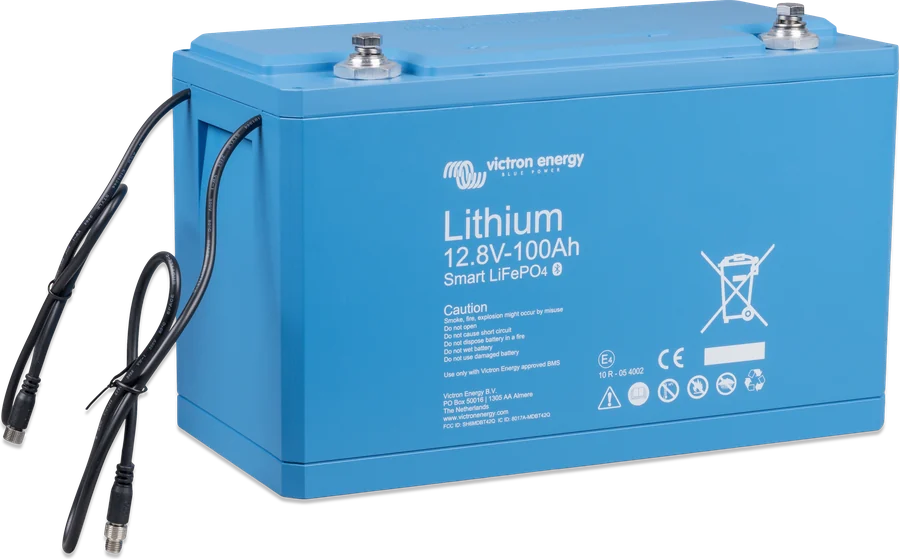
01Manufacturer thresholds
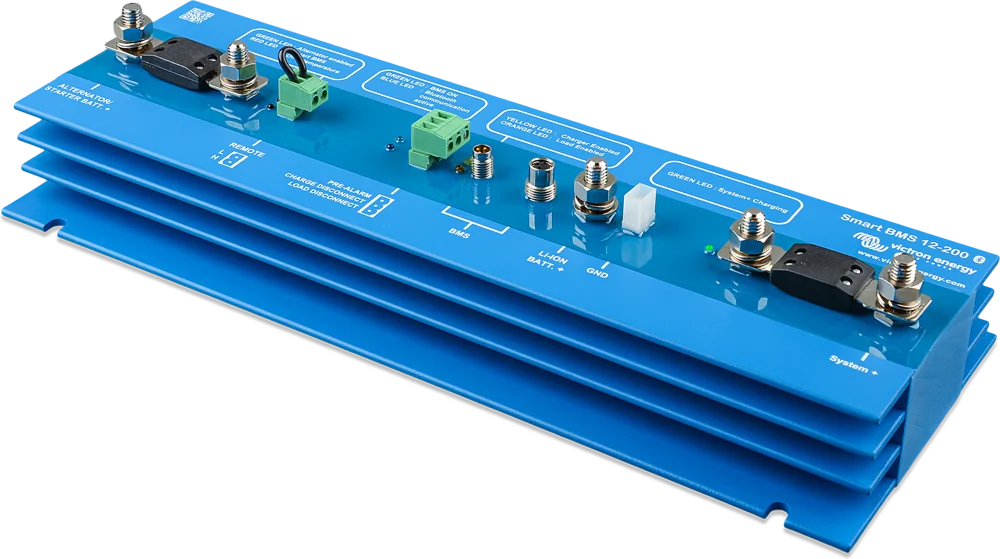
| State | 12.8 V | 25.6 V | What this means |
|---|---|---|---|
| Very deep discharge | clearly below 12 V | below 24 V | The battery is discharged too deeply. |
| Permanent damage | below 10 V | below 20 V | Or any cell below 2.5 V. The battery is permanently damaged; the warranty no longer applies. The lower the voltage, the greater the damage. |
| Bluetooth off | below 8 V | — | Or any cell below 2 V. The battery does not connect to VictronConnect; the module will turn on again after charging. |
The manual gives an 8 V threshold for Bluetooth switch-off without a value for 25.6 V batteries.
02I cannot connect to the battery
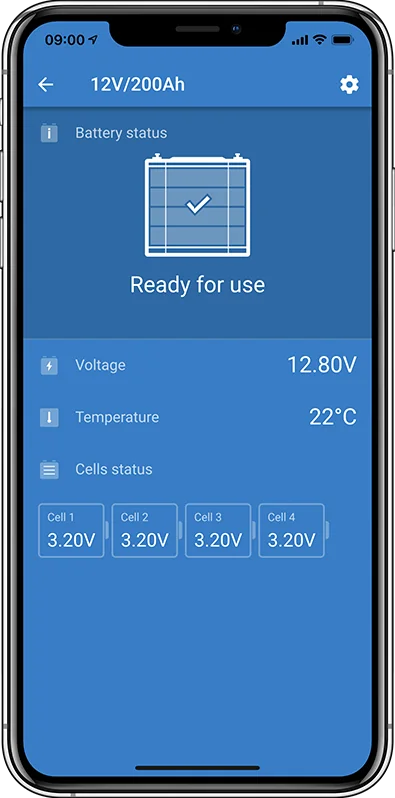
According to the manual, a Bluetooth module fault is very unlikely. Before you consider the battery faulty, check:
- Is it a “Smart” model — other models do not have Bluetooth.
- Is the battery voltage too low (table above).
- Is another phone or tablet already connected to the battery — only one device can be connected at a time.
- Are you close enough — in open space the range is about 20 m.
- Are you using VictronConnect on Windows — this version does not support Bluetooth; use Android, iOS or macOS.
- Has Bluetooth been turned off in the battery settings — this cannot be reversed.
- If the app connects to another Victron device, the problem is in the phone or the app.
Lost PIN: in VictronConnect, in the device list, open the options menu for the battery and reset the PIN to 000000 with the PUK code from the sticker on the battery. Interrupted firmware update — just repeat it.
03Charging procedure after deep discharge
Work on a lithium battery may only be carried out by qualified personnel; use safety glasses and protective clothing. The manufacturer states that a supervising person must be present at all times. The battery terminals are always live: do not place metal objects or tools on the battery, use insulated tools and absolutely avoid short circuits. If the battery has been discharged below the cut-off threshold, is damaged, or has been overcharged, it may release a harmful gas mixture during charging. Recovery may fail, and even if it succeeds there is a real chance of permanent cell damage and a moderate or large loss of capacity. Carry out the procedure for each battery separately. You need a power supply or charger with adjustable voltage and current.
- Set the charger or power supply to 13.8 V (27.6 V).
- If any cell is below 2.0 V, charge at 0.1 A until the weakest cell reaches 2.5 V. If the battery heats up or swells, stop immediately: the battery cannot be recovered.
- When the weakest cell exceeds 2.5 V, increase the current to 0.1C (for 100 Ah: 10 A).
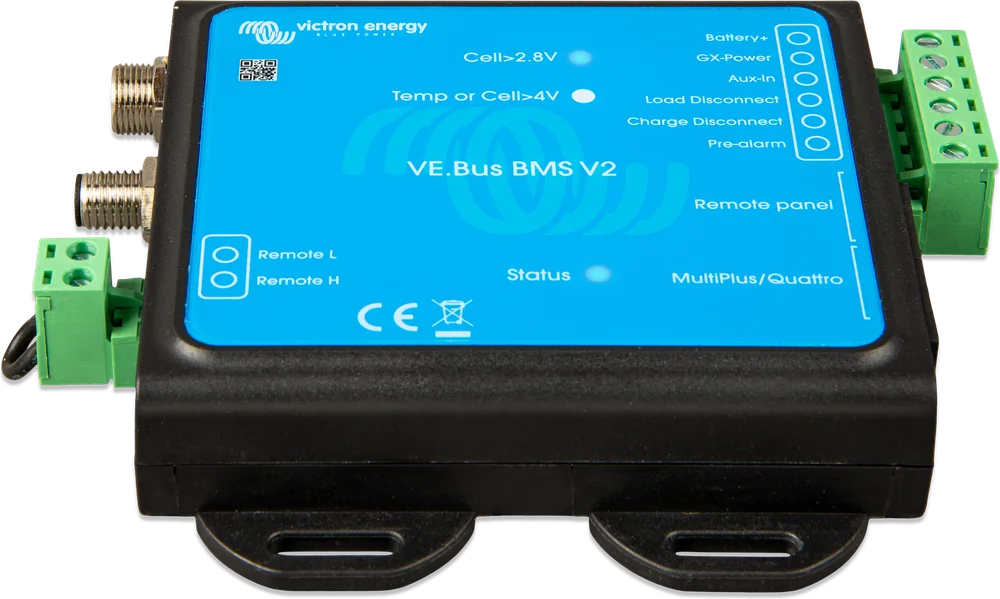
- Connect the battery to the BMS and make sure the BMS controls the charger.
- Record the initial terminal voltage and cell voltages.
- Switch on the charger.
- The BMS may switch the charger off and on repeatedly — with a large cell imbalance, this is normal.
- Record the voltages at regular intervals.
- Cell voltages should rise in the first phase of charging. If any cell voltage does not rise during the first half-hour, stop: the battery cannot be recovered.
- Check the battery temperature regularly. A sharp rise in temperature — stop, the battery cannot be recovered.
- When the battery reaches 13.8 V (27.6 V), raise the charging voltage to 14.2 V (28.4 V) and the current to 0.5C (for 100 Ah: 50 A).
- Cell voltages will now rise more slowly — this is normal in the middle phase of charging.
- Leave the charger connected for 6 hours.
- Check the cell voltages — they should differ by no more than 0.1 V. A larger difference means a damaged battery.
- Leave the battery at rest for a few hours.
- Measure the battery voltage — it should be clearly above 12.8 V (25.6 V), for example 13.2 V (26.4 V) or more, and the cells should still differ by no more than 0.1 V.
- Leave the battery at rest for 24 hours.
- Measure again. If the voltage is below 12.8 V (25.6 V) or there is a clear cell imbalance, the battery is damaged beyond recovery.
04Find the cause before it happens again
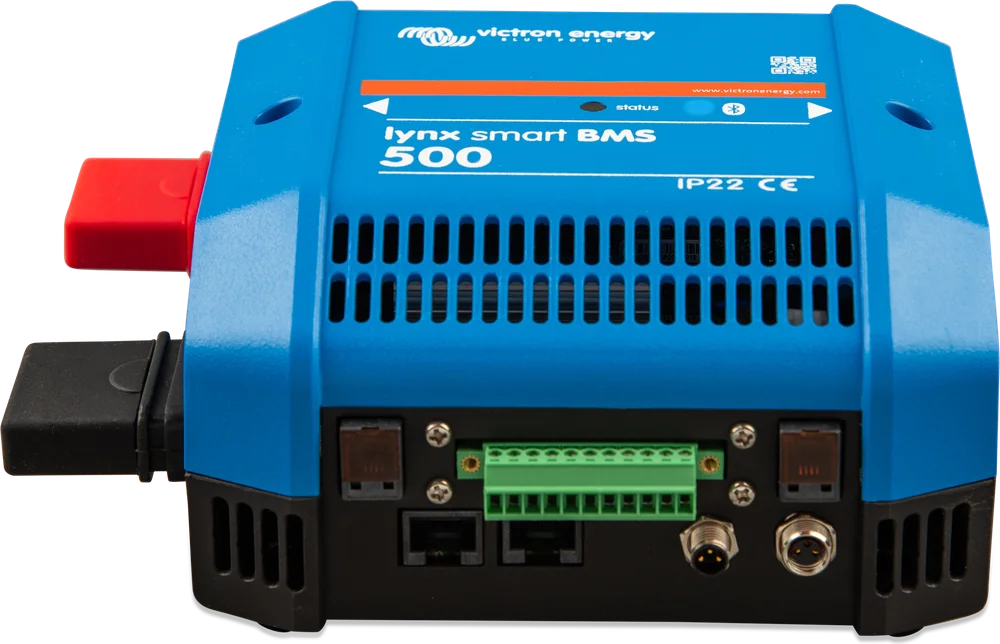
The manual recommends starting with the history in the battery monitor, Lynx Smart BMS or VRM: deepest discharge, minimum voltage, number of full discharges, number of synchronisations and time since the last full charge (the battery should be fully charged at least once a month). Also check the manufacturer’s list:
- Whether the BMS is connected and working — Lithium Smart batteries (12.8 V and 25.6 V) may only be used with an external BMS approved by Victron — the battery does not disconnect charging or loads by itself. Operating without a Victron-approved BMS voids the warranty.
- Whether the loads and chargers are actually controlled by the BMS — a load connected bypassing the BMS will discharge the battery despite the others being disconnected.
- Whether the battery, its terminals and BMS cables have no mechanical damage, and whether the battery is not damp (it is not waterproof and is not suitable for outdoor use).
- Whether it is installed correctly: upright or on its side, never with the terminals facing down (the 12.8 V/330 Ah model only upright).
If after discharge the BMS does not switch the loads back on, even though the battery has been charged — see BMS cut off the loads.
Devices this applies to
 LiFePO4 Smart 12,8/25,6 VLithium iron phosphate batteries with Bluetooth — work only with an external BMS.
 Lynx Smart BMS / NGBMS with contactor and current measurement for Smart LiFePO4 or Lithium NG banks.
 VE.Bus BMS V2BMS for Lithium Smart batteries in a system with MultiPlus or Quattro — controls the inverter, chargers and loads.