
01First check
- “Why is the charger off?” — there is a link at the bottom of the status screen in VictronConnect that explains why the charger is not charging. The manual recommends starting there.
- Error or warning code in VictronConnect or the GX device — see the most common codes below.
- Is charging not switched off in the VictronConnect settings (charger enable switch).
- Visible damage: signs of overheating, burnt terminals, melted cables — usually not covered by warranty.
02Step-by-step diagnosis

1Does Orion XS respond?
A working Orion XS lights or flashes its LEDs and connects to VictronConnect. If all LEDs are off, measure the voltage directly at the charger battery terminals with a multimeter (input and output). Measuring at the terminals rules out problems with cables, fuses and switches in between.
Go to step 2.
No voltage: restore power (fuses, cables, connections). With correct voltage and no response: possible charger fault — contact the seller.
2Is the polarity correct?
The manual warns: the red or “+” marked cable does not necessarily have to be positive — a wiring mistake may have been made during installation. Reverse polarity is often accompanied by a blown fuse in the battery cable. Orion XS is not protected against battery reverse polarity, and such damage is not covered by warranty.
3Is the remote terminal in place?
To operate, the remote terminal needs a bridge link (a wire loop) — or external control (switch, relay, BMS). It switches on when:
- L and H terminals are shorted by a switch or relay contact,
- L terminal is connected to battery negative (the “on” level below 6 V),
- H terminal is at a high state (the “on” level above 4 V).
Check that the connector is fully inserted and that the bridge link makes contact. If the lithium battery BMS controls the remote terminal, charging may have been switched off by the BMS; see BMS has cut charging off.
4Doesn’t charge while driving, or only charges intermittently?
In charger mode, Orion XS detects whether the engine is running by measuring input voltage (engine shutdown detection, enabled by default). Factory values for the default “Smart alternator” setting:
| Threshold | Smart alternator | Conventional alternator | Operation |
|---|---|---|---|
| Start voltage | 14 V | 14 V | charging starts immediately |
| Start delay | 13.3 V | 13.8 V | charging starts after a delay (120 s by default) — time to top up the starter battery |
| Shutdown | 13.1 V | 13.5 V | below this for more than 1 minute = “engine off”, charging stopped |
| Input voltage lockout | 12.5 V, recovery at 12.8 V | below this charging stops immediately | |
Between the shut-off threshold and the start threshold, the charger reduces current so that the voltage at its input does not fall below the shut-off threshold. That is why at low engine speed and with a weak alternator, current may be noticeably lower than nominal.
Voltage drop on the input cable lowers the voltage the charger “sees”. Example from the manual: 5 m of 16 mm² cable both ways (approx. 11 mΩ) at 50 A gives a drop of about 0.55 V — the lockout threshold should then be no higher than 13.1 V − 0.55 V = 12.55 V. Cable that is too thin, poor terminals or loose connections can therefore stop charging while driving.
5Euro 6 vehicle?
By default, Orion XS treats the engine as off when input voltage falls below 13.1 V for more than 1 minute. In Euro 6 vehicles, the alternator may be switched off while driving and the house battery may then not charge properly. The voltage then drops to the battery’s resting voltage (about 12.6 V), and Orion XS assumes the engine is off. The manual states that even within one make and model, charging strategies can differ (for example, in VW T6s detection works for some users, but not for others).
With a sufficiently large electrical load, the alternator operates at a voltage of at least about 13.8 V and detection works. If not, the manufacturer recommends disabling engine running detection in VictronConnect and enabling charging with an external signal via remote. Options according to the manual:
- Engine running signal from the vehicle — the most reliable, but it can be difficult to access and may require activation in the vehicle software.
- Vibration sensor — external vibrations (ferry or train transport, loud music) may be mistaken for engine running; power it from the ignition switch so charging requires both conditions.
- D+ — often unavailable in Euro 6 vehicles; D+ simulators usually work in a similar way to built-in detection, so if that fails, they probably will not help either.
- Ignition switch — the manufacturer does not recommend this: with the ignition on and the engine off, Orion XS discharges the starter battery.
You can also bypass detection with a voltage above 8 V on terminal L — then the charger is on regardless of detection, but this does not bypass remote on/off; remote must still be configured and enabled correctly. More: Orion XS datasheet.
6It charges, but the battery is undercharged?
- Load on the DC side too high — Orion XS also powers loads (fridge, lights, inverter); the battery charges only with the surplus.
- Battery almost full — current decreases during the absorption phase (about 80–100% SoC) and is very low in float. This is not a fault.
- Charging voltages too low — check absorption and float according to the battery manufacturer’s recommendations.
- Voltage drop on the output cables — at full current (bulk), compare the voltage at the Orion terminals with the voltage at the battery terminals.
- Temperature difference — Orion XS assumes the battery is at the same temperature as it is, and corrects the voltage. With lithium batteries, temperature compensation is usually disabled (for lead-acid batteries the default is −16.2 mV/°C).
- Input or output current limit too low in VictronConnect.
- Not enough power from the alternator — at low engine speed, alternator power may drop to about 50%; an overheated alternator also limits output. The history in VictronConnect (40 cycles) will show whether the charger reaches float at all.
- Orion overheating — full power up to 40 °C ambient temperature with vertical mounting, terminals facing down and space for ventilation; in a closed locker, provide cool air in and hot air out.
03Most common Orion XS codes
| Code | Meaning | Action to take |
|---|---|---|
| Warning 151 | Battery temperature too low — charging stopped | Lithium battery protection; does not have to mean a fault. If it should not trigger, the installer sets the threshold. |
| Error 1 / Warning 150 | Battery temperature too high | It clears itself after cooling down. Without a battery temperature sensor, a hot Orion is treated as a hot battery. |
| Error 67 | Connection to BMS lost | A charger configured to be controlled by a BMS is not receiving messages; after 15 s it reduces the voltage to 12 V, and the error appears after 3 minutes. Check communication with the BMS. |
| Error 33 | Input voltage too high | It clears itself after the voltage drops. |
| Error 17 / Warning 160 | Charger overheating / current limiting due to temperature | Check ambient temperature and mounting method (cooling). |
| Error 26 | Power terminals overheated | Check the cables (type, strands) and tighten the screws. It clears itself. |
| Error 27 / Warning 161 | Short circuit / overcurrent on the battery side | It clears itself. If not, disconnect all power sources, wait 3 minutes and switch back on. If it repeats, the charger is probably faulty. |
The full list of Orion XS codes is in section 5.7 of the manual.
04When it is a hardware fault
According to the manual: no response despite correct voltage at the terminals; errors 21 and 28 that do not clear after disconnecting and reconnecting all cables; error 120 that does not clear after checking the installation and restarting with the power switch; and active error 116. Before you report it, update the software (note the version before and after) and check the settings. For repair, contact the dealer or installer.
Devices this applies to
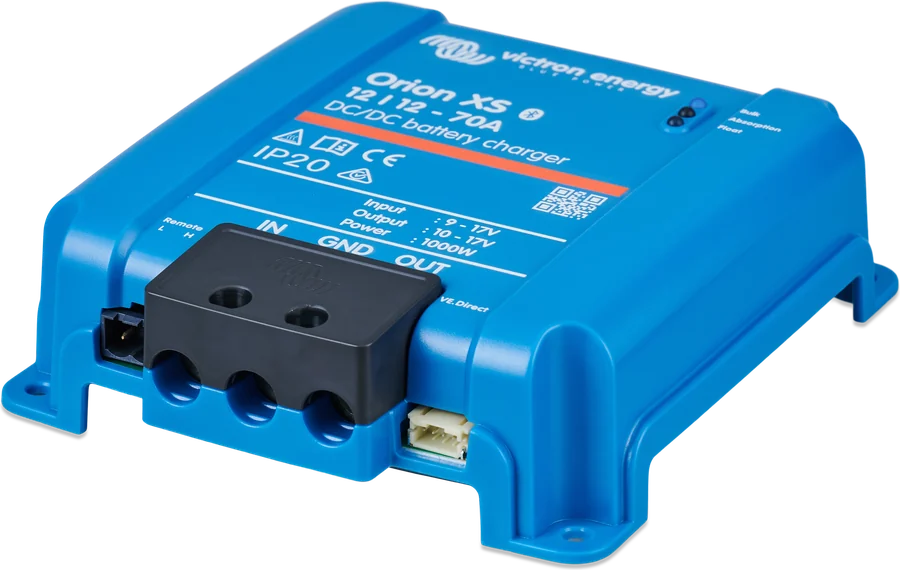
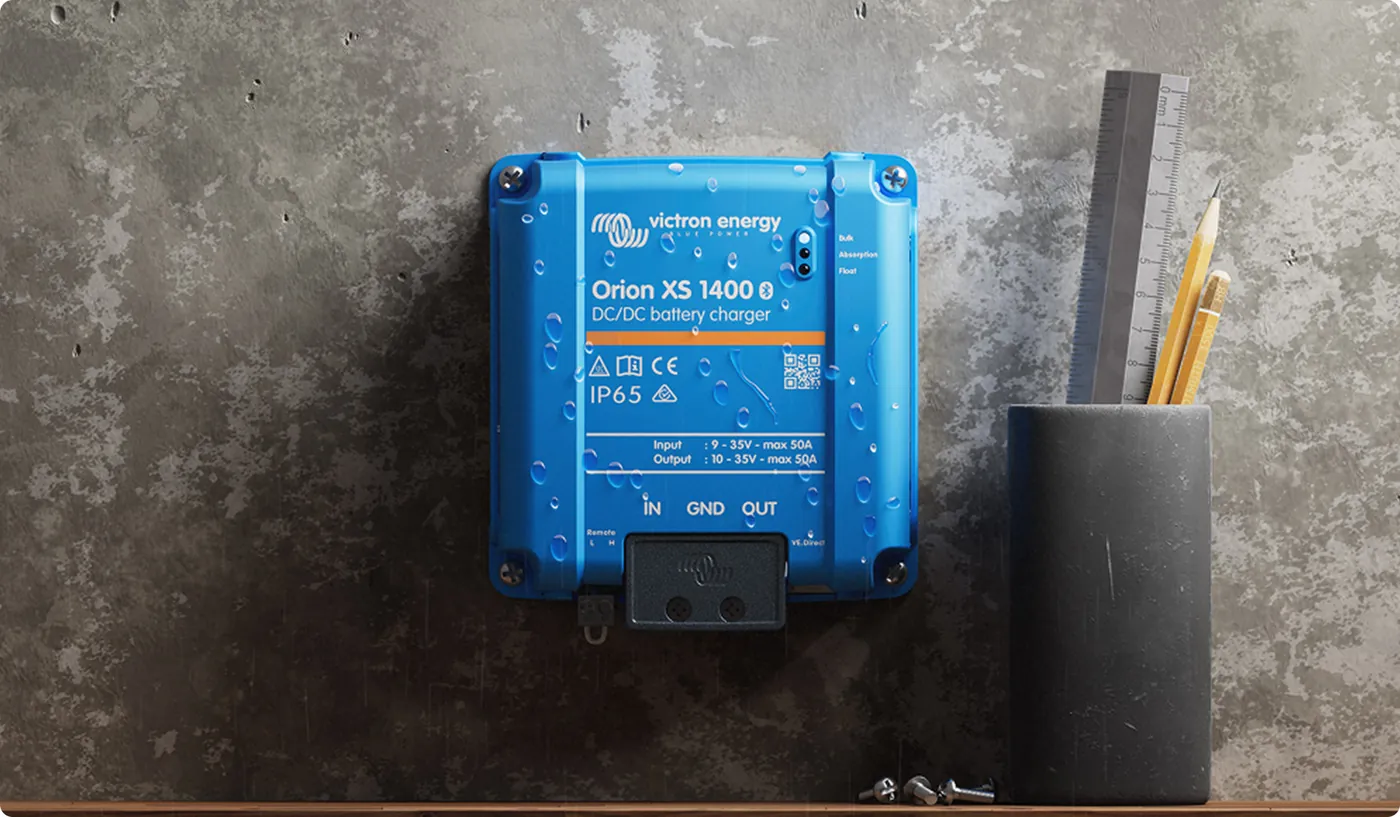
 Orion XSDC-DC charger 50/70 A from the alternator, including with a smart alternator.
 Cerbo GXSystem control centre and gateway to the VRM portal.
 Ekrano GXGX centre with built-in 7″ touchscreen.